Microsoft’s decision to remove or reduce support for ReFS in Windows has raised a lot of questions, especially for people who expected it to be the company’s next-generation file system. ReFS, or Resilient File System, was meant to improve reliability for storage-heavy workloads, but it never replaced NTFS on everyday Windows systems.
This article explains the most likely reasons Microsoft is backing away from ReFS in Windows, what that means in practice, and why NTFS still remains the default choice for most users.
1. ReFS Never Fully Replaced NTFS for Everyday Use
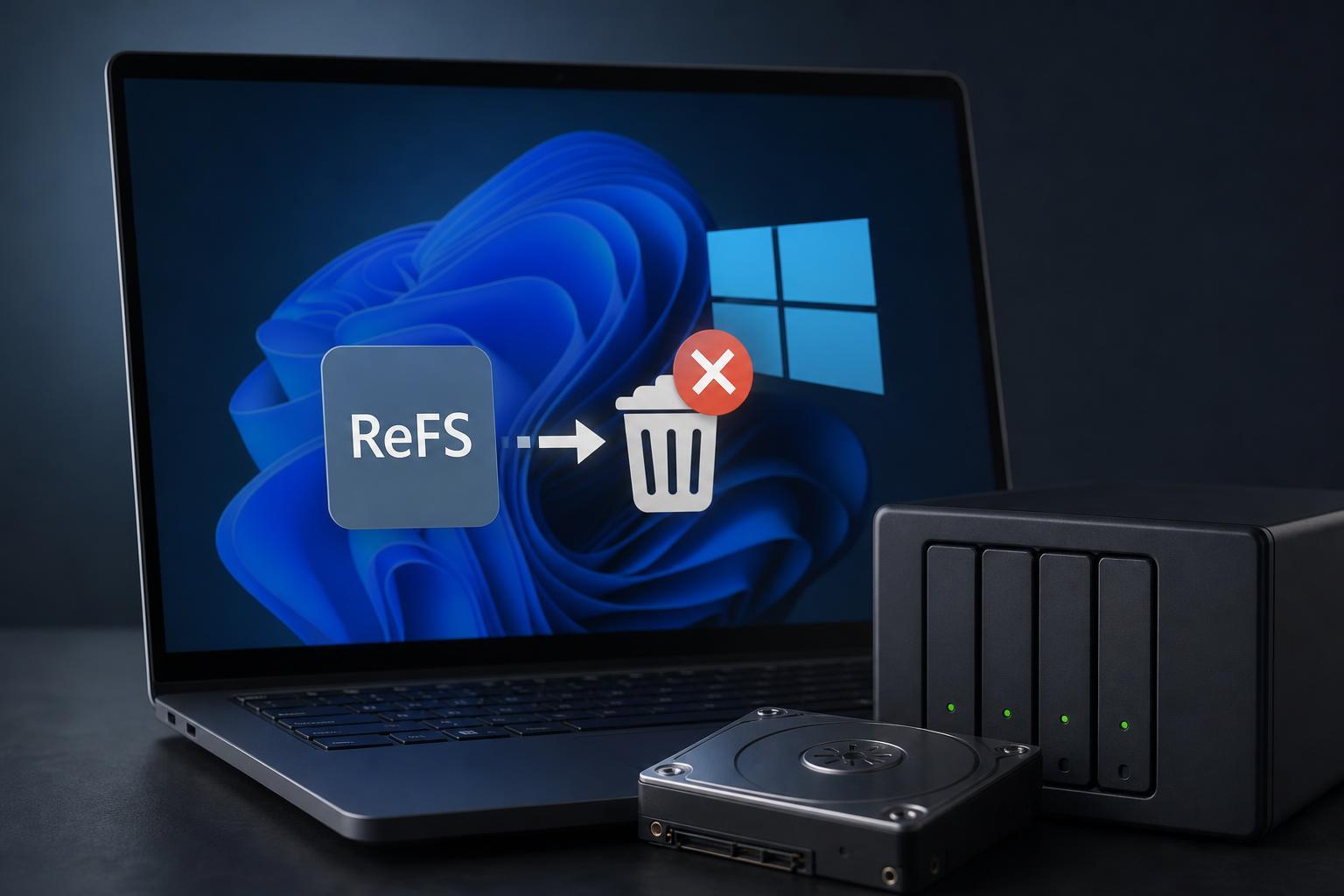
One of the biggest reasons Microsoft may be moving away from ReFS is simple: it never became the general-purpose file system Windows users expected. ReFS was introduced with features aimed at data integrity and large-scale storage, but core Windows functionality remained tied to NTFS.
For most people, that meant ReFS had awkward limits. It was not broadly supported as a boot drive file system, and many consumer-oriented Windows features were built around NTFS behavior. Instead of becoming the successor to NTFS, ReFS remained a more specialized option.
2. Feature Support Stayed Incomplete
Another likely reason is that ReFS support has always been narrower than NTFS support. Even where ReFS was available, it did not consistently offer the same feature set users and admins expected from a Windows file system.
- Limited support for booting Windows from ReFS volumes
- Compatibility gaps with certain Windows tools and workflows
- Less flexible support for features many users take for granted on NTFS
- Uneven adoption across Windows editions and storage scenarios
That kind of incomplete support creates friction. If a file system requires extra planning or special exceptions, many users and organizations will avoid it unless the benefits are obvious and significant.
3. Microsoft May Be Prioritizing Simpler Storage Strategy
Maintaining two major file systems in Windows adds complexity. NTFS already handles the overwhelming majority of Windows use cases, while ReFS serves a narrower audience. If Microsoft sees limited demand for ReFS outside specific server and storage scenarios, it may choose to focus engineering effort where it helps the most users.
That shift makes sense from a product-planning perspective. Windows has to support gaming PCs, laptops, business devices, enterprise systems, and storage appliances. A feature that is useful only in a limited set of scenarios can become harder to justify if it increases maintenance burden.
4. ReFS Did Not Gain Strong Consumer Adoption
A technology can be technically sound and still fail to catch on. ReFS appears to have struggled with that problem. Most Windows users never had a strong reason to switch from NTFS, and many likely never had the option in a meaningful way.
Without widespread consumer adoption, ReFS remained more of a niche storage technology than a mainstream Windows file system. That matters because consumer adoption often drives software support, documentation, troubleshooting knowledge, and long-term ecosystem investment.
5. Microsoft’s Storage Goals May Have Changed
Microsoft’s priorities around storage have changed over time. Features like cloud integration, better backup options, deduplication in specific environments, and improved file resilience can sometimes reduce the need for a separate file system design to solve those problems.
In other words, Microsoft may no longer see ReFS as the main answer to storage reliability. Instead, it may be leaning on other layers of protection, such as backups, syncing, redundancy, and managed storage services.
What This Means for Windows Users
For most people, the removal or reduction of ReFS support will not change day-to-day Windows use very much. If you are not already using ReFS, you probably do not need to do anything.
If you are using ReFS on a server, workstation, or specialty storage setup, the more important step is to verify which Windows edition and storage tools you depend on still support it. You should also check whether any update or migration guidance applies before making changes to volumes.
- Confirm whether your current volumes are using ReFS or NTFS.
- Check whether your Windows edition still supports the ReFS features you rely on.
- Review whether backup, recovery, or storage tools have any ReFS limitations.
- Avoid converting critical storage without a recovery plan.
- If needed, plan a migration to NTFS or another supported storage setup before support changes affect you.
Should You Use ReFS Now?
If you are setting up a new Windows PC, NTFS is usually the better choice. It has the broadest compatibility, the best support across Windows features, and the least risk of running into surprises later.
ReFS may still make sense in specialized environments where its design benefits matter more than compatibility. But for general-purpose desktops, laptops, and most gaming PCs, NTFS remains the practical default.
A Practical Way to Think About the Change
Microsoft removing ReFS from Windows does not necessarily mean the file system failed completely. It is more accurate to say that it never became the universal replacement for NTFS that some people expected. The likely reasons are limited adoption, incomplete feature coverage, shifting product priorities, and the high cost of supporting two different file systems in Windows.
For most users, the takeaway is straightforward: NTFS is still the standard choice, and ReFS should be treated as a specialized option rather than the future default for Windows storage.