Share Focus Status is an iPhone feature that lets people know when you have notifications silenced by a Focus mode. It can reduce confusion in messages because contacts may see that you’re unavailable instead of wondering why you have not replied.
This article explains what Share Focus Status does, where it appears, how to turn it on or off, and what to expect when you use it.
What Share Focus Status Does
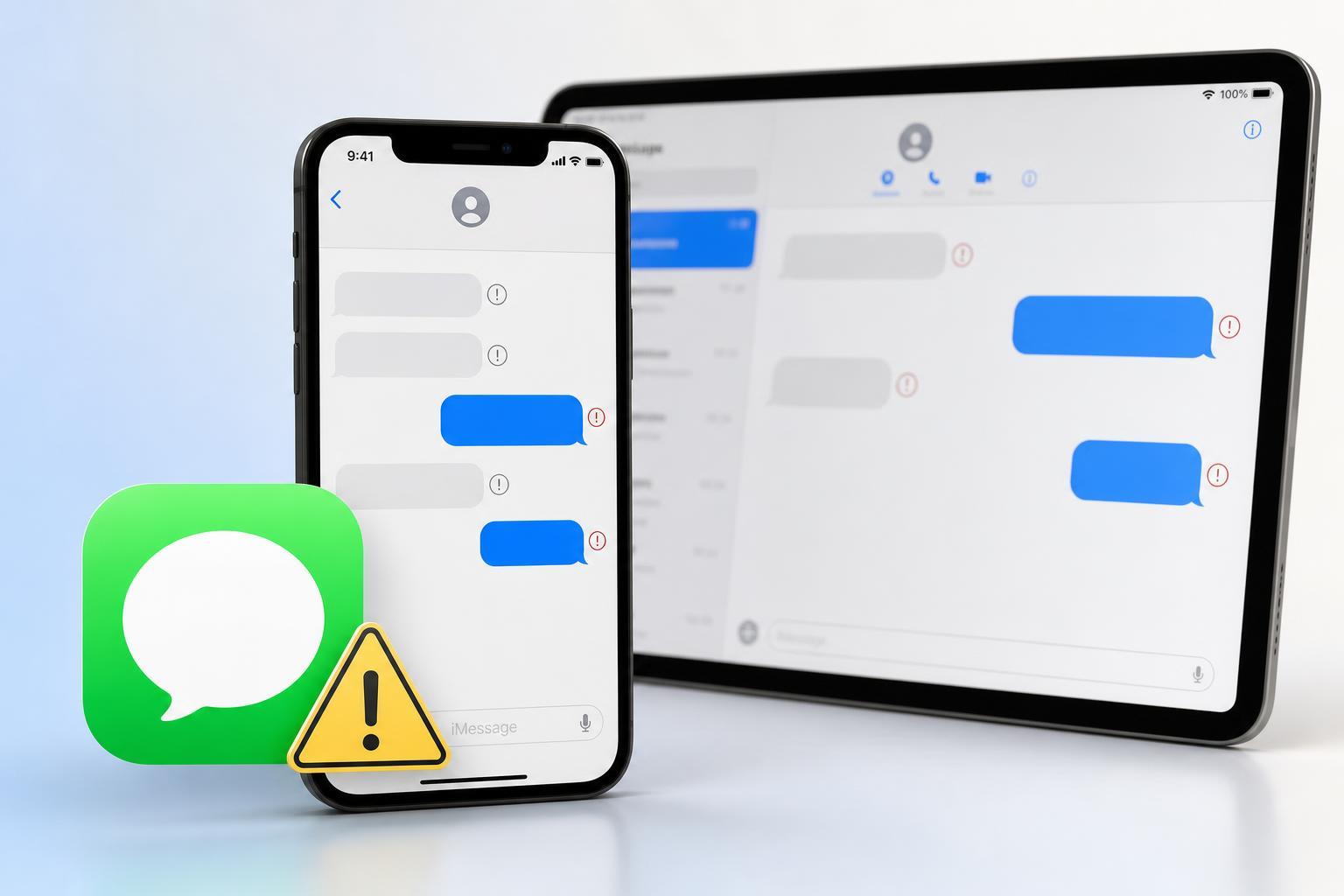
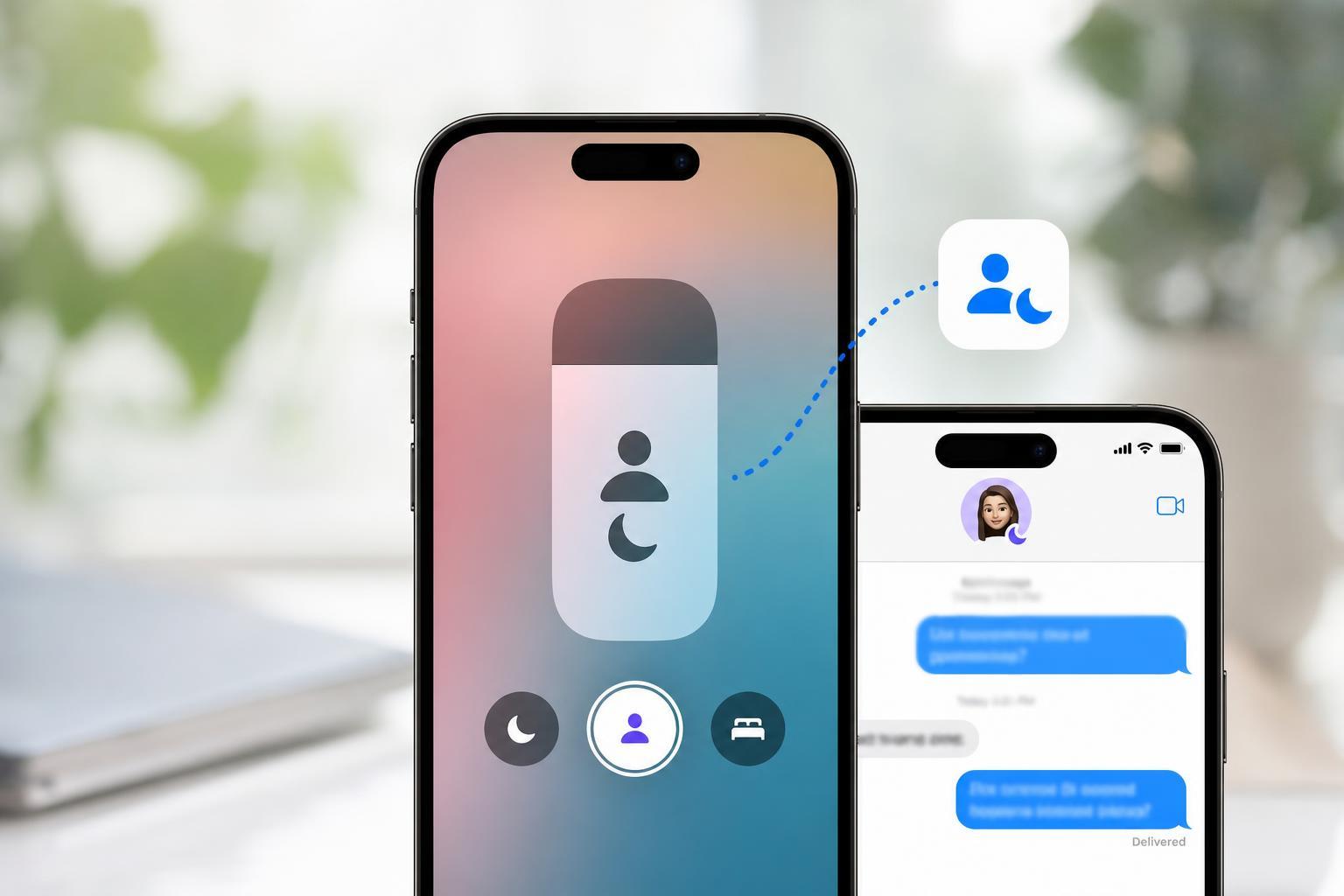
When Share Focus Status is enabled, apps can tell other people that your notifications are silenced because of a Focus mode such as Do Not Disturb, Work, Sleep, or a custom Focus. In Messages, the other person may see a note like "notifications are silenced" if they try to contact you.
This does not automatically send your Focus name, your exact activity, or your message history. It only shares limited status information that helps explain why you may not respond right away.
Where It Shows Up
- Messages, where contacts may see that your notifications are silenced
- Some apps that support Focus status sharing through Apple’s privacy settings
- Contacts who are allowed to see your status based on your sharing settings
How to Turn On Share Focus Status on iPhone
- Open the Settings app.
- Tap Focus.
- Tap Focus Status.
- Turn on Share Focus Status.
Once this is enabled, supported apps can show that your notifications are silenced when a Focus mode is active.
How to Control Which Focus Modes Share Your Status
You can also decide which individual Focus modes are allowed to share your status. This is useful if you want some Focus modes to be private while others can notify people that you are unavailable.
- Open Settings.
- Tap Focus.
- Select the Focus mode you want to manage.
- Look for Focus Status or options related to sharing status.
- Turn sharing on or off for that specific Focus mode if the option is available.
How to Turn It Off
- Open Settings.
- Tap Focus.
- Tap Focus Status.
- Turn off Share Focus Status.
If you turn it off, supported apps will no longer be able to show that your notifications are silenced.
Who Can See Your Focus Status
Apple limits this feature to protect privacy. In Messages, people usually only see that your notifications are silenced if they are trying to contact you through a supported app and your settings allow it. It is meant to give context, not full access to your Focus settings.
- People messaging you through supported apps
- Only when sharing is enabled
- Only when a Focus mode is active
- Only with the limited status information Apple allows
When It Is Useful
It is especially helpful for work chats, family messages, or group conversations where a quick reply is normally expected. Instead of seeming unresponsive, your iPhone can quietly signal that you are busy.
Troubleshooting If It Is Not Working
If contacts do not seem to see your Focus status, the cause is often a settings issue rather than a problem with the phone.
- Share Focus Status may be turned off in Settings
- The app may not support Focus status sharing
- The Focus mode may not be active
- The contact may be using a messaging setup that does not show the status
- Your iPhone may need an iOS update if the option is missing or incomplete
If needed, check both the main Share Focus Status switch and the settings for the specific Focus mode you are using.
Should You Use It?
If you regularly use Focus modes, Share Focus Status is worth enabling because it gives people a simple explanation for delayed replies. If you prefer to keep your availability private, you can leave it off without affecting how Focus works on your iPhone.