Contact Key Verification is an iMessage security feature that helps you confirm you are messaging the right person and not an impostor. It adds an extra layer of protection for people who want stronger assurance that their conversations are protected from account tampering or sophisticated spoofing attempts.
If you use iMessage for private conversations, this feature is worth understanding. It does not change how normal messaging works, but it gives you a way to verify your contacts and spot problems if someone’s account has been compromised.
What Contact Key Verification Does
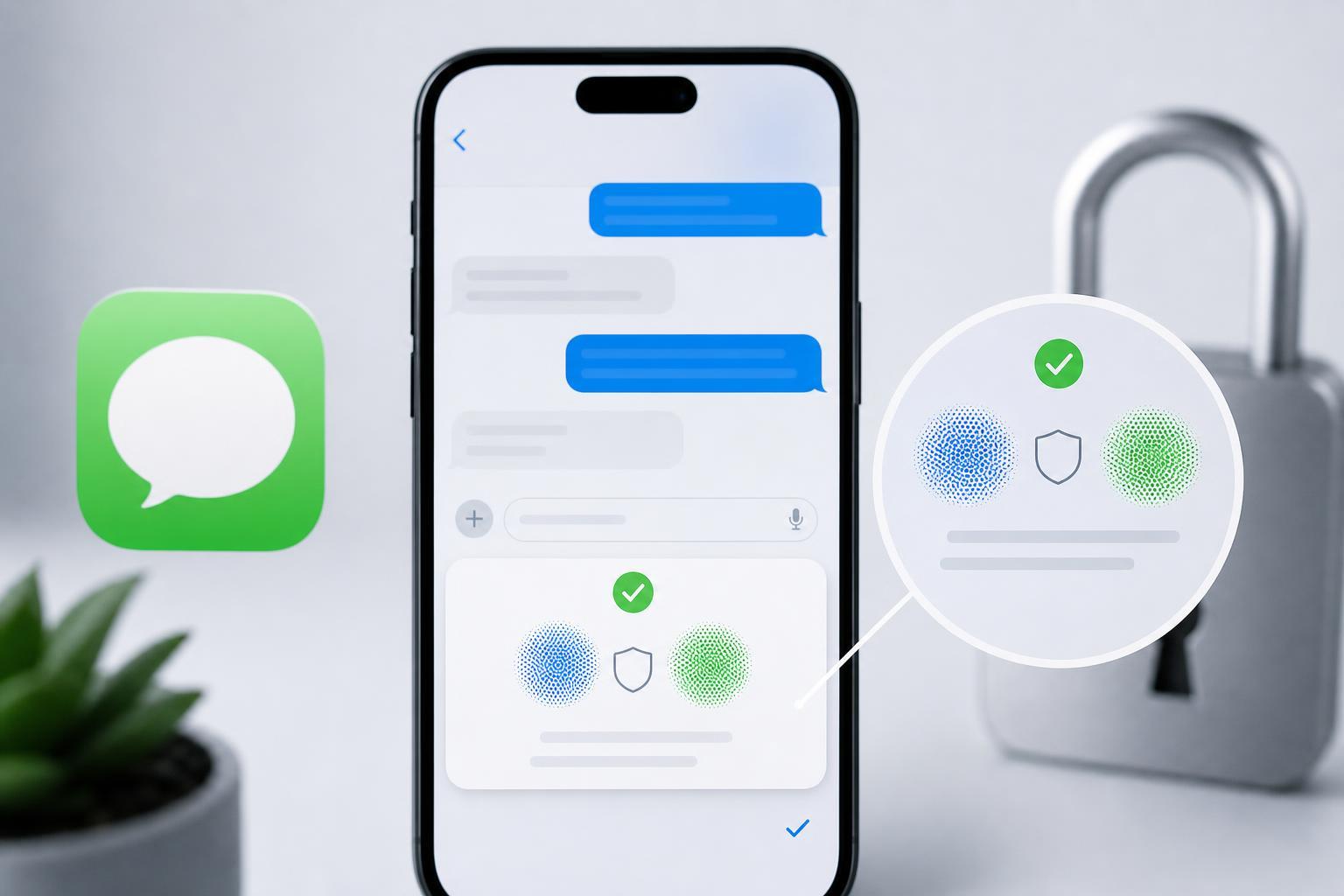
Contact Key Verification helps you confirm that the person on the other end of an iMessage conversation is the same person you intended to message. Apple uses it to let eligible users compare verification information and alert them if something about a contact’s account changes in a way that could affect trust.
In practical terms, it can help you notice when a contact has set up a new device, changed account details, or is no longer presenting the same verification identity you previously trusted. That matters most for people who could be targeted by highly capable attackers, such as journalists, activists, public figures, or anyone handling sensitive information.
What You Need Before You Start
- An Apple device that supports the feature
- A current version of iOS, iPadOS, or macOS that includes Contact Key Verification
- iMessage enabled with your Apple ID
- Two-factor authentication turned on for your Apple account
- Access to the contact you want to verify, so you can compare codes or verification data
How to Turn On Contact Key Verification
The exact menu names can vary slightly depending on your Apple software version, but the process is straightforward. You typically enable it from your Apple ID or Messages security settings.
- Open the Settings app on iPhone or iPad, or System Settings on Mac.
- Tap or click your Apple ID name.
- Go to the section for sign-in and security or account security.
- Find Contact Key Verification and open it.
- Turn the feature on and follow the on-screen prompts to confirm your account security settings.
After enabling the feature, your device may show contact verification details for eligible conversations. You may also be prompted to review or confirm that your account meets the security requirements.
How to Verify a Contact in iMessage
Once Contact Key Verification is enabled, you can compare verification data with the person you want to trust. The idea is to confirm that both sides see the same contact key information.
- Open the iMessage conversation with the person you want to verify.
- Look for the verification option in the conversation details or contact information area.
- Open the verification details and compare the code or key information with your contact through a separate trusted channel.
- If the information matches, save or mark the contact as verified if your device offers that option.
- If the information does not match, stop and recheck the contact through another trusted method before continuing the conversation.
A separate trusted channel means something like a phone call, a face-to-face conversation, or another communication method you already trust. Do not compare verification details in the same chat you are trying to verify, because that does not help if the account is already compromised.
What Verification Alerts Mean
If iMessage detects a change in a contact’s verification status, it may show an alert or warning in the conversation. This usually means something about the trusted identity has changed, not necessarily that the person is malicious. For example, they may have signed into a new device or reconfigured their Apple account.
- A changed verification key may mean the contact reinstalled their device or signed out and back in
- An alert can also appear if the contact is no longer using the same Apple account configuration
- A mismatch can be a warning sign of account compromise or impersonation
- Repeated unexpected changes deserve more caution than a one-time update
Best Ways to Use It Safely
- Use it with the contacts whose messages matter most, not necessarily every casual conversation
- Confirm codes in person or by a trusted call when possible
- Treat unexpected changes as a reason to pause, not a reason to keep chatting normally
- Keep your Apple devices updated so security features work as expected
- Use a strong device passcode and two-factor authentication alongside Contact Key Verification
Contact Key Verification works best as part of a broader security routine. It is much more effective when your device, Apple account, and conversation habits are all reasonably secure.
If You Do Not See the Feature
If Contact Key Verification is missing, the most common reasons are software version, device support, or account requirements. Check for updates first, then look again in the security settings. If it still does not appear, your device or region may not support it yet.
- Update your iPhone, iPad, or Mac to the latest available version.
- Make sure iMessage and two-factor authentication are enabled.
- Check the Apple ID security settings again after updating.
- If the option is still missing, review Apple’s support information for device and region availability.
When Contact Key Verification Is Worth Using
You probably do not need this feature for everyday group chats or casual texting. But it becomes valuable when you need stronger confidence that a message really came from the person you know, especially if the consequences of a spoofed conversation would be serious.
- Personal safety and emergency planning
- Work conversations involving confidential information
- Discussions with high-risk contacts who may be targeted
- Any situation where a changed account identity could cause harm
For most people, the feature is best thought of as an advanced trust check. It is not complicated once set up, but it is most useful when you actually use it before sending sensitive information.