“Findable After Power Off” is an iPhone feature that helps you keep track of a lost device even after the battery is low or the phone has been powered off. If you have ever worried about losing your iPhone when it runs out of charge, this feature can make a big difference.
Here is what it does, how it works, which iPhones support it, and the exact steps to enable it.
What Is iPhone Findable After Power Off?
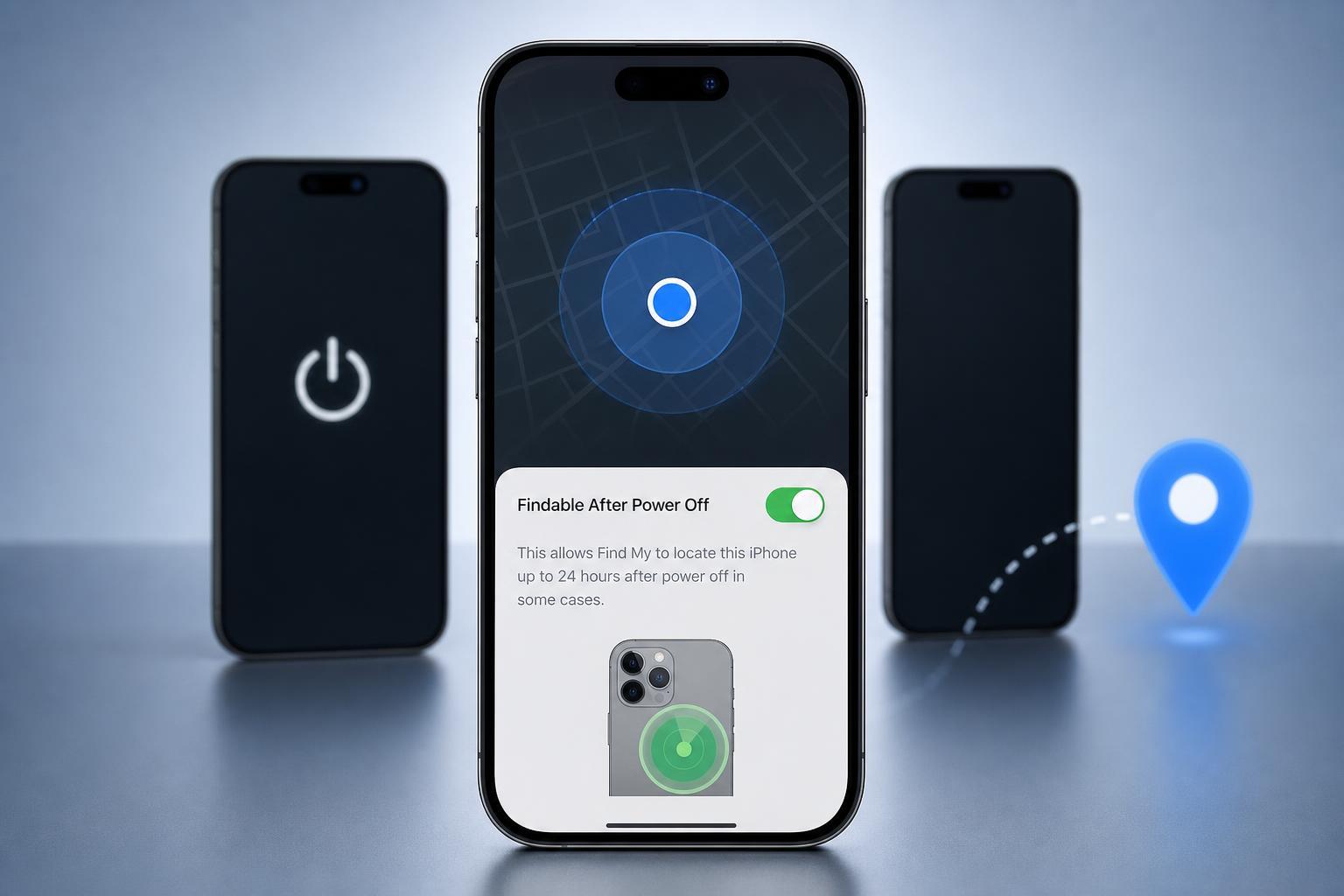
Findable After Power Off is part of Apple’s Find My system. When it is enabled, your iPhone can still be detected for a period of time after it has been powered down. That makes it easier to locate the phone in the Find My app, on iCloud.com, or through Family Sharing if someone else is helping you look for it.
This feature is especially useful if your iPhone is lost, stolen, or simply misplaced and the battery dies before you can find it. Instead of becoming completely invisible the moment it turns off, the phone can continue sending out a limited location signal.
How It Works
Apple designed this feature so the iPhone can still be found for a short time after shutdown. On supported models, the device reserves enough power to keep the Find My network active in a limited way.
- The iPhone can still be located after normal shutdown.
- It works with the Find My network, not just GPS alone.
- Nearby Apple devices can help relay the iPhone’s location.
- The feature only works while there is still enough reserved battery power.
Which iPhones Support It?
Support depends on the model and the version of iOS installed. In general, newer iPhones are more likely to support Findable After Power Off than older models.
- iPhone models with newer hardware are more likely to support the feature
- It usually requires a recent version of iOS
- Older iPhones may not have the hardware needed for low-power tracking
How to Enable Findable After Power Off on iPhone
You usually do not need to enable a separate setting for this feature. It is tied to the Find My iPhone setting, which should already be turned on if you want location tracking and activation lock protection.
- Open the Settings app on your iPhone.
- Tap your name at the top of the screen.
- Tap Find My.
- Tap Find My iPhone.
- Make sure Find My iPhone is turned on.
- If shown, enable the option that allows the iPhone to remain findable after power off.
If your iPhone supports the feature, the option may appear in the Find My iPhone settings page. The wording can vary slightly depending on your iOS version.
How to Check Whether It Is Working
The easiest way to confirm the feature is to look at the Find My settings on the device. If the option is available and enabled, your iPhone should remain findable for a period after shutdown when conditions allow.
- Open Settings > your name > Find My > Find My iPhone
- Look for the power-off findability option
- Use the Find My app from another Apple device to test location visibility
- Check iCloud.com/find if you do not have another Apple device handy
If You Cannot Find the Option
If your iPhone does not show a Findable After Power Off setting, the most likely reasons are that your model does not support it or your software is out of date.
- Your iPhone model may be too old
- iOS may need to be updated
- Find My iPhone may be turned off
- Location services or Apple ID settings may be incomplete
- Check for an iOS update in Settings > General > Software Update.
- Confirm that you are signed in to your Apple ID.
- Verify that Find My iPhone is enabled.
- Restarting the phone is not usually necessary, but checking the setting again after an update can help.
Why This Setting Is Worth Turning On
Find My protection is one of the most useful security features on an iPhone. Enabling Findable After Power Off gives you a better chance of recovering the device if it is lost before the battery dies.
- Improves the odds of locating a missing iPhone
- Works even when the phone has been powered down
- Adds another layer of protection to Find My
- Helps you act faster if the phone is stolen or misplaced
What to Remember
Findable After Power Off is not a separate app or a feature you use manually. It is a built-in Find My capability that helps your iPhone stay detectable briefly after it is turned off, as long as the hardware and software support it.
If your iPhone supports it, keeping it enabled is a smart move. If the option is missing, updating iOS and confirming that Find My is active are the first things to check.