
The Amazon Fire TV Stick works well over Wi‑Fi, but a wired Ethernet connection can make a big difference if your wireless signal is weak, crowded, or inconsistent. An Ethernet adapter can reduce buffering, improve stability, and make streaming more reliable.
Not every adapter is a perfect fit for every Fire TV Stick model, though. Some require a separate power source, some only work with certain Fire TV devices, and some include extra features that may or may not matter to your setup. This guide highlights five solid Ethernet adapter options and explains what makes each one worth considering.
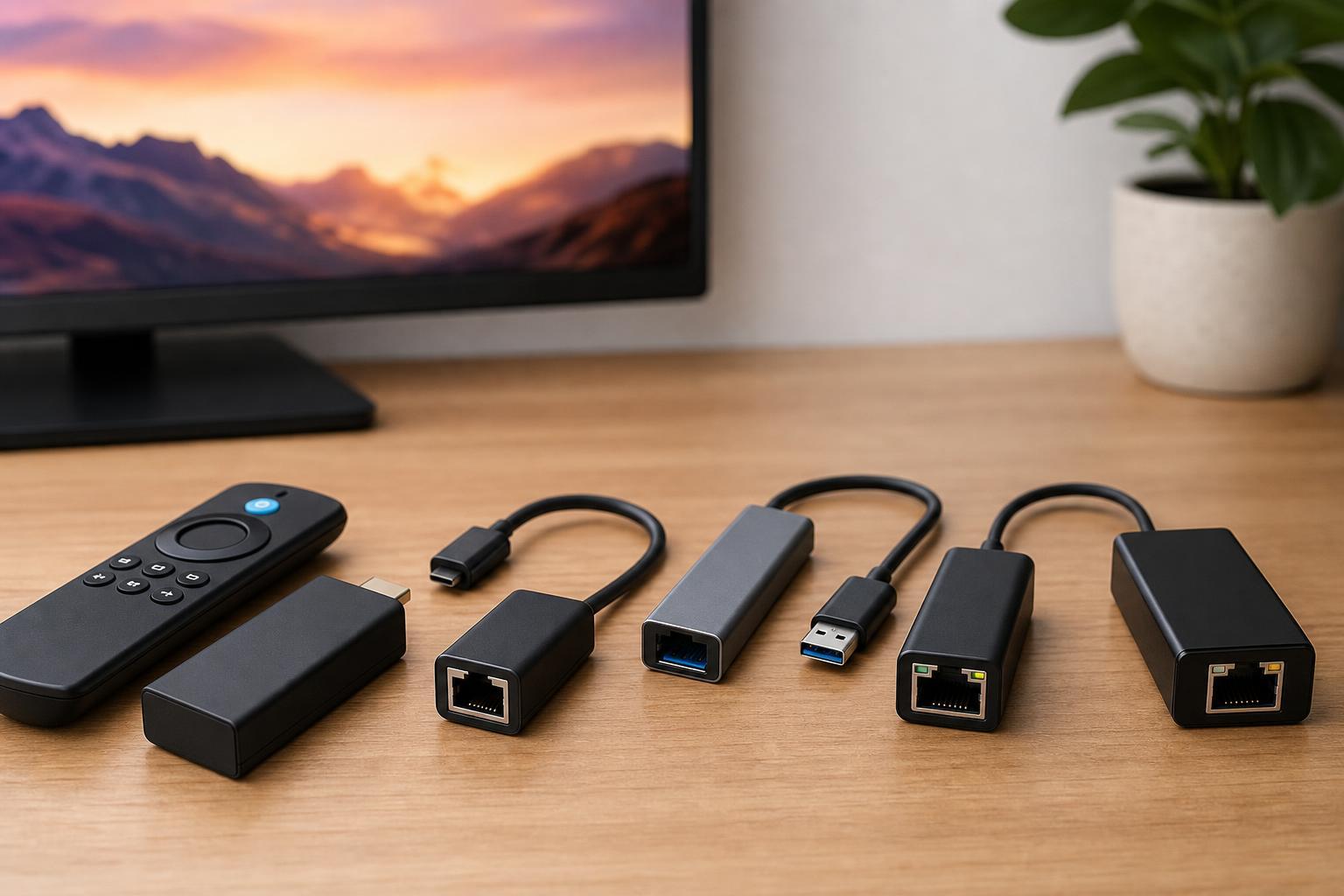
What to Look for in a Fire TV Stick Ethernet Adapter
Before choosing an adapter, make sure it is compatible with your exact Fire TV model. Some adapters are made specifically for the Fire TV Stick line, while others are generic USB Ethernet adapters that may need extra hardware or a USB OTG cable to work properly.
- Compatibility with your specific Fire TV Stick model
- Enough power delivery for both the adapter and the Fire TV Stick
- Fast and stable Ethernet support, usually 10/100 Mbps is enough for streaming
- A compact design that fits behind a TV without blocking nearby ports
- Good cable length or a flexible layout for wall-mounted TVs
- Optional extra USB port if you want to connect storage or accessories
1. Amazon Ethernet Adapter for Amazon Fire TV Devices
Amazon’s own Ethernet adapter is usually the easiest option because it is designed for Fire TV devices. If you want a plug-and-play choice with fewer surprises, this is the one to start with. It is compact, easy to install, and typically works without extra troubleshooting.
This adapter is a strong choice if your goal is simply to stop Wi‑Fi dropouts during streaming. It does not try to do too much, which is often a good thing for a media streamer setup.
2. UGREEN Ethernet Adapter for Fire TV Stick
UGREEN is a common pick for streaming devices because it tends to offer small, tidy accessories that fit well in crowded TV setups. A Fire TV-compatible Ethernet adapter from UGREEN can be a practical alternative if you want something similar to the official option but available from a third-party brand.
This kind of adapter is a good fit for users who want a neat installation and basic wired networking without extra complexity. It is especially useful if you are working with a TV mounted close to a wall and need something short and unobtrusive.
3. Anker USB Ethernet Adapter with OTG Support
Anker-made networking accessories are often chosen for their build quality and straightforward design. If you are using a Fire TV Stick setup that relies on an OTG cable, an Ethernet adapter like this can be a useful way to add wired connectivity while keeping the setup modular.
This type of adapter can be especially appealing if you want to connect other USB accessories later, such as a flash drive or keyboard, depending on your Fire TV model and available power delivery. Just make sure the adapter and OTG cable arrangement still receives enough power for stable operation.
4. Cable Matters Ethernet Adapter for Fire TV Stick
Cable Matters makes a wide range of network and connectivity accessories, and its Fire TV-compatible Ethernet options are usually focused on function rather than flashy extras. That can be a good thing if you want a dependable adapter that does its job without drawing much attention.
This is a sensible choice for homes where Wi‑Fi congestion is the real problem, such as apartments or busy households with many connected devices. A wired adapter can help keep streaming sessions steadier when wireless performance is inconsistent.
5. Uxcell or Generic USB 2.0 to Ethernet Adapter with OTG Cable
Generic USB Ethernet adapters can sometimes work well with Fire TV devices, especially when paired with the correct OTG cable and power arrangement. They can also be the cheapest way to add wired networking, but they are more likely to require manual setup or trial and error than a Fire TV-specific adapter.
This option makes the most sense if you already understand how Fire TV OTG setups work and want to save money. For users who prefer convenience, a first-party or well-known Fire TV-specific adapter is usually the safer choice.
How to Choose the Right One for Your Setup
- Check your exact Fire TV model before buying. Some adapters are made for specific generations or need OTG support.
- Decide whether you want the easiest setup or the lowest price. Official or Fire TV-specific adapters are usually simpler, while generic adapters can be cheaper.
- Look at your TV placement. If the Fire TV Stick is behind a wall-mounted TV, a compact adapter with a short cable may fit better.
- Think about power. If you plan to use USB storage or other accessories, choose an adapter and power setup that can handle the load.
- Choose wired Ethernet if your wireless problems are caused by distance, interference, or crowded Wi‑Fi networks.
Is an Ethernet Adapter Worth It for Fire TV Stick?
An Ethernet adapter is worth it when Wi‑Fi is the weak link in your streaming setup. If your Fire TV Stick buffers often, drops connection, or struggles in a room far from the router, wired Ethernet can be a noticeable improvement.
It is less necessary if your Wi‑Fi is already strong and stable. In that case, the improvement may be small. For most users, the biggest benefits are fewer interruptions, steadier playback, and a more predictable connection during 4K streaming or busy network hours.
Choosing the Best Option
If you want the safest and easiest choice, start with the Amazon Ethernet Adapter. If you want a good third-party alternative, UGREEN and Cable Matters are sensible options. If you already use OTG accessories or want more flexibility, Anker-style setups can work well. If your priority is saving money, a generic USB Ethernet adapter may be worth considering, but only if you are comfortable checking compatibility carefully.
For most Fire TV Stick owners, the best adapter is the one that fits the device physically, receives enough power, and connects without extra hassle. A simple, compatible adapter is usually better than a feature-rich one that is harder to install or less reliable.





