iMessage games are a simple way to turn a normal chat into a quick challenge. You can play directly inside Messages, which makes them ideal for short breaks, long-distance friends, and casual multiplayer fun on iPhone and iPad.
Not every iMessage game is worth keeping installed, though. The best ones are easy to start, work well in turn-based play, and stay fun even when you only have a few minutes at a time. Here are 10 of the best iMessage games to try.
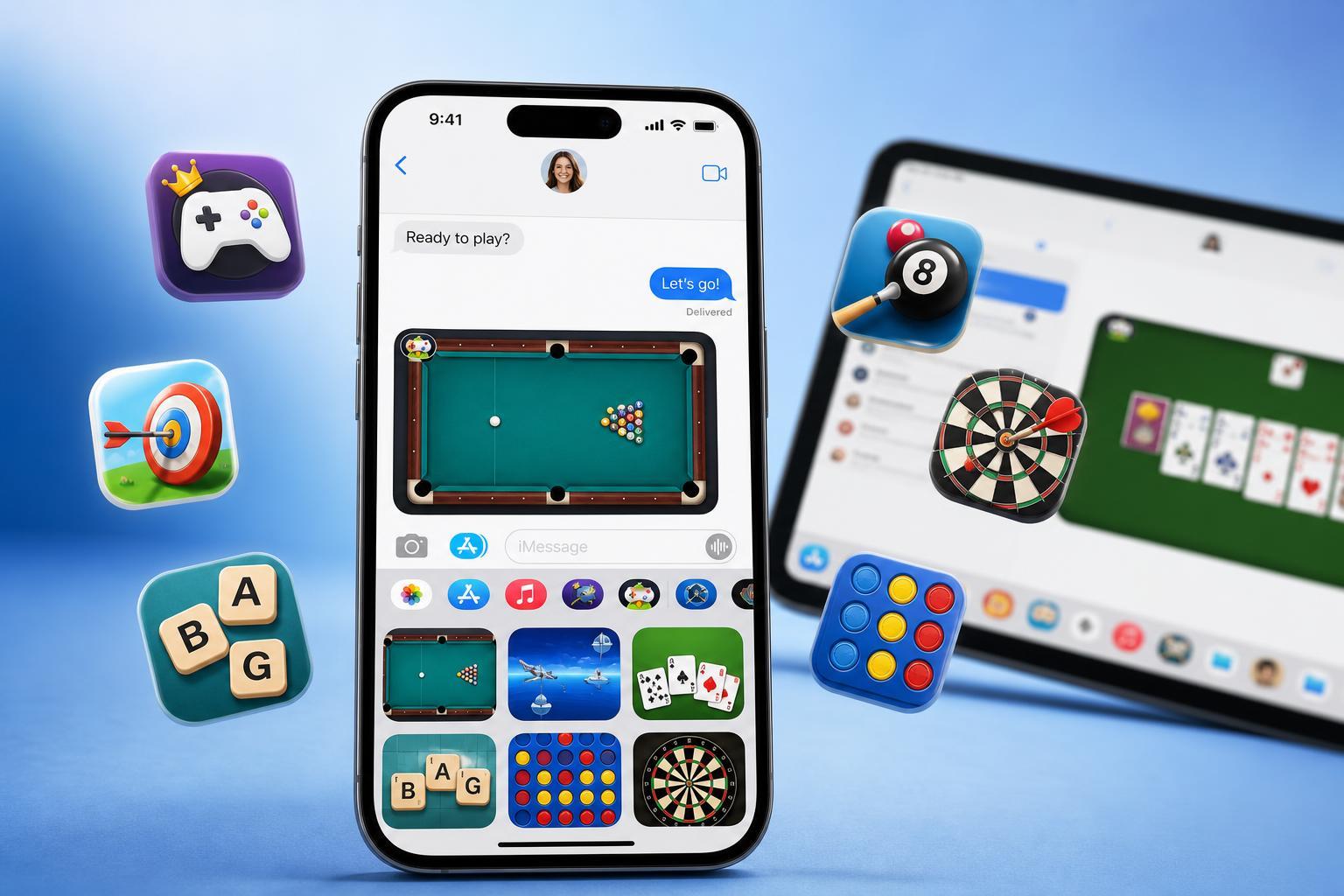
1. GamePigeon
GamePigeon is one of the most popular iMessage game packs because it offers a wide variety of classic mini-games in one place. You can play pool, mini golf, 8-ball, basketball, cup pong, and more without leaving your conversation.
2. 8 Ball Pool
If you like competitive sports-style games, 8 Ball Pool is a great choice for iMessage. It lets you challenge someone to a pool match with simple turn-based gameplay that is easy to understand even if you are not a pool expert.
The main appeal is how quickly you can jump into a match. It does not require a long session, and the rules are familiar enough that most players can get started right away.
3. Checkmate!
Checkmate! is a good pick if you want a more strategic iMessage game. Instead of fast reflexes, it focuses on thoughtful play and careful moves, which makes it ideal for players who prefer chess-style games.
It is especially useful for longer conversations because you can take your turn whenever you have a moment, then come back later without losing the flow of the game.
4. Cup Pong
Cup Pong is one of the easiest iMessage games to enjoy because the rules are simple and the matches are short. It is a light, competitive game that works well when you want something quick and playful.
Because it does not ask for much setup or explanation, it is a good option when introducing someone to iMessage games for the first time.
5. Dots and Boxes
Dots and Boxes is a classic pencil-and-paper style game that translates well to iMessage. The goal is to connect dots and complete boxes before your opponent does, which makes it more strategic than it first appears.
This is a great choice if you want something calm and thoughtful instead of fast or flashy. It also works well in short bursts, since each move is small and easy to make.
6. Wordie
Wordie is a strong option for players who like word games. It mixes vocabulary, pattern recognition, and a bit of puzzle solving, which makes it more engaging than a basic guessing game.
Word games are especially good for iMessage because they fit naturally into turn-based play. You can make a move, put your phone away, and return later when the other person has responded.
7. Mancala
Mancala is a classic board game that works surprisingly well in iMessage. It has simple rules, but there is enough strategy to keep each match interesting. If you already know how to play, it feels very natural in Messages.
Even if you have never played before, it is not hard to learn. That balance of simplicity and strategy makes it one of the better timeless choices for casual two-player gaming.
8. Mr. Putt
Mr. Putt is a mini-golf-style iMessage game that is easy to enjoy in short sessions. It is a good option if you want something a little more game-like than a pure puzzle, but still simple enough to play casually.
The movement and goal are easy to understand, which helps keep the focus on friendly competition rather than complicated controls.
9. Four in a Row
Four in a Row is a great fit for iMessage because the gameplay is fast, familiar, and strategic. You and your opponent take turns dropping pieces to try to connect four in a line before the other player does.
It is one of those games that feels simple at first but becomes more interesting once both players start planning ahead. That makes it a reliable choice for repeated play.
10. Yahtzee With Buddies
Yahtzee With Buddies brings a familiar dice game into Messages and works well for players who want something that blends luck and strategy. Because it is turn-based, it fits naturally into iMessage conversations.
It is a good choice if you prefer games that do not require fast reactions. Instead, it gives you a mix of chance, planning, and a little competition over time.
How to Find and Start iMessage Games
- Open the Messages app on your iPhone or iPad.
- Start a conversation with the person you want to play with, or open an existing chat.
- Tap the App Store icon or Apps button next to the message field.
- Search for the game you want or browse available iMessage game apps.
- Install the game pack if needed, then open it from inside Messages.
- Send a challenge or start a match from the game interface.
What to Look for in a Good iMessage Game
- Easy turn-based play so you do not need both players active at the same time
- Short rounds that work well in a chat conversation
- Clear controls that are easy to use on a small screen
- Enough variety or replay value to stay fun over time
- Low friction setup so you can start playing quickly
Which iMessage Game Should You Try First?
If you want the most variety, start with GamePigeon. If you want a fast classic challenge, try 8 Ball Pool, Four in a Row, or Cup Pong. If you prefer strategy, Checkmate!, Mancala, and Dots and Boxes are better fits. For word and puzzle fans, Wordie is an easy recommendation.
The best iMessage game is usually the one that matches how you and your friends like to play. For quick back-and-forth chats, simple turn-based games are usually the most enjoyable.