Safari is the default browser on iPhone and iPad, but Microsoft Edge is a strong alternative for people who use Windows, Microsoft 365, or Edge on other devices. The best choice depends on what matters most to you: Apple integration, cross-device syncing, privacy features, or browser tools.
This comparison looks at the practical differences between Edge and Safari on iOS so you can decide which one fits your routine better.
The Short Version
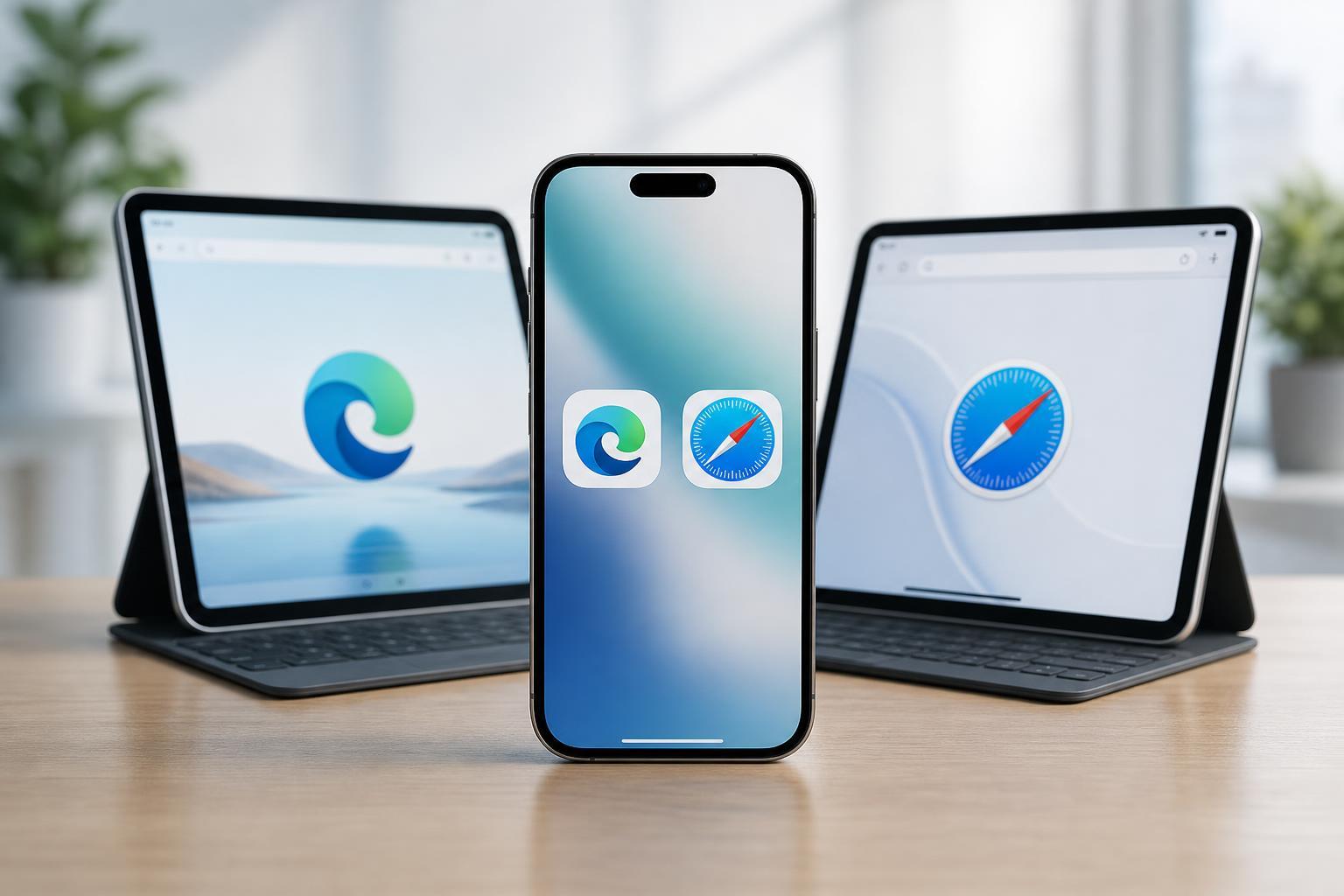
If you mostly live inside Apple’s ecosystem, Safari is usually the better all-around choice on iPhone and iPad. It is tightly integrated with iOS, works very smoothly, and gives you the most natural Apple experience.
If you use Windows, Microsoft services, or Edge on your desktop, Microsoft Edge can be more convenient because it syncs passwords, favorites, history, and tabs across more of your devices.
Safari on iOS: Where It Stands Out
Safari is built into iOS, so it is designed to work closely with the system. That usually means smoother behavior with Apple features such as iCloud syncing, Handoff, Autofill, and content blockers.
- Best Apple ecosystem integration
- Strong battery efficiency in many everyday use cases
- Simple, clean interface
- Works well with iCloud Keychain and Apple Autofill
- Supports Safari extensions on supported iPhone and iPad versions
Microsoft Edge on iOS: Where It Helps Most
Edge on iPhone and iPad is especially useful if you already use Microsoft accounts, OneDrive, Outlook, or Edge on Windows. It brings familiar features from the desktop browser into a mobile-friendly package.
- Syncs favorites, passwords, history, and open tabs across devices
- Built-in Microsoft account integration
- Useful reading and organization tools
- Collections can help save links for later research
- Good fit for people who use Windows at work or home
Edge also makes sense if you prefer Microsoft’s account and sync ecosystem over Apple’s. If your passwords and bookmarks already live in Edge on a PC, using the same browser on iPhone can reduce friction.
Speed and Battery Life
In real-world use, Safari often has an advantage on iOS because Apple optimizes it for the platform. That does not mean Edge is slow, but Safari can feel a little more native and efficient for common tasks.
For most people, the difference in speed between the two browsers is not dramatic. Web page performance usually depends more on the site itself, your connection, and how many tabs or background processes you are using.
Privacy and Tracking Protection
Both browsers offer privacy controls, but they approach them differently. Safari emphasizes Apple’s privacy-focused design, while Edge provides Microsoft’s tracking prevention tools and account-based features.
- Safari includes anti-tracking protections and privacy reports
- Edge includes tracking prevention settings with multiple levels
- Safari ties in closely with iCloud and Apple privacy settings
- Edge can be easier to manage if you want Microsoft account sync and browser protection in one place
Tabs, Extensions, and Everyday Features
Safari and Edge both support tabbed browsing, private browsing, autofill, and password management. The difference is in how they handle extras and organization.
- Safari is simpler and more minimal
- Edge offers features like Collections and more visible Microsoft services integration
- Safari extensions are more limited but now useful for many common tasks
- Edge can feel more familiar to people coming from Windows
If you like a clean, minimal browser, Safari is usually easier to live with. If you prefer built-in tools and more ways to organize information, Edge has the advantage.
Syncing Across Devices
This is one of the biggest reasons to choose one browser over the other on iOS. Safari syncs best with Apple devices through iCloud. Edge syncs best across Microsoft’s ecosystem and can also help if you use Windows every day.
- Choose Safari if you use Mac, iPad, and iPhone together
- Choose Edge if you use Windows PCs and want browser data on your iPhone
- Safari is the natural fit for Apple passwords, tabs, and bookmarks
- Edge is the natural fit for Microsoft passwords, favorites, and tabs
Which One Is Better for You?
- Pick Safari if you mainly use Apple devices and want the most seamless iPhone and iPad experience.
- Pick Microsoft Edge if you use Windows heavily and want your browser data to follow you across devices.
- Pick Safari if you want a simple, built-in browser with strong Apple integration.
- Pick Edge if you want Microsoft account sync, Collections, and a browser that matches your desktop workflow.
- Use both if you have different needs for work and personal browsing.
The Bottom Line
For most iPhone and iPad users, Safari is the better default choice because it is built for iOS and fits the Apple ecosystem so well. But Microsoft Edge is a very good alternative if you rely on Windows or Microsoft services and want your browser setup to travel with you.
If you are choosing just one, think less about brand loyalty and more about where your bookmarks, passwords, and open tabs need to go. That usually makes the answer obvious.