iOS 18 brings two features many iPhone users have wanted for years: T9-style dialing in the Phone app and app locking for better privacy. They are not the flashiest additions in Apple’s latest update, but they solve two everyday annoyances that have lingered far too long.
If you often call the same contacts or want to keep certain apps away from prying eyes, these changes matter more than they might seem at first. Here’s what they do, how they work, and what to expect from them.
What iOS 18 Changes
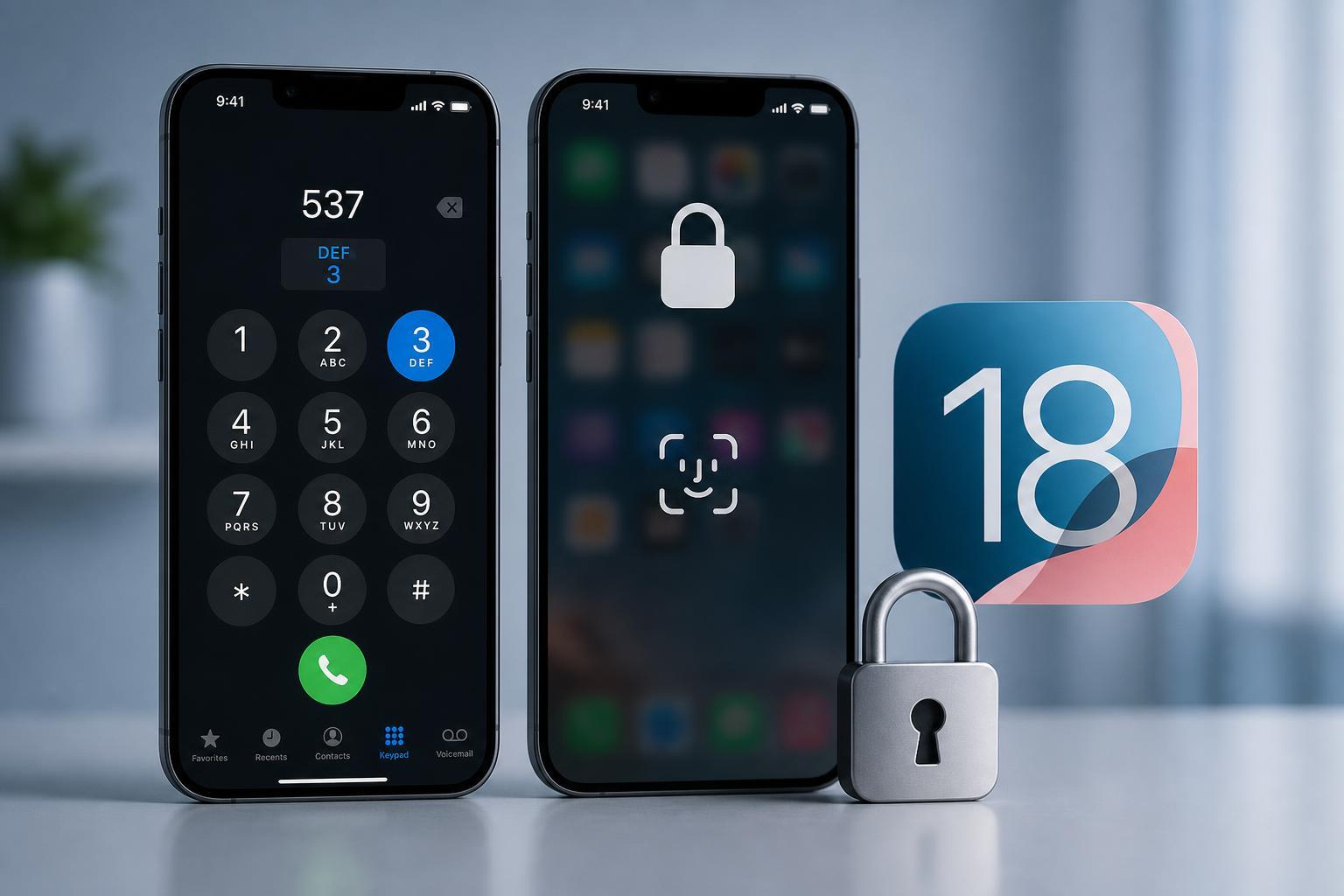
iOS 18 adds support for faster contact lookup while dialing and a built-in way to lock individual apps. T9 dialing helps you reach contacts by typing the letters associated with their names on the number pad. App Lock lets you require Face ID, Touch ID, or a passcode before opening selected apps.
How T9 Dialing Works on iPhone
T9 dialing lets you type a contact’s name using the number keypad. Each number represents a set of letters, so instead of searching through Contacts or scrolling through a long list, you can start entering the name directly from the dial pad.
For example, if you want to call a contact named Sam, you can use the digits that correspond to those letters until the matching contact appears. This is especially useful if you remember a name better than a phone number and want to place a call quickly.
- Faster than opening Contacts for frequent calls
- Useful when you only remember part of a contact’s name
- Works well for people with long contact lists
- Reduces the number of taps needed to make a call
How to Use App Lock in iOS 18
App Lock gives you a way to protect selected apps so they cannot be opened without authentication. It is useful for banking apps, messaging apps, photo libraries, notes, and any other app you would rather keep private.
- Press and hold the app icon on the Home Screen or in App Library.
- Choose the option to require Face ID, Touch ID, or a passcode.
- Confirm the change when prompted.
- Open the app again to verify that the lock is active.
Once locked, the app will prompt for authentication before it opens. That makes it harder for someone borrowing your phone to casually peek into sensitive information.
When App Lock Is Most Useful
App Lock is most helpful for apps that contain private or personal information. It is not only about security in the serious sense; it is also about convenience when you hand your phone to someone temporarily and do not want them browsing around.
- Banking and payment apps
- Messaging apps with personal conversations
- Photo and video libraries
- Email apps
- Health and work-related apps
What to Know Before You Rely on These Features
These additions are welcome, but they do not replace good security habits. App Lock is a helpful layer, not a complete protection strategy. If your phone is unlocked and someone knows your passcode, your broader device security still matters a great deal.
T9 dialing is also only as good as the contacts you keep organized. If your contact names are messy or duplicated, the feature may feel less useful than it should.
Why These Features Feel So Late
Both T9 dialing and app-level locking have existed in other platforms or in third-party solutions for years. Their arrival in iOS 18 makes them feel overdue rather than groundbreaking. But delayed features can still be useful if they remove daily friction and become part of the system by default.
Should You Update for These Features?
If you regularly search for contacts by name or want more privacy around specific apps, iOS 18 is worth trying for these additions alone. They are practical features that improve everyday use without requiring a new workflow.
- Update if you want quicker contact lookup
- Update if you want built-in app privacy controls
- Wait if you rely on older apps that may need time to adapt
- Check availability if your device is near the end of supported iOS upgrades
The Bottom Line
T9 dialing and App Lock are not headline-grabbing features, but they solve real problems that iPhone users have lived with for years. iOS 18 finally brings both into the system in a way that feels native and easy to use, which is exactly where they should have been all along.