Netflix lets you choose a profile icon from its built-in avatar library, but it does not currently support uploading a completely custom profile picture from your device. If you want to personalize your Netflix profile, the available options depend on the app or browser you are using and which profile settings Netflix offers in your region.
What Netflix Actually Lets You Change
Before looking for a custom image upload option, it helps to know what Netflix supports. In most cases, you can change your profile icon by selecting one of Netflix’s preset avatars. You can also edit the profile name and, on some plans and accounts, adjust maturity settings and other profile preferences.
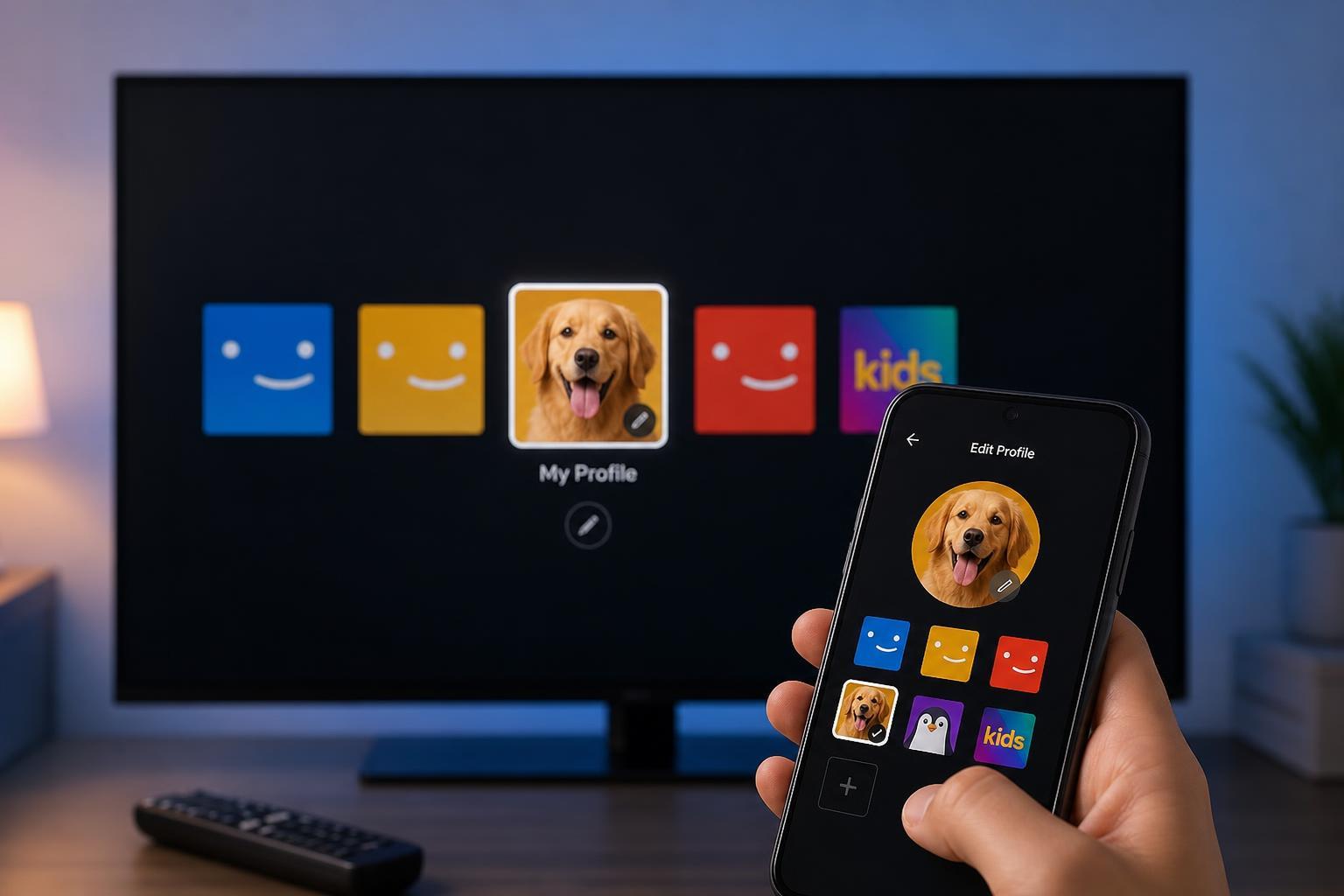
How to Change Your Netflix Profile Picture
If your goal is simply to pick a different profile image, these are the usual steps:
- Open Netflix in a browser or the Netflix app and sign in to your account.
- Go to Manage Profiles or Account, depending on the device you are using.
- Select the profile you want to edit.
- Choose the profile icon or avatar option.
- Pick one of the available Netflix images and save your changes.
Can You Upload a Custom Picture to Netflix?
In normal consumer Netflix accounts, there is no built-in feature to upload a personal photo or custom graphic as a profile picture. If you have seen tutorials claiming otherwise, they are often referring to browser extensions, unofficial workarounds, or features from other services, not Netflix itself.
How to Make Your Netflix Profile More Personal Without a Custom Photo
If Netflix does not allow a custom upload, you can still make the profile feel more personalized in safer ways:
- Choose a profile avatar that matches your style or household use.
- Rename the profile so it is easy to identify.
- Use separate profiles for different family members or viewing purposes.
- Adjust maturity restrictions so children only see age-appropriate content.
- Pick a profile color or avatar style if Netflix offers one in your app version.
If You Only See Limited Profile Options
Sometimes the profile settings you see depend on the device. For example, a smart TV may show fewer options than the Netflix website. If you cannot find the avatar or profile editing menu on your TV, try opening Netflix in a web browser on a phone, tablet, or computer and editing the profile there.
When a Custom Profile Picture Might Seem to Work
In some cases, users mistake a browser add-on, a system profile image, or a device account avatar for a Netflix profile picture. These changes may affect how your browser or device looks, but they do not actually change the profile icon other people see inside Netflix.
What to Do If Profile Changes Do Not Save
- Make sure you are editing the correct Netflix profile.
- Check that you are signed into the main account, not a profile with limited permissions.
- Try saving the change from the Netflix website instead of a TV app.
- Sign out and back in if the new avatar does not appear right away.
- Check for app updates if the Netflix app looks outdated or incomplete.
The Bottom Line
Netflix does not normally let you upload a fully custom profile picture. You can choose from Netflix’s preset avatars, rename profiles, and adjust profile settings, but custom image uploads are not part of the standard account features. If you want the most reliable result, use the official profile icon options available in the Netflix app or website.