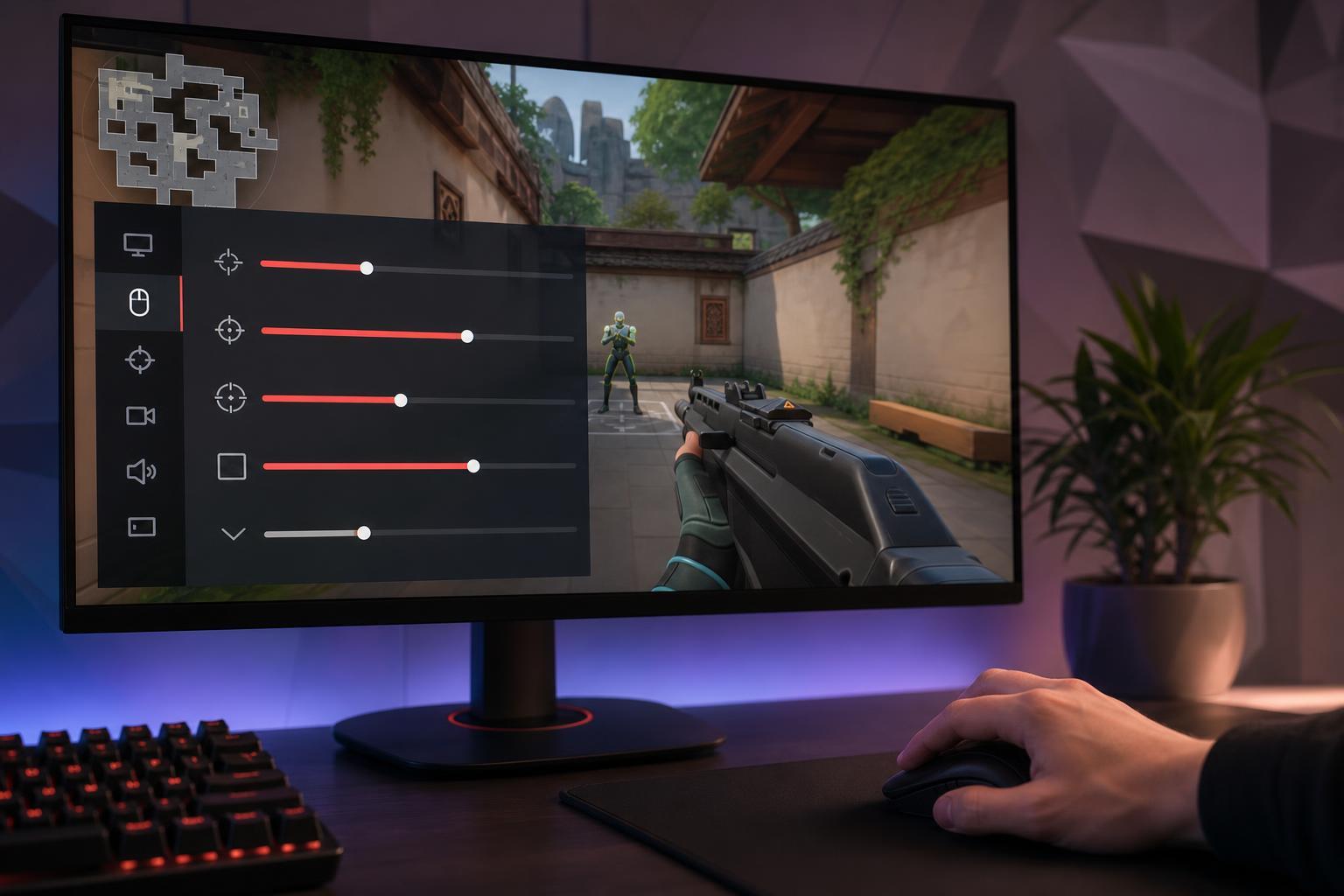
Finding the best sensitivity for Valorant is less about copying a pro player and more about matching your aim style, mouse control, and play habits. The right setting should let you track smoothly, make small corrections easily, and still turn fast enough when you need to react.
If your sensitivity feels inconsistent, your crosshair overshoots targets, or you struggle with flicks and micro-adjustments, it is probably worth dialing it in carefully instead of changing it randomly every few matches.
What “best sensitivity” really means
There is no single perfect sensitivity for every player. The best setting is the one that gives you control during both slow aiming and fast turning. In Valorant, that usually means a sensitivity low enough for precision, but not so low that you run out of mouse pad space when checking angles or turning around.
Start with your current mouse setup
Before changing anything, make sure your hardware and Windows mouse settings are not causing confusion. A good sensitivity test only works if your input is consistent.
- Use the same mouse DPI you normally play with.
- Turn off mouse acceleration in Windows if you have not already.
- Make sure Valorant mouse sensitivity is the only thing you are adjusting during testing.
- Use the same mouse pad and grip style when comparing settings.
A simple way to find your starting point
If you do not already have a sensitivity you like, start with a reasonable middle ground and adjust from there. That gives you a reference point instead of guessing blindly.
- Set your mouse DPI to a standard value you are comfortable with, such as 800 or 1600.
- Choose an in-game sensitivity that lets you comfortably turn 180 degrees without lifting your mouse too often.
- Enter the Practice Range and test whether you can stop accurately on targets without overshooting.
- Play a few unranked or deathmatch games before making another change.
How to test sensitivity properly in Valorant
Do not judge a sensitivity after one shaky round. Your hands need time to adapt, and your aim will feel off for a short period after each change.
- Pick one sensitivity and keep it for several sessions.
- Test it in the Practice Range for basic flicks, tracking, and target stops.
- Use deathmatch to see how it feels under pressure and while moving.
- Only change the sensitivity in small steps, not huge jumps.
- Compare how often you overflick, underflick, or lose control during spray transfers and close-range turns.
Signs your sensitivity is too high or too low
The easiest way to narrow it down is to look at the mistakes you make most often.
- Too high: you overshoot heads, struggle with micro-corrections, and feel twitchy during tracking.
- Too low: you run out of room for large turns, react slowly to close targets, or need to lift your mouse too often.
- Too high: recoil control may feel unstable because small movements become difficult to fine-tune.
- Too low: clearing angles can feel awkward if you need repeated arm movements just to check common positions.
Choose a sensitivity based on your aim style
Different play styles usually benefit from different ranges. The goal is not to follow a trend, but to make your movement and aiming feel natural.
Most players end up somewhere in the middle rather than at an extreme. That middle ground often gives a good balance between speed and control.
Make sure the rest of your mouse settings are consistent
A good Valorant sensitivity can still feel wrong if other mouse settings are changing behind the scenes.
- Use raw input if available so the game reads mouse movement directly.
- Keep Windows pointer speed at its default level.
- Do not use mouse acceleration unless you intentionally prefer it.
- Make sure the mouse polling rate is set consistently in your mouse software if you use one.
How long to stick with a sensitivity before deciding
Give each sensitivity enough time to become familiar. A few warm-up matches are usually not enough. You need repeated play in different situations: holding angles, clearing corners, flicking in duels, and recovering after missed shots.
- Use one sensitivity for several days if possible.
- Evaluate it in both casual and competitive matches.
- Keep notes on what feels wrong instead of changing settings immediately.
- Only move up or down slightly when the main problem is clear.
A practical way to lock in your final setting
Once you find a sensitivity that feels close, focus on consistency rather than constant optimization. The best sensitivity is the one you can build muscle memory around and trust in real matches.
- Pick the setting that gives you the best balance of control and comfort.
- Keep your DPI, in-game sensitivity, and mouse settings fixed.
- Practice with that setup regularly instead of switching back and forth.
- Revisit the setting later only if your mouse space, posture, or play style changes.
When to reconsider your sensitivity
You do not need to chase tiny changes forever, but there are times when a new setup makes sense.
- You switch to a much larger or smaller mouse pad.
- You change from wrist aiming to arm aiming, or the other way around.
- You upgrade to a mouse with a very different feel or sensor behavior.
- You notice repeated aim errors that clearly match your current setting, such as excessive overflicking or needing too much space to turn.
The bottom line
The best Valorant sensitivity is the one that lets you aim accurately without fighting your own mouse movements. Start from a sensible baseline, test carefully, keep other mouse settings stable, and give your hand time to adapt before making more changes. Once your sensitivity feels natural in both practice and real matches, you have probably found the right one.