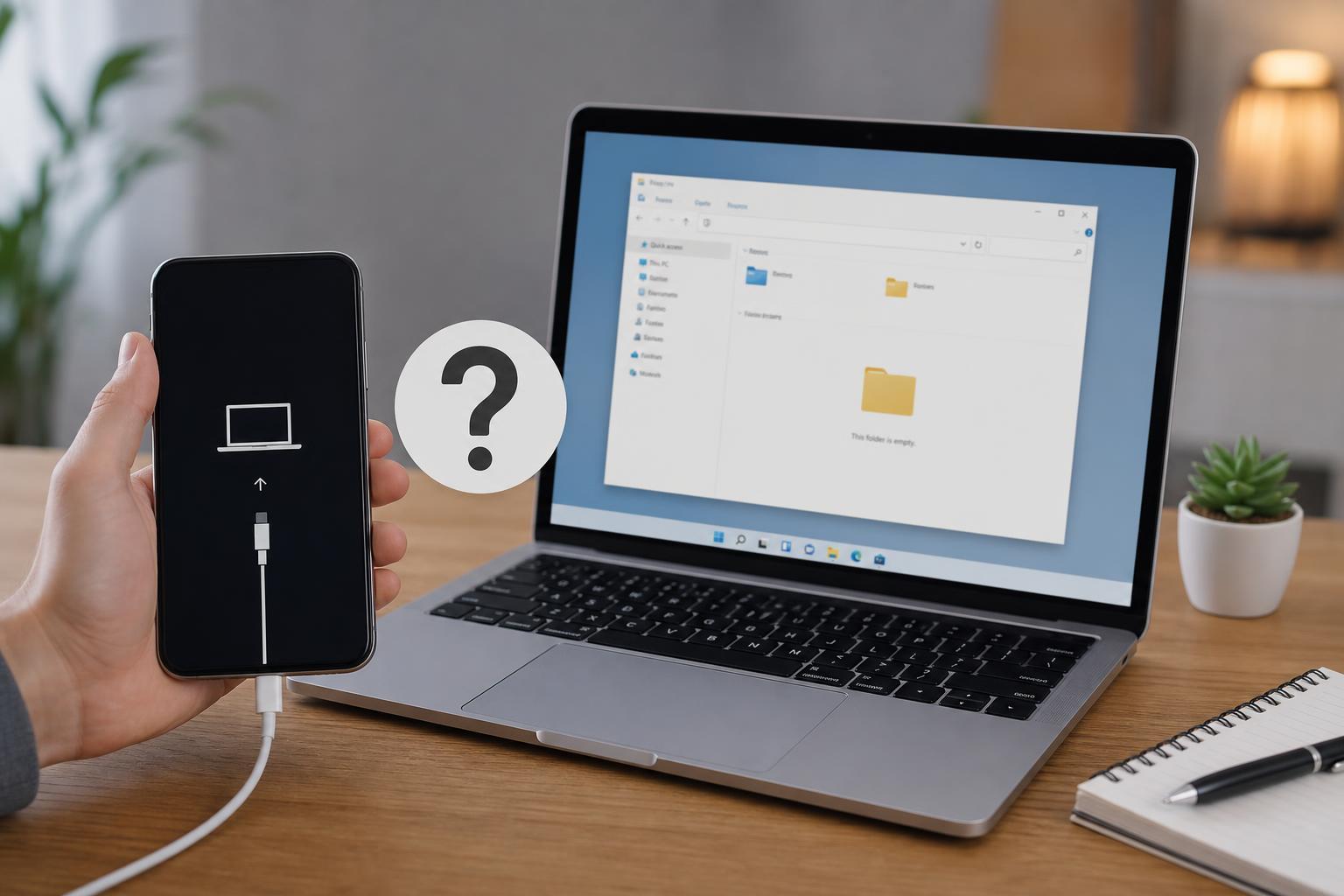
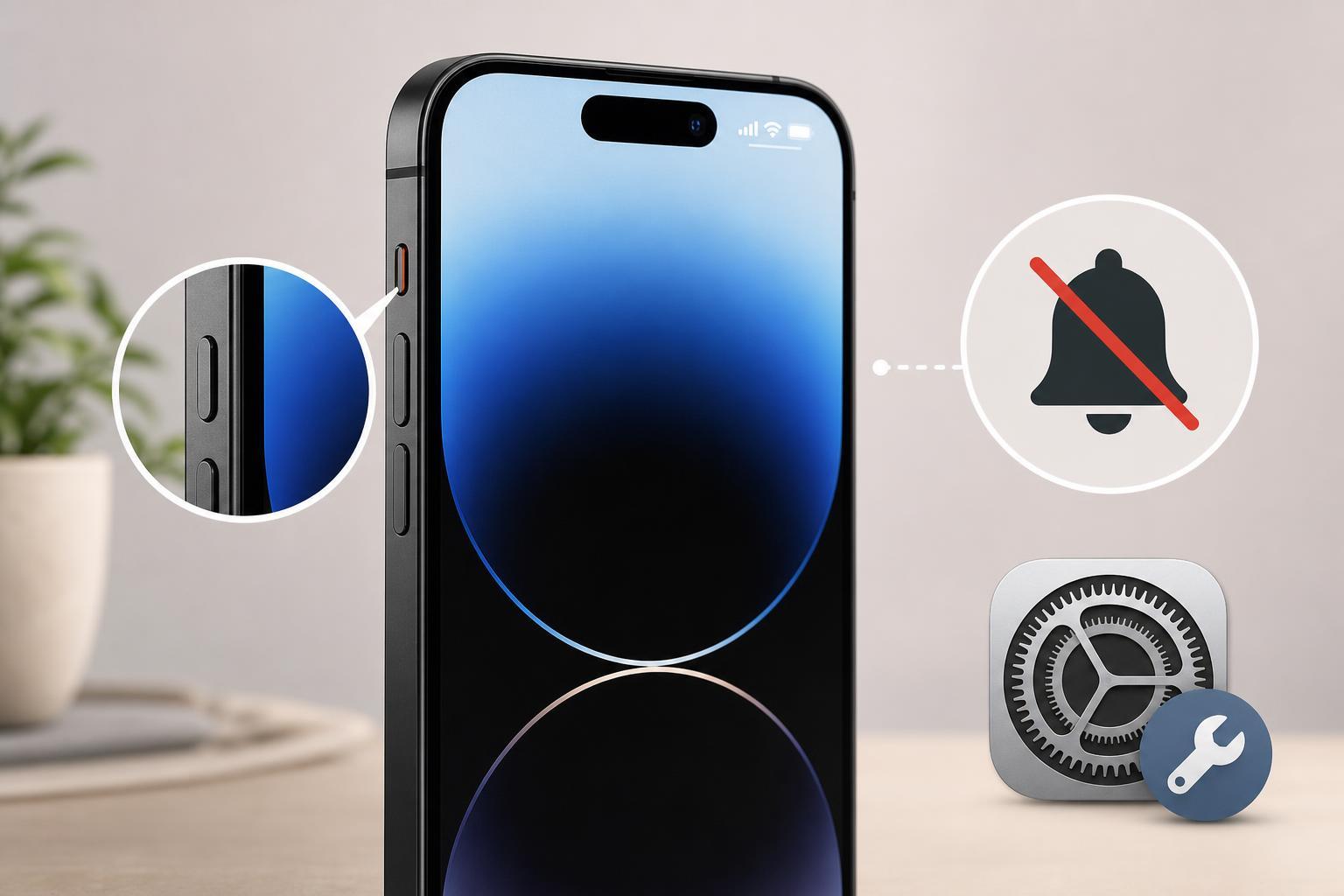
If you bought an iPhone and want to know whether it is truly new or was refurbished before it reached you, there are several reliable ways to check. Some clues are obvious, like box condition and accessories, while others are built into iPhone settings and Apple’s coverage system.
The best approach is to combine a few checks rather than rely on just one detail. A phone can look new on the outside and still have been activated, repaired, or repackaged earlier.
Check the Model Number in iPhone Settings
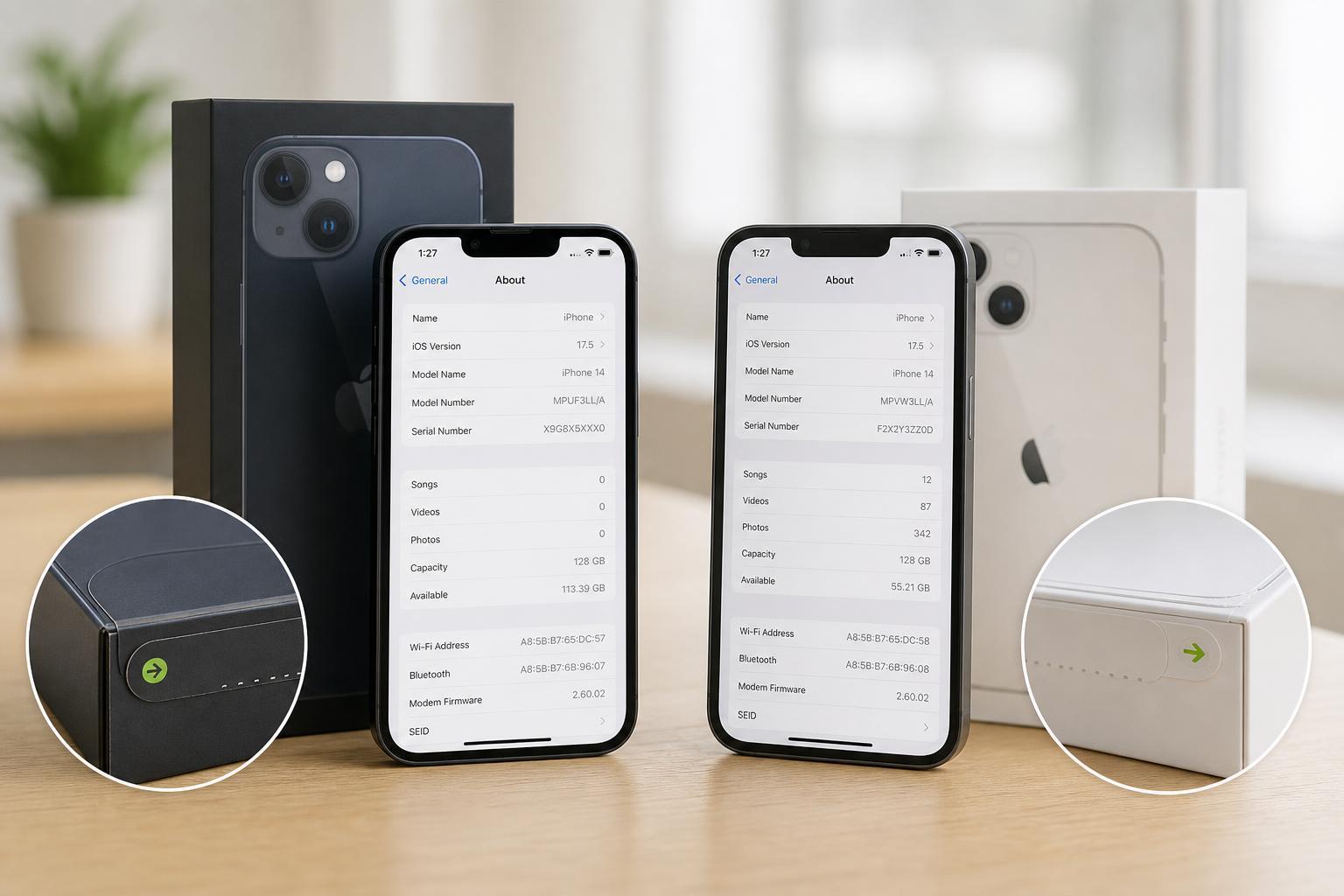
The most useful clue is the iPhone’s model number. Apple uses a letter at the start of the model number to show how the device was sold:
- M = retail unit sold as new
- F = Apple refurbished unit
- N = replacement device issued by Apple
- P = personalized engraved device
To find it, open Settings, then go to General, then About. Look for the Model Number entry. If it starts with F, the phone is refurbished by Apple. If it starts with N, it is a replacement device, which is not the same as a retail new unit.
Look Up the Serial Number and Warranty Status
A serial number check can tell you whether the phone has already been activated and whether it still has warranty coverage. Open Settings, then General, then About, and copy the Serial Number. You can enter it on Apple’s Check Coverage page to see the device’s support status.
This will not always say “refurbished” directly, but it can reveal useful clues. For example, if the warranty started long before you bought the phone, it was almost certainly activated earlier. That does not automatically mean it was refurbished, but it does mean it is not a never-opened retail unit.
Check Battery Health
Battery health is another strong indicator, especially if the phone was advertised as new. Go to Settings, then Battery, then Battery Health & Charging.
- A very high Maximum Capacity is normal on a new phone, but not proof by itself
- A lower-than-expected battery percentage may suggest prior use
- A message about battery service or degraded health is a red flag on a claimed new device
Battery health is not a perfect test because even a refurbished device can have a replaced battery. Still, if the phone was sold as new and already shows noticeable battery wear, that deserves a closer look.
Inspect the Packaging and Included Accessories
A genuine new iPhone should arrive in sealed retail packaging with consistent printing, clean labels, and no signs of resealing. Check the box for dents, torn plastic, mismatched labels, or stickers that look like they were added later.
- Box seal looks disturbed or replaced
- Serial number label does not match the phone
- Accessories appear handled, unpacked, or repackaged
- The box is missing Apple-style consistency in printing or labeling
Be careful here: a clean box alone does not prove the phone is new. Some refurbished or repackaged phones are sold with very convincing packaging, so this check is best used together with the model number and coverage lookup.
Check Activation and Purchase History Clues
If the seller gave you a receipt, invoice, or order confirmation, compare the purchase date with Apple’s warranty status. A mismatch can reveal that the phone was activated earlier than claimed.
- Compare the purchase date on the receipt with the coverage start date shown by Apple.
- Check whether the seller described the phone as new, open-box, refurbished, or used.
- Look for any mention of replacement, exchange, or service return in the paperwork.
- If the seller provided an IMEI or serial number before purchase, verify that it matches the device you received.
If the paperwork is vague or the seller cannot explain the phone’s history, treat that as a warning sign.
Watch for Signs of Repair or Replacement Parts
A refurbished iPhone is often fully functional, but it may contain replaced parts. Depending on the model and iOS version, you may see a Parts and Service History section in Settings under General, then About.
- Unknown parts may indicate replacement components
- Apple Genuine Part labels usually mean the part was serviced properly
- If the phone has been opened before, the seller’s claim of “factory sealed” may be inaccurate
This check is most helpful on newer iPhones and updated versions of iOS. If the phone shows repair history, that does not automatically make it bad, but it does mean it is not untouched original stock.
Use the IMEI to Confirm the Device Matches the Sale
The IMEI does not tell you whether an iPhone is new or refurbished on its own, but it can confirm whether the device matches the seller’s listing and paperwork. You can find the IMEI in Settings under General, then About.
If the IMEI on the phone does not match the box or invoice, that is a serious warning sign. It may mean the device was swapped, the listing was inaccurate, or the box belongs to a different phone.
How to Interpret the Most Common Results
- Starts with M, fresh coverage, strong battery health, untouched packaging: likely new
- Starts with F: Apple refurbished
- Starts with N: replacement device, not retail new
- Past warranty start date, signs of activation, or repair history: not new
- Clean packaging but mismatched serial numbers or suspicious paperwork: investigate further
No single clue is perfect. The safest conclusion comes from combining the model number, Apple coverage check, battery health, and packaging inspection.
If You Suspect the iPhone Was Sold Incorrectly
If the phone was advertised as new but appears refurbished or previously activated, document everything before contacting the seller. Save screenshots of the model number, coverage page, serial or IMEI details, and any packaging issues.
- Stop using the device if you plan to return it and the seller requires unused condition.
- Contact the seller or retailer with your evidence.
- Ask for a refund, replacement, or written explanation of the device status.
- If the seller refuses to help, use the payment method’s dispute process if available.
What This Means in Practice
A refurbished iPhone is not necessarily a bad phone. Many refurbished devices work very well, especially if they were serviced by Apple or a trusted seller. The real issue is honesty: if you paid for a new iPhone, you should receive a new iPhone.
By checking the model number, serial number, warranty status, battery health, packaging, and any repair history, you can usually tell whether the device is new, refurbished, or simply sold to you under the wrong description.