
If you use a Samsung phone, you may have noticed that there are two different texting apps available: Google Messages and Samsung Messages. Both can handle regular SMS and MMS, but they are not the same app and they do not offer the same features. The better choice depends on how you text, what phone you use, and whether you care more about simplicity, customization, or advanced chat features.
This comparison breaks down the practical differences so you can decide which app fits your needs better.
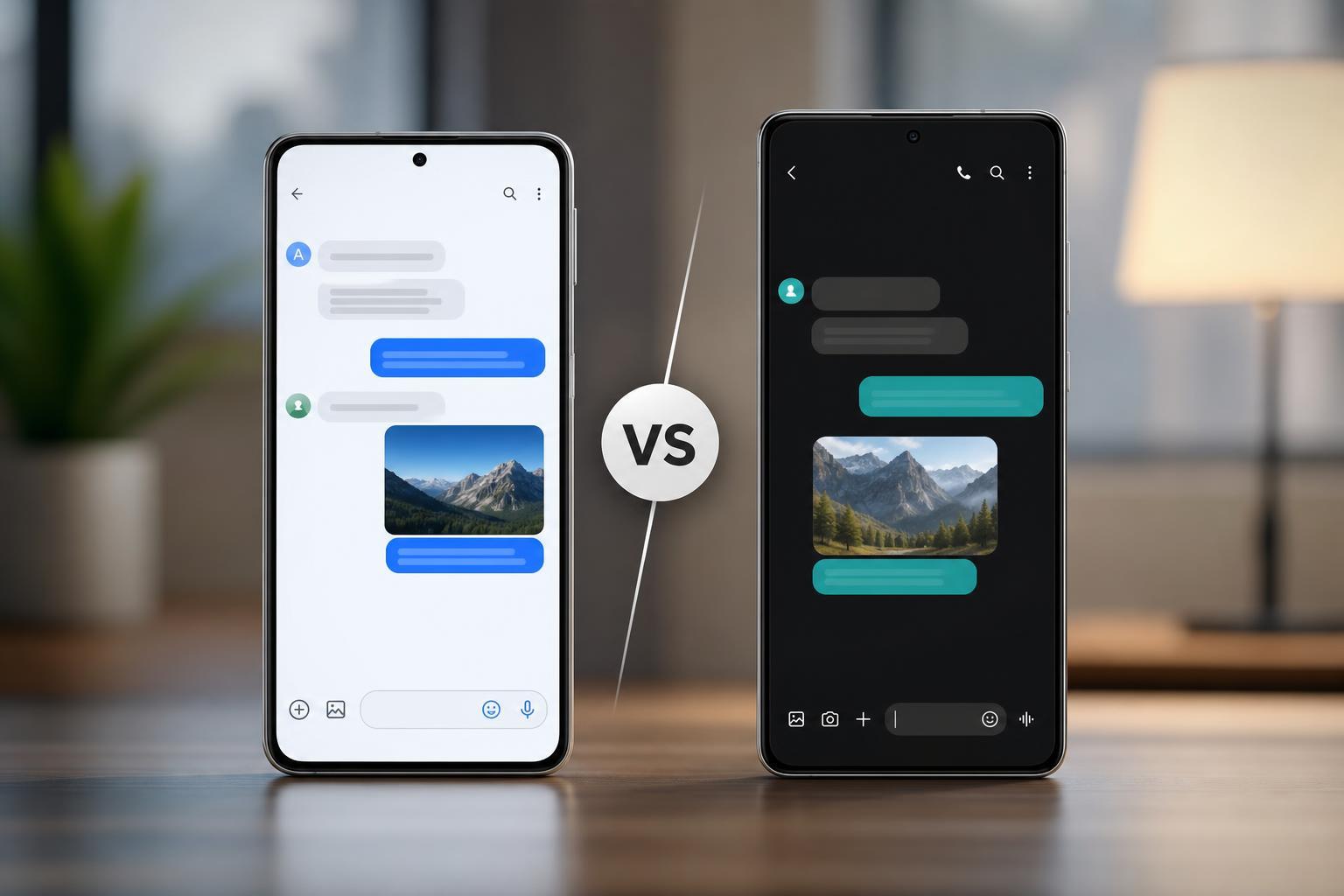
The Short Answer
For most people, Google Messages is the better default choice because it is the main app Google is investing in, and it usually gets the newest messaging features first. It is also the better option if you text people on different Android phones and want the most consistent RCS experience.
Samsung Messages is still a solid app, especially if you prefer Samsung’s design and want a messaging app that feels more integrated with a Galaxy phone. But in most cases, Google Messages is the safer long-term pick.
What Google Messages Does Better
- Usually gets new messaging features earlier, including RCS improvements and AI-assisted tools where available.
- Works consistently across many Android devices, not just Samsung phones.
- Has a cleaner, simpler interface that is easy to use if you do not want extra clutter.
- Supports Google’s broader ecosystem, which can be convenient if you already use Gmail, Google Contacts, or Google One features.
- Is the app most carriers and Android manufacturers are now leaning toward for RCS messaging.
What Samsung Messages Does Better
- Feels more native on Samsung phones and may match Samsung’s visual style better.
- Can be more comfortable for users who prefer Samsung’s own apps and settings.
- May include Samsung-specific integration or options depending on the phone model, software version, and region.
- Can be a good choice if you simply want a familiar Samsung experience and do not care about switching apps.
Samsung Messages is not necessarily worse for basic texting. If you mainly send standard text messages, photos, and group texts, it will still do the job well. The main difference is that it is not usually the app driving the direction of Android messaging features.
RCS Support: The Biggest Difference for Many Users
Google Messages is generally the better-known path for RCS on Android. That does not mean Samsung Messages cannot support modern messaging features, but Google Messages is more likely to be the app that gets attention from Google and carrier partners.
If your friends use iPhones, RCS may not solve everything, but it can still improve the experience between Android users. If you regularly text other Android phones, this is one of the strongest reasons to choose Google Messages.
Interface and Ease of Use
- Google Messages: simpler layout, fewer extras, and easier to learn quickly.
- Samsung Messages: more Samsung-like styling, which some users prefer on Galaxy devices.
- Google Messages: better if you want a straightforward texting app with minimal setup.
- Samsung Messages: better if you want to stay inside Samsung’s app ecosystem.
Neither app is hard to use. The real question is whether you want a clean, universal texting app or a Samsung-branded app that may feel more familiar on your device.
Features Compared
- Texting: Both apps handle SMS and MMS well.
- RCS chat features: Google Messages usually has the stronger and more visible RCS focus.
- Spam protection: Google Messages is typically better known for built-in spam filtering.
- Customization: Samsung Messages may appeal more to users who like Samsung’s software style.
- Cross-device consistency: Google Messages tends to be more consistent across Android brands.
Which App Is Better for Different Types of Users?
Should You Switch from Samsung Messages to Google Messages?
If you are using a Samsung phone and do not have a strong preference yet, switching to Google Messages is usually worth it. You are more likely to get newer messaging features and a more unified experience with other Android users.
You may want to stay with Samsung Messages if you already like it, you do not use RCS features, or you prefer Samsung’s software choices over Google’s. For simple texting, there is no emergency reason to switch.
The Bottom Line
Google Messages is usually the better overall choice for most users, especially on Samsung phones. It has stronger momentum, better RCS support, and a more universal Android messaging experience.
Samsung Messages still makes sense if you like Samsung’s style and want a familiar built-in app. But if you want the best mix of features, future support, and compatibility, Google Messages is the one most people should choose.





