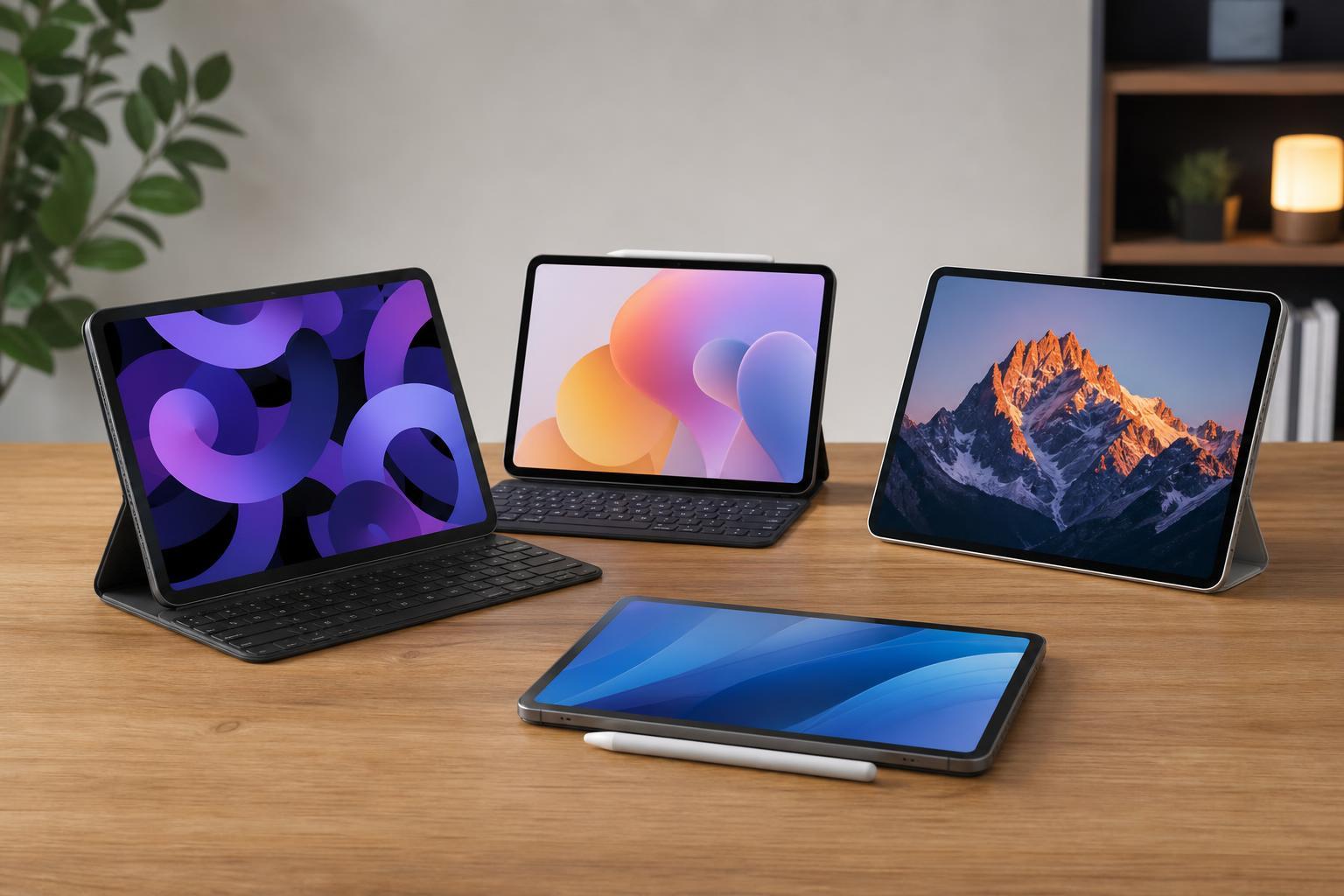
The latest iPad Pro may be the headline tablet, but it is not the best fit for everyone. If you want an OLED display without paying iPad Pro prices, or you simply prefer a different ecosystem, there are several strong alternatives worth a look.
These four options focus on display quality first, but they also differ in software, performance, accessories, and value. That makes the right choice depend on how you actually plan to use the tablet.
1. Samsung Galaxy Tab S9 Ultra
If you want a premium OLED tablet that can compete directly with Apple’s best, the Galaxy Tab S9 Ultra is one of the most obvious alternatives. Its large AMOLED screen is excellent for streaming, drawing, multitasking, and reading side by side with multiple apps open.
Samsung’s DeX mode also makes it feel more like a lightweight laptop replacement than a simple consumption device. If you use split-screen multitasking often, that extra flexibility is a major advantage over a tablet that stays closer to a pure tablet interface.
2. Samsung Galaxy Tab S9+
For many people, the Galaxy Tab S9+ is the better balance between premium features and everyday practicality. It keeps the OLED display, strong performance, and high-end build quality, but in a more manageable size than the Ultra.
This is a particularly sensible pick if you want a tablet for Netflix, YouTube, gaming, note-taking, and occasional productivity work. It feels less awkward on a couch or commute, while still giving you the vibrant display quality that OLED buyers usually care about most.
3. Lenovo Tab Extreme
Lenovo’s Tab Extreme is one of the more interesting OLED alternatives because it leans into a very large display and media-focused experience. It is aimed at users who want a big, immersive screen for movies, browsing, and multitasking rather than a compact tablet first.
Its screen is a major selling point, and the tablet format works well if you want something that can sit on a desk, stand on a kickstand, or act as a portable entertainment center. It is less about replacing a laptop and more about offering a premium, flexible screen for everyday use.
4. OnePlus Pad 2
The OnePlus Pad 2 is a strong option if you want a high-end Android tablet feel with a focus on speed and value. While it does not compete with the iPad Pro in the same way as the largest Samsung models, it can still be appealing if you want a premium tablet experience and good display quality without going all the way to the top price tier.
It is a good reminder that not every iPad Pro alternative needs to be massive or expensive. If your priorities are smooth performance, a clean interface, and a tablet that handles entertainment and light productivity well, the OnePlus Pad 2 deserves consideration.
How to choose the right iPad Pro alternative
OLED quality is only one part of the decision. The best tablet for you also depends on how you plan to use it, which apps you rely on, and whether you want a laptop-style setup or a simple tablet for media and browsing.
- Choose Samsung if you want the strongest combination of OLED display quality, stylus support, and Android multitasking tools.
- Choose Lenovo if you want a large screen mainly for media, reading, and desk-friendly use.
- Choose OnePlus if you want a newer-value option with fast performance and a premium feel.
- Stick with Apple only if you specifically need iPadOS apps, Apple Pencil workflows, or deep integration with the Apple ecosystem.
Which alternative makes the most sense?
If you want the closest overall rival to the iPad Pro, the Galaxy Tab S9 Ultra is the standout choice. If you want something easier to live with, the Galaxy Tab S9+ is often the more practical buy. Lenovo’s Tab Extreme suits users who want a giant entertainment-focused tablet, while the OnePlus Pad 2 is best for shoppers trying to get a premium experience without chasing the most expensive flagship.
The good news is that you do not have to settle for the iPad Pro if OLED is your main priority. There are several excellent alternatives, and the best one depends less on hype and more on how you actually use a tablet.