Backlinks in Notion help you connect pages, ideas, and databases so related content is easier to find. They are useful for building a wiki, tracking projects, or keeping notes linked together without duplicating information.
This guide shows how backlinks are created in Notion, how to remove them from a page or database entry, and what to do when a backlink will not disappear the way you expect.
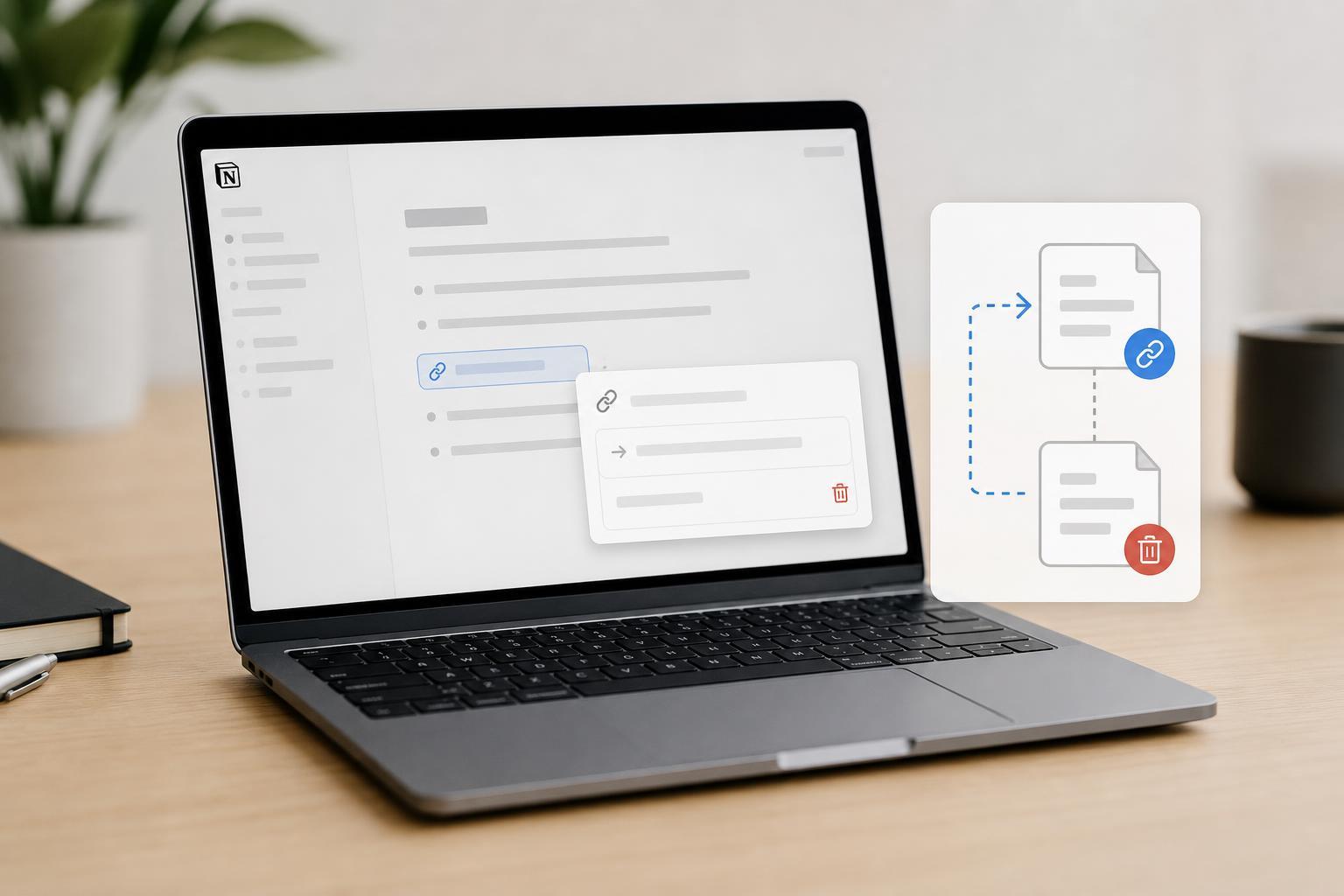
What Backlinks Are in Notion
A backlink is a reference that appears on a page because another page mentions or links to it. In Notion, backlinks usually show up in the page information section near the top of a page or inside the page body depending on your layout and settings.
How to Create a Backlink in Notion
The easiest way to create a backlink is to link one page to another. Notion then shows the connection on the destination page as a backlink.
- Open the page where you want to add the reference.
- Type @ and start entering the name of the target page, or use [[ if your workspace supports page linking that way.
- Select the correct page from the list.
- Save or continue editing the page. The linked page will now have a backlink to the page you just edited.
You can also create backlinks by mentioning a page inside text, headings, or other supported blocks. Any valid page mention can generate a backlink.
How to Remove a Backlink from a Page
If you want a backlink to stop appearing on a page, you usually need to remove the original mention or link from the page that created it. Removing the backlink from the destination page alone is often not enough because Notion is showing a reference that exists elsewhere.
- Open the page that contains the original link or mention.
- Find the linked page name, @mention, or database relation that created the backlink.
- Delete that reference or replace it with plain text if you still want the words to remain.
- Return to the linked page and check whether the backlink has disappeared.
How to Hide Backlinks Without Deleting Them
Sometimes you do not want to remove the reference entirely. You may just want the backlink section hidden on a page so the page looks cleaner.
- Open the page where the backlink appears.
- Look for the backlinks section near the top of the page.
- Use the page options or the toggle next to backlinks to collapse or hide the section, if that option is available in your workspace.
- If your layout does not show the backlinks section, check whether the page is inside a database or whether the reference is displayed in another block type instead.
Backlinks in Database Pages
Backlinks can behave a little differently in databases because relations connect records rather than simple pages. A relation property may create a linked record that appears similar to a backlink, but it is also part of the database structure.
- Removing a relation from one record may change related rollups or filtered views.
- A linked database page can show references automatically if other records point to it.
- Some database-related references are better managed through the property itself rather than by editing page text.
If a Backlink Will Not Go Away
If you deleted the obvious link but the backlink still shows up, the reference may still exist somewhere else in the workspace.
- Check the page body for multiple mentions of the same page.
- Look inside synced blocks, callouts, toggles, and templates.
- Review database relation properties and rollups.
- Search for the page name across your workspace to find other mentions.
- Make sure the backlink is not coming from another page that also references the same page.
Best Practices for Managing Backlinks
Backlinks work best when they are used intentionally. Too many automatic references can make pages feel cluttered, while too few can make it harder to navigate related information.
- Link to important hub pages, project pages, and reference notes instead of linking everything.
- Use page mentions for navigation and relations for structured database connections.
- Keep page names clear so backlinks are easy to recognize.
- Hide backlinks on pages where they add clutter but keep them visible on pages that act as hubs.
- Review relations periodically if your workspace uses a lot of linked databases.
What to Do If You Want a Different Kind of Link
If your goal is not just to create or remove a backlink but to change how pages connect, consider whether you need a mention, a page link, a relation, or plain text. Each one serves a different purpose.
- Use a page mention when you want a clickable connection and a backlink.
- Use a relation when two database items should be connected as structured data.
- Use plain text when you only want to reference a topic without making it connected.
- Use a heading or callout link when you want navigation but do not need a backlink trail.
A Simple Way to Think About It
If a page is showing a backlink, there is usually a matching reference somewhere else in Notion. To create a backlink, add the reference. To remove it, delete or change the original reference. That is the main idea behind backlink management in Notion.