Microsoft Sway is a simple way to build web-based presentations and story-style documents without needing a lot of design work. Instead of making a traditional slide deck, you can use Sway to combine text, images, video, links, and other content into a layout that looks good on any screen.
If you are wondering what Sway is actually best for, the answer is that it works well for content you want people to read, explore, and share online. These eight use cases show where it fits best and why it can be more convenient than PowerPoint, Word, or a basic webpage.
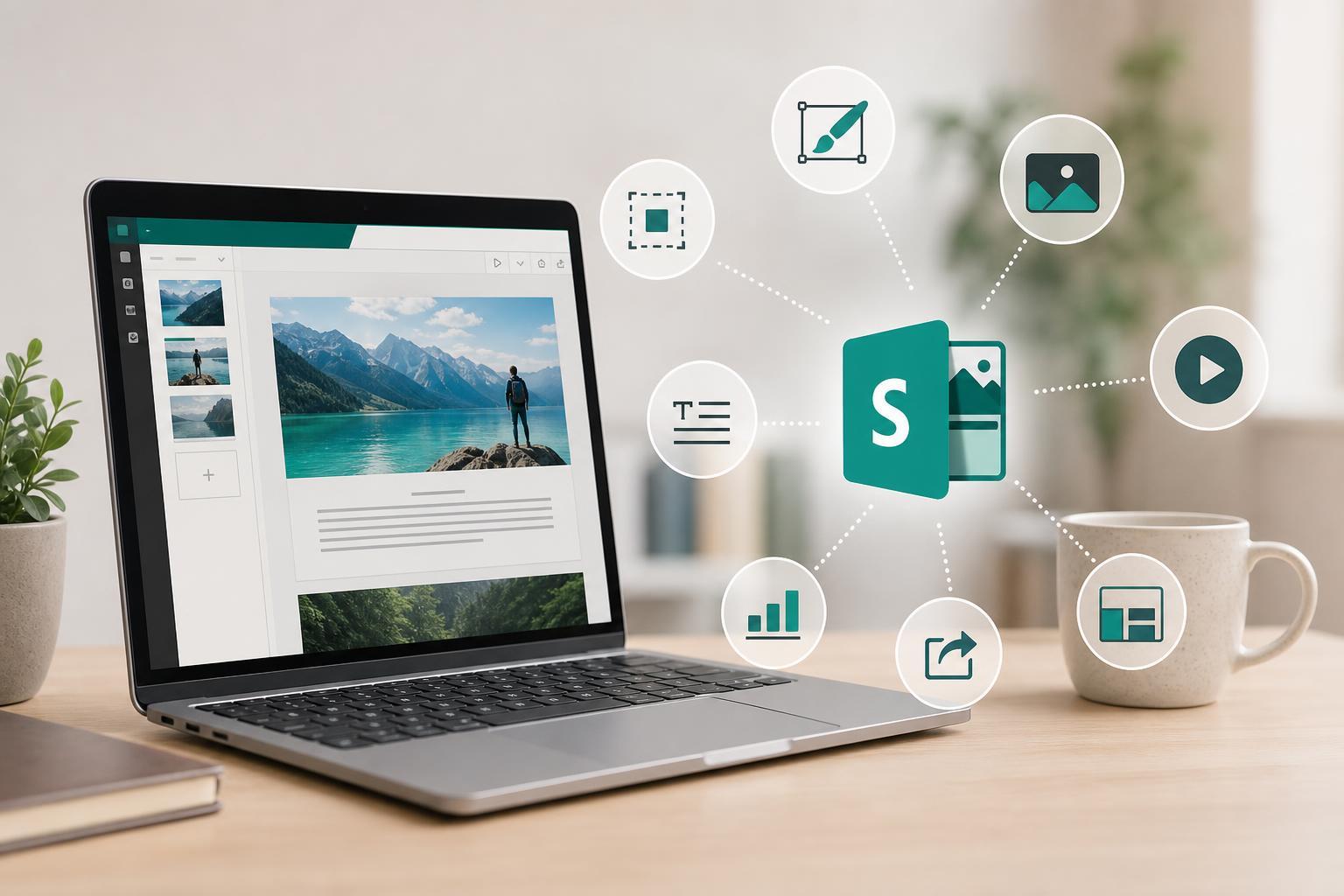
1. Create visually polished presentations without starting from scratch
Sway is a strong choice when you need a presentation that looks modern but do not want to spend time adjusting slide backgrounds, text boxes, and alignment. You can add content blocks, let Sway arrange them, and then refine the overall style with a few design choices.
- Use it for quick business presentations
- Good for classroom reports and project summaries
- Helpful when you want a web link instead of a file attachment
2. Build interactive reports and summaries
Sway works well for reports that need to include more than plain text. You can mix headings, images, charts, videos, and links in a single scrolling document, which makes it easier for readers to move through the information at their own pace.
3. Make newsletters and internal announcements
Sway can be a useful option for team updates, club newsletters, school notices, or company announcements. It gives you a more polished look than a plain email and is easier to read than a long attachment with dense formatting.
- Share team news in a scannable format
- Include images, links, and short updates
- Send a single link instead of a large attachment
4. Showcase a portfolio or creative work
If you want to present your work online, Sway can act as a lightweight portfolio. Writers, photographers, designers, students, and job seekers can use it to group samples together in a format that feels more engaging than a static document.
This is especially useful when you want people to browse through examples rather than just download a resume or PDF. You can include project descriptions, images, embedded media, and links to finished work.
5. Turn lesson material into an easy-to-follow web page
Teachers and trainers can use Sway to create lesson overviews, topic guides, revision sheets, or workshop summaries. The scrolling layout makes it easier to group information into sections, and the built-in media support can help make the material more engaging.
- Add videos or reference links alongside written explanations
- Break content into short sections for easier reading
- Use it for self-paced learning materials
6. Share travel stories, event recaps, or personal projects
Sway is a good fit for story-driven content where visuals matter. Travel journals, event summaries, family updates, and hobby projects all work well in a format that combines photos and narrative in one place.
Because the layout responds well on phones, tablets, and desktop browsers, it is easier for friends, family, or colleagues to view your story without worrying about which device they are using.
7. Create a simple microsite for a topic or campaign
Sway can serve as a lightweight alternative when you need a single-page web-style resource. For example, you might use it for an event overview, a product introduction, a club page, or a campaign landing page where visitors only need the essentials.
- Event information and schedules
- Project overviews
- Simple campaign or awareness pages
8. Use it for collaborative content drafts and quick publishing
If you need to assemble content quickly with a team, Sway can work as a draft-friendly format for gathering text and media before refining the final version. It is also helpful when the goal is to publish information fast with minimal formatting effort.
That makes it practical for time-sensitive content such as announcements, recaps, basic guides, and shared planning pages.
How to choose the right Sway use case
The best Sway projects usually have three things in common: they are meant to be viewed online, they benefit from a visual layout, and they do not need highly complex design control. If your content is mostly linear and presentation-focused, Sway is often a better fit than a traditional document.
- Choose Sway for shareable, web-based content
- Use it when visual presentation matters
- Avoid it when you need heavy formatting control or advanced website features
Which Sway use is best for you?
For most people, the best starting points are presentations, reports, newsletters, and simple portfolios. Those are the areas where Sway offers the biggest benefit with the least effort. Once you are comfortable with the format, you can use it for more creative projects such as event recaps, lesson pages, or lightweight microsites.