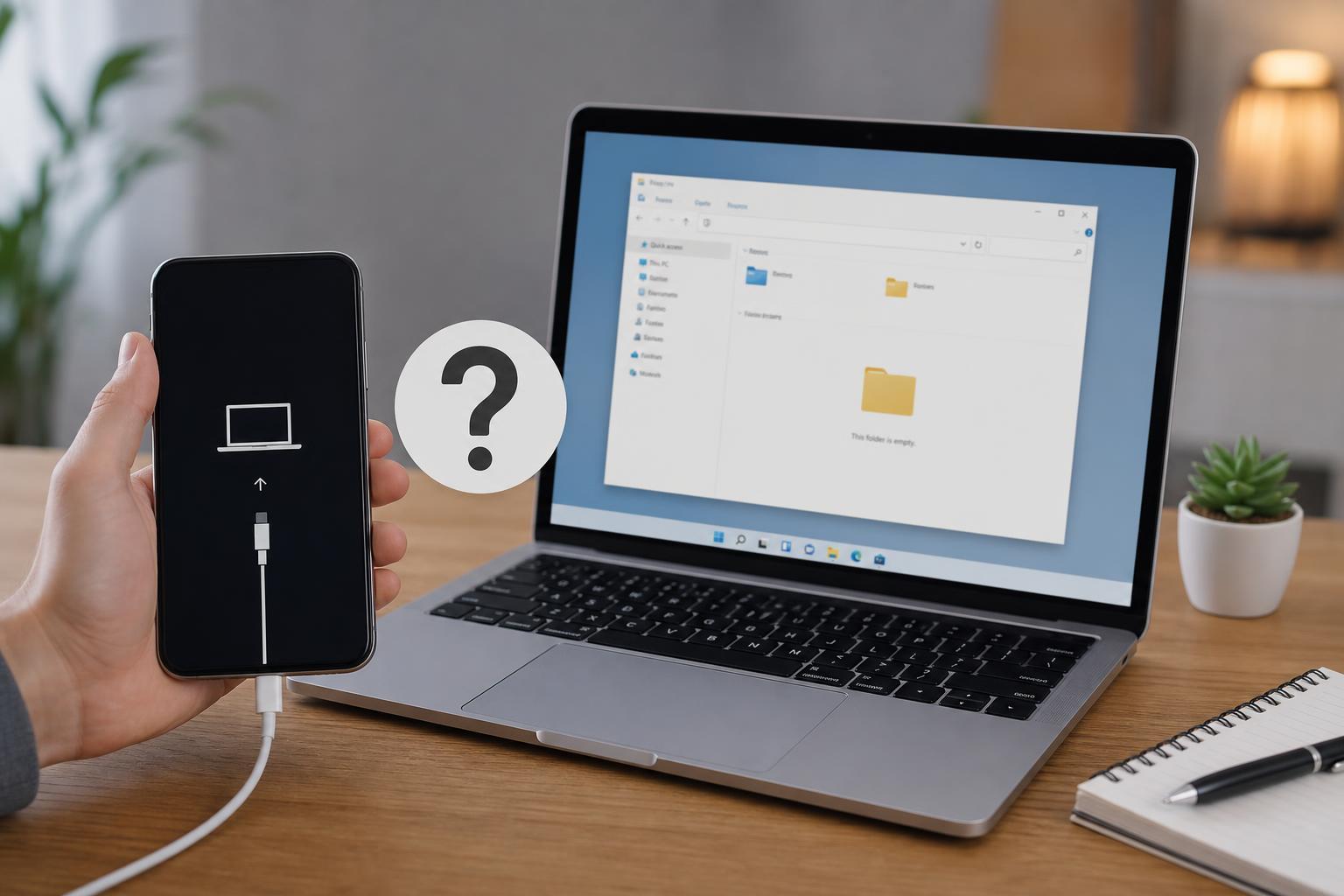
The iPhone 15 Pro and iPhone 15 Pro Max are the first iPhones with USB 3 data support over USB-C, which makes the cable you choose more important than it was on older models. A basic charging cable may power the phone just fine, but it will not always give you the fastest transfer speeds for photos, videos, ProRes footage, or large file backups.
This guide focuses on the kinds of USB-C cables that actually make sense for these phones: reliable cables for fast transfers, durable everyday options, and a few choices aimed at the best balance of speed, build quality, and value.
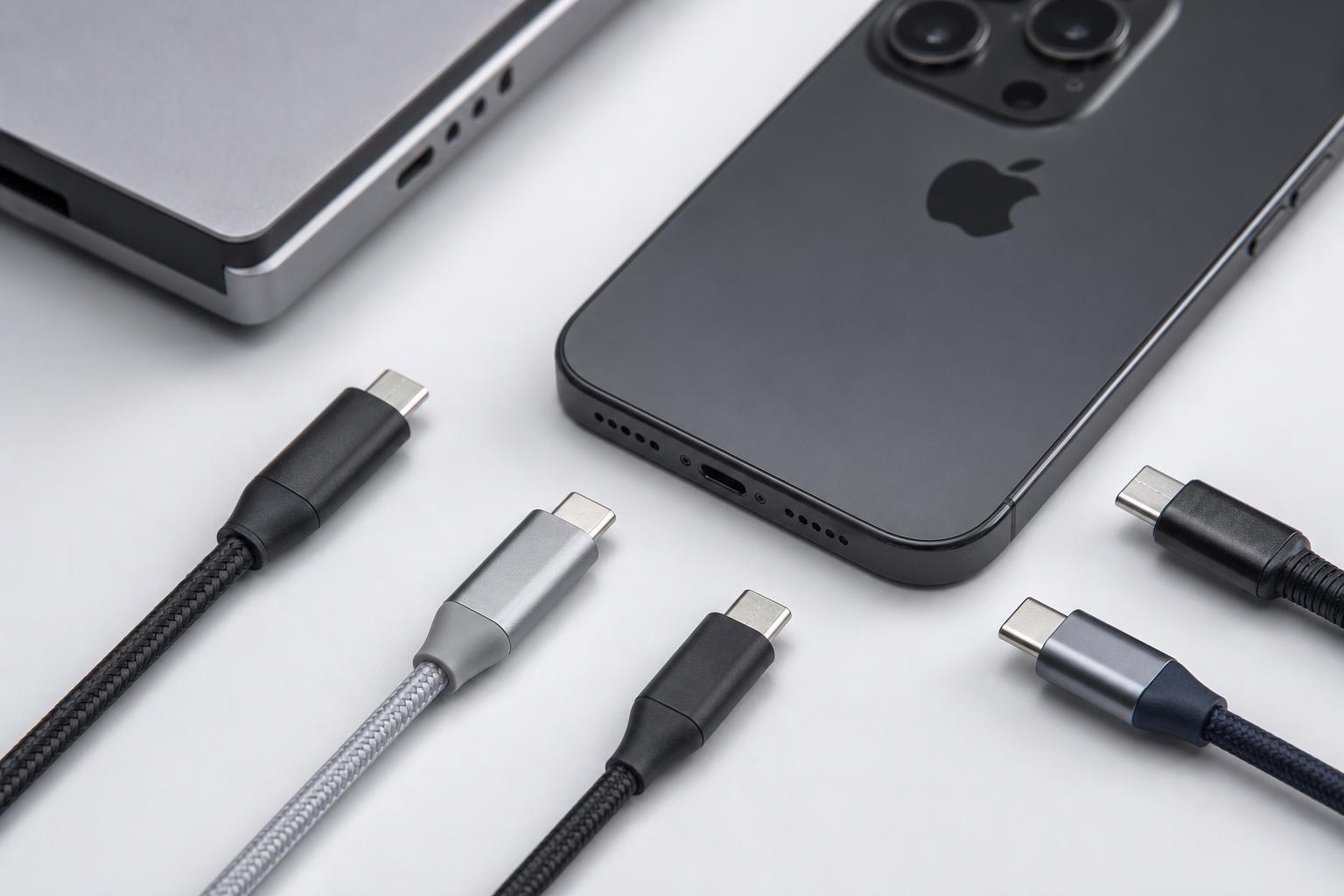
What to Look for in a USB-C Cable for iPhone 15 Pro
Before choosing a cable, it helps to separate charging needs from data needs. iPhone 15 Pro and Pro Max can charge through USB-C with many ordinary cables, but USB 3 transfer speeds require a cable that is explicitly built for high-speed data, not just power delivery.
- USB 3 or higher data support if you want fast file transfers
- USB-C on both ends for modern accessories and computer connections
- A braided or reinforced design if the cable will be used daily
- The right length for your desk, car, or travel setup
- A reputable brand that clearly states data speed, not just charging watts
6 Best USB-C Cables to Consider
- Apple USB-C Charge Cable: Best if you want a simple, dependable cable for charging and basic syncing. It is a safe choice for everyday use, but it is not the most feature-rich option for users who care about top transfer speeds.
- Apple Thunderbolt 4 Pro Cable: Best for users who want a premium cable with excellent build quality and very high data capability. It is overkill for many people, but it is one of the strongest options if you connect your iPhone to a fast USB-C workflow and want a cable that can handle more than just phone charging.
- Anker USB-C to USB-C Cable with USB 3 support: Best for buyers who want a balance of speed, durability, and value. Anker often makes cables that are clearly labeled and widely available, which makes it easier to pick the right one for data transfer and charging.
- Belkin USB-C Cable with high-speed data support: Best for users who want a trusted accessory brand and a cable designed for reliable everyday use. Belkin cables are a solid fit for people who want fewer compatibility questions and a cleaner premium accessory option.
- UGREEN USB-C to USB-C USB 3 cable: Best for users who want an affordable high-speed cable with decent build quality. This is often a good middle-ground pick if you want USB 3 capability without paying premium-brand pricing.
- Satechi USB-C cable with braided design: Best for desk setups and travel bags where durability matters. A braided cable is not automatically faster, but it often lasts longer and handles repeated plugging, folding, and movement better than a basic rubber cable.
Best Cable Types for Different Uses
Not every iPhone 15 Pro owner needs the same cable. The best choice depends on whether you care most about speed, durability, or convenience.
- For fast media transfers: choose a clearly labeled USB 3 cable or a Thunderbolt-capable cable
- For charging and everyday use: choose a reliable USB-C cable from a major brand
- For travel: choose a shorter, braided cable that packs easily
- For desk setups: choose a longer cable if you need flexibility around a monitor, dock, or hub
- For long-term durability: look for reinforced connectors and braided outer jackets
Do You Need a Thunderbolt Cable?
Not always. A Thunderbolt cable can be useful if you want maximum flexibility with compatible Macs, docks, and fast external devices. But for many iPhone 15 Pro owners, a good USB 3 cable is enough for transferring photos, 4K video, and other large files at a much better pace than a basic charging cable.
Charging vs Data: Don’t Mix Them Up
One of the most common mistakes is buying a cable based only on charging wattage. A cable can support strong charging and still be mediocre for data, or it can offer fast data and still be perfectly fine for charging.
How to Pick the Right One Quickly
- Decide whether you need fast data transfer or mainly charging.
- Check the cable listing for USB 3 support or Thunderbolt support.
- Choose a length that fits how you actually use the phone.
- Pick a braided or reinforced cable if it will get heavy daily use.
- Buy from a reputable brand that clearly states compatibility and speed.
A Simple Buying Rule
If you only want a dependable cable for charging and occasional syncing, any good-quality USB-C cable from a trusted brand is fine. If you want the best experience with the iPhone 15 Pro or Pro Max’s USB 3 capabilities, choose a cable that explicitly promises high-speed data, not just power delivery.