Chrome’s built-in tab recovery is helpful, but it is not ideal if you regularly work with dozens of tabs, switch between projects, or want to save browser sessions for later. A session manager extension can make it much easier to save, restore, and organize groups of tabs without losing your place.
Below are six Chrome session manager extensions worth trying, along with what makes each one useful and the kind of user it suits best.
1. Session Buddy
Session Buddy is one of the best-known Chrome session managers because it focuses on saving and restoring tab sessions in a clean, easy-to-use interface. It is especially useful if you often keep multiple work sessions open or want a quick way to back up your current tabs before closing Chrome.
It lets you view open tabs and saved sessions in a list, search through them, and reopen everything with a few clicks. That makes it practical for project-based browsing, research, or anyone who tends to collect a lot of tabs during the day.
2. Tab Session Manager
Tab Session Manager is a strong choice if you want more control over how sessions are saved and restored. It is designed to capture your open tabs as sessions you can name, organize, and reopen later.
This extension is useful for people who frequently move between tasks and need a straightforward way to return to a specific browsing state. It is also a good option if you want session history without having to manage every tab individually.
3. Session Box
Session Box takes a slightly different approach by focusing on container-like browsing sessions. It is handy when you want to keep certain sites or workflows isolated from each other, especially if you juggle multiple accounts or separate browser contexts.
Instead of thinking only in terms of restoring tabs, Session Box helps you create distinct browsing spaces. That can be useful for users who regularly sign in to more than one account on the same website or who want to reduce tab mix-ups between projects.
4. OneTab
OneTab is not a full session manager in the traditional sense, but it is one of the most practical ways to reduce tab overload. It converts all open tabs into a single list, which can then be restored later.
It is especially helpful if Chrome is slowing down because of too many tabs. While it is simpler than some dedicated session tools, that simplicity is also its strength. If you just want a fast way to park a lot of tabs and come back later, OneTab does the job well.
5. Toby for Chrome
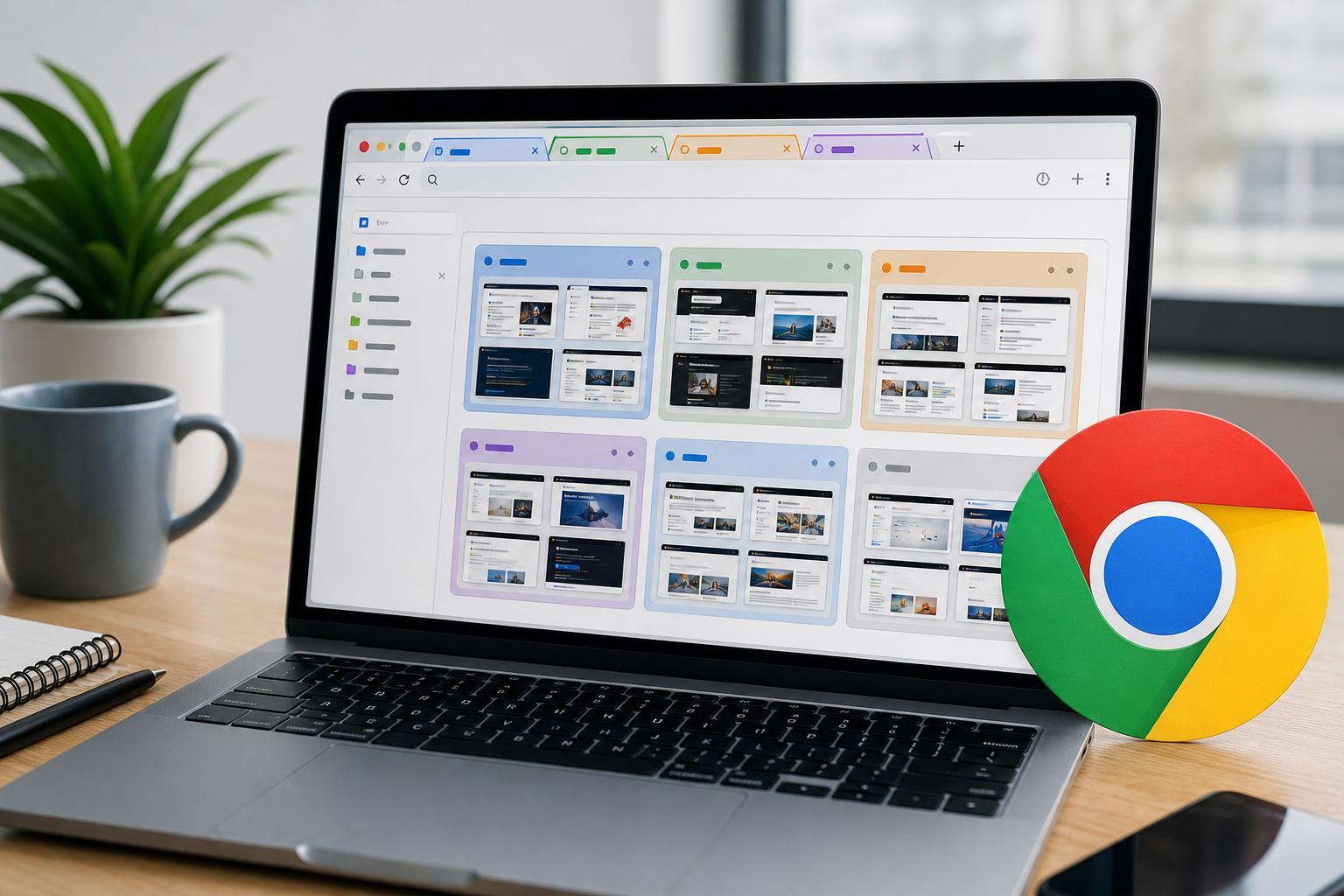
Toby for Chrome combines session saving with tab organization, making it useful for people who prefer a visual workspace. Instead of working from a long list of open tabs, you can group pages into collections for different tasks or projects.
Toby is especially good for researchers, students, and knowledge workers who revisit the same sets of websites often. It helps replace the chaos of many open tabs with a more structured system that is easier to scan and manage.
6. Workona Tab Manager
Workona is aimed at people who treat browser tabs as part of their workspace. It goes beyond simple session saving by helping you organize tabs, documents, and work by project.
Workona can be a strong fit for professional users who move between multiple projects and want a more structured approach than plain tab restoration. It is more feature-rich than basic session savers, so it is worth trying if you need better organization rather than only backup and restore.
How to Choose the Right Session Manager
The best extension depends on whether you mainly want backup, organization, separation, or tab reduction. Some tools are lightweight and simple, while others are better suited to people who need a more advanced workflow.
- Choose Session Buddy if you want a dependable all-around session saver.
- Choose Tab Session Manager if you want clear session naming and quick restoration.
- Choose Session Box if you need separate browsing contexts or multiple account handling.
- Choose OneTab if your main goal is reducing tab overload.
- Choose Toby if you want visual collections for projects and research.
- Choose Workona if you want a workspace-style system for managing tabs and tasks.
A Few Things to Check Before Installing
Before choosing a session manager extension, it is worth checking how it handles saving data, syncing across devices, and restoring sessions after Chrome closes unexpectedly. These details matter if you depend on it for work or research.
- Whether sessions are stored locally or synced through an account
- How easy it is to restore one tab versus an entire session
- Whether it supports named sessions or collections
- How it behaves after a browser crash or forced restart
- Whether it works well with your Chrome profile setup
The Bottom Line
If you regularly lose track of tabs or want a better way to move between projects, a Chrome session manager extension can make browsing much more manageable. Simple tools are great for saving and restoring tabs quickly, while more advanced options help you organize sessions into a proper workflow.
For most users, the right choice comes down to whether you want convenience, structure, or separation. Try the extension that best matches how you actually browse, not just the one with the most features.