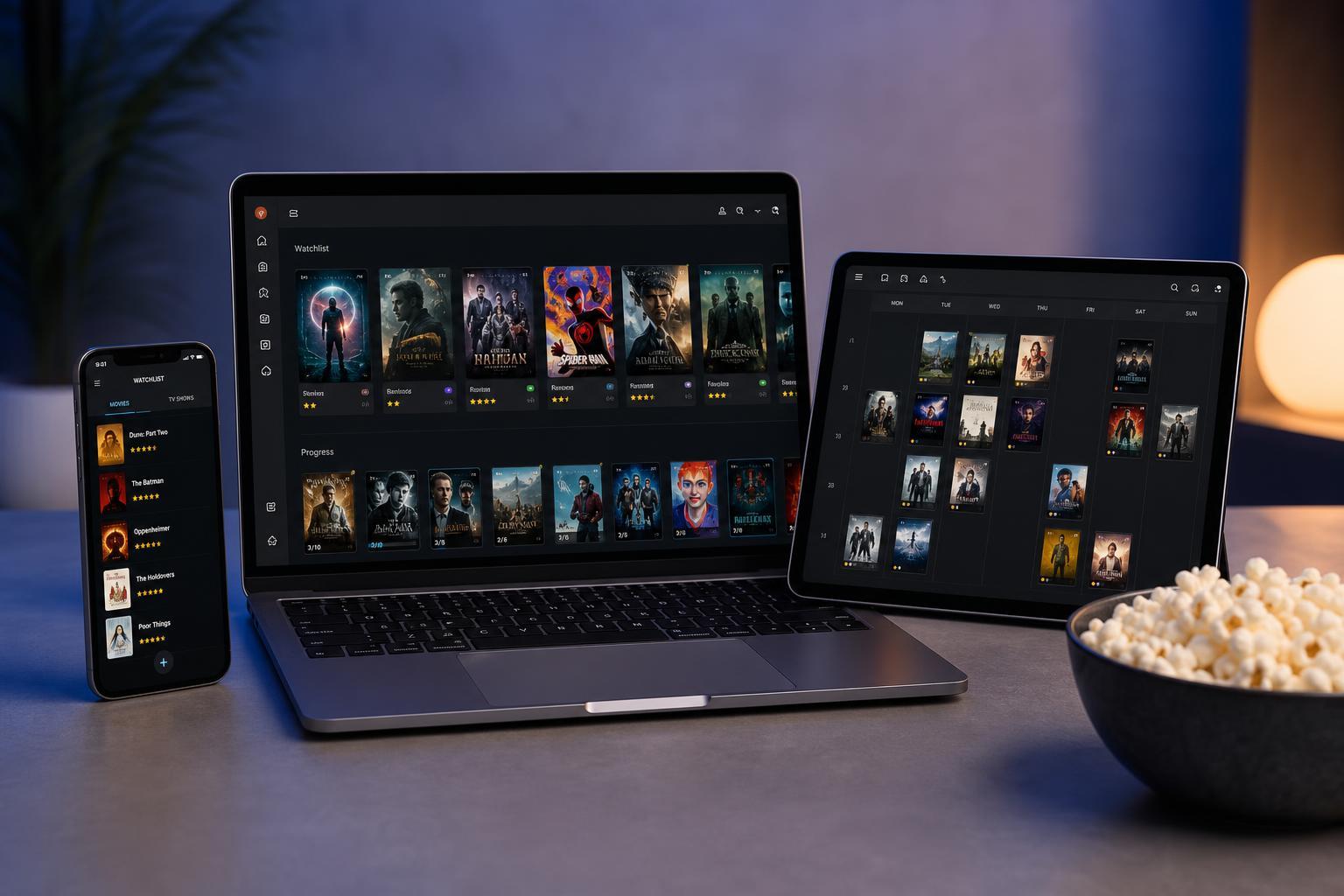
If you watch a lot of movies and TV shows, it can be hard to remember what you’ve seen, what you want to watch next, and when a new season is coming out. Online tracking tools solve that problem by keeping your watchlist in one place and giving you a simple way to follow your progress.
The best choice depends on how you watch. Some tools are great for building watchlists, some focus on TV episode tracking, and others are better if you want recommendations, reviews, or a social layer around your viewing habits.
1. Trakt
Trakt is one of the most popular tools for tracking movies and TV shows, especially if you want a single place to manage everything. It tracks what you’ve watched, what you’re in the middle of, and what you’ve added to your watchlist. It also works well with many media apps and home theater setups, which makes it especially useful for people who want automatic tracking instead of manual check-ins.
- Tracks movies, episodes, and progress across shows
- Supports watch history, watchlists, and personalized recommendations
- Works well with many third-party apps and media centers
- Useful for people who want more than just a simple checklist
2. JustWatch
JustWatch is a great option if your main goal is not only to track what you want to watch, but also to find where it is streaming. You can build a watchlist, check availability across services, and quickly compare platforms. That makes it especially handy if you subscribe to multiple streaming services or switch between them often.
- Lets you track movies and TV shows in a watchlist
- Shows streaming availability by service
- Helps you discover where to watch specific titles
- Works well for users who care about platform availability
3. TV Time
TV Time is focused heavily on TV shows, but it also supports movies. It gives you an easy way to mark episodes as watched, follow upcoming episodes, and keep track of what you’ve already seen. The interface is simple and friendly, which makes it a good choice if you want something straightforward without too much setup.
- Strong episode tracking for TV series
- Lets you mark episodes and seasons as watched
- Provides personalized recommendations
- Simple interface for casual viewers
4. Letterboxd
Letterboxd is best known as a movie-focused social platform, but it also works very well as a movie tracker. You can log films you’ve watched, build lists, create a watchlist, and read or write reviews. If you like discovering movies through other people’s opinions, Letterboxd offers a strong mix of tracking and community features.
- Excellent for logging movies you have seen
- Lets you create and share curated movie lists
- Includes reviews, ratings, and social discovery
- Best suited to film fans rather than TV-first users
5. Reelgood
Reelgood combines watchlist tracking with a strong focus on finding where to stream content. It helps you organize what you want to watch and also points you toward the service that currently carries it. For people who use several streaming platforms, that can save a lot of time and reduce the hassle of searching service by service.
- Builds a watchlist for movies and TV shows
- Shows where titles are available to stream
- Helps you browse trending and popular content
- Good balance of tracking and content discovery
How to Choose the Right Tracking Tool
The best tracking tool depends on what matters most to you. If you want advanced watch history and app integration, Trakt is a strong choice. If you mainly want to know where something is streaming, JustWatch or Reelgood may be a better fit. If TV episodes are your main concern, TV Time makes that easy. If movies are your priority and you enjoy reviews, Letterboxd stands out.
- Choose Trakt if you want the most flexible all-around tracking system.
- Choose JustWatch if streaming availability is your top priority.
- Choose TV Time if you mainly follow TV series and episodes.
- Choose Letterboxd if movies, lists, and reviews are what you care about most.
- Choose Reelgood if you want a clean watchlist with strong streaming search features.
What to Look for in a Good Movie and TV Tracker
Before you commit to one service, it helps to think about the features that matter most to you. A good tracker should be easy to update, accurate about episode progress, and useful enough that you’ll keep coming back to it.
- Watchlist support for both movies and shows
- Episode tracking and season progress
- Streaming availability search
- Recommendation and discovery features
- Device and app integration
- A clean interface that is easy to use regularly
Which Tool Is Best Overall?
There is no single best tool for everyone. Trakt is the strongest all-around choice for detailed tracking, JustWatch and Reelgood are excellent for streaming availability, TV Time is a solid option for episode tracking, and Letterboxd is ideal for film fans who want reviews and lists. The best tool is the one that matches how you actually watch.