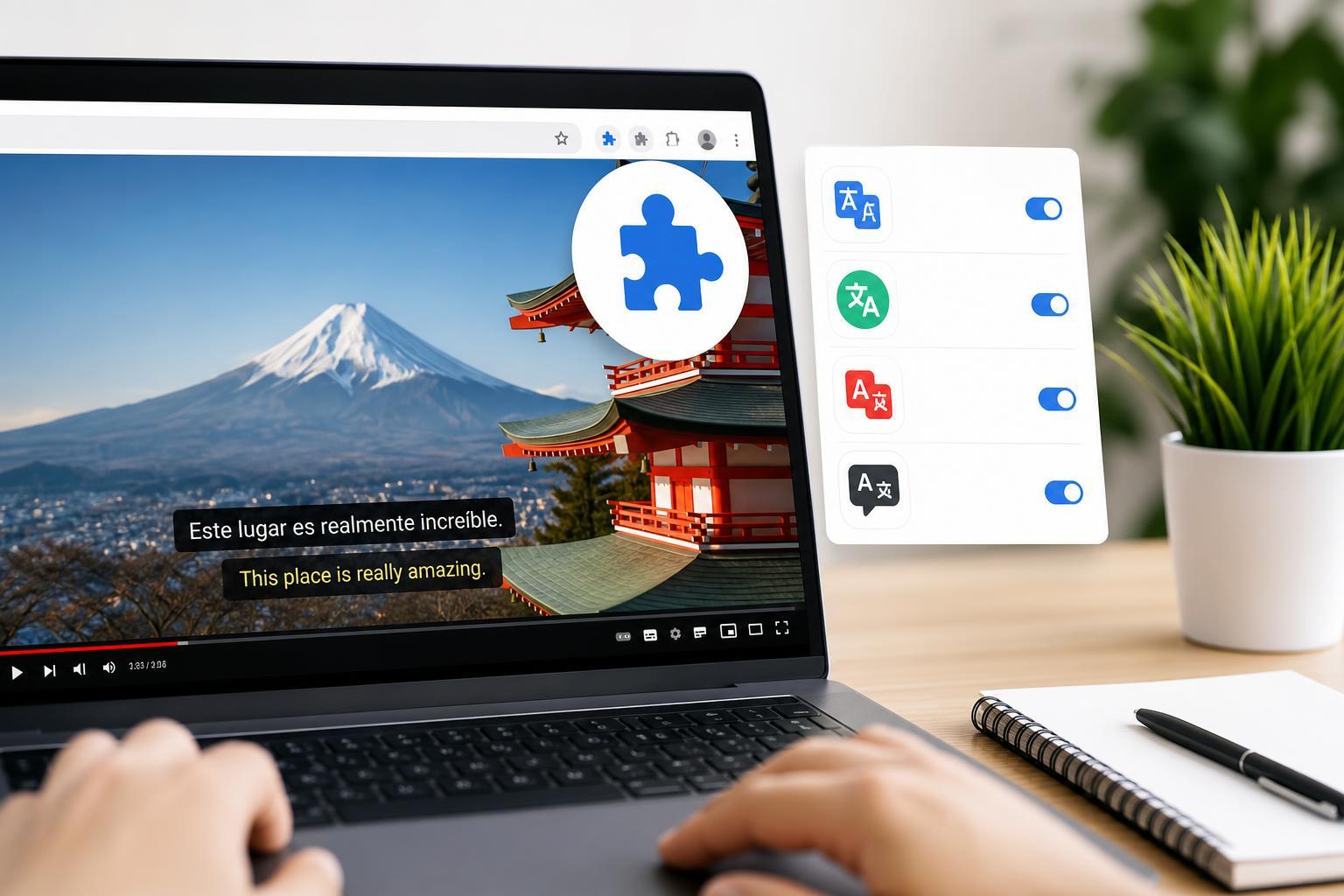
If you watch YouTube videos in other languages, subtitle translation can make them much easier to follow. Chrome extensions can add translation tools, improve subtitle readability, or help you quickly switch between languages while watching.
The best option depends on whether you want automatic subtitle translation, better subtitle controls, or a simple way to understand foreign-language videos without leaving YouTube.
1. Substital
Substital is a popular choice for viewers who want more control over subtitles while streaming. It works with many websites and can help you display subtitles when a video does not provide them in the language you need.
It is useful if you often watch videos that already have captions available but need help making them readable or accessible in a different language. Because it is not limited to YouTube, it can also be handy for other streaming sites.
2. Language Reactor
Language Reactor is one of the most useful Chrome extensions for language learning on YouTube. It can show dual subtitles, let you compare lines more easily, and help you learn new words as you watch.
This extension is especially helpful if you are studying a language and want translation support without constantly pausing to look things up elsewhere. It is more than a simple subtitle translator, so it suits users who want a learning-focused setup.
3. YouTube Dual Subtitles
YouTube Dual Subtitles is a straightforward option for people who want both languages visible together. That makes it easier to match what is being said with the translated version, which can help with comprehension and language learning.
It is a good fit if you prefer a clean subtitle experience without a lot of extra features. If you mainly want translated captions on YouTube and do not need advanced learning tools, this type of extension is often easier to use.
4. Immersive Translate
Immersive Translate is a flexible extension that can translate content in several contexts, including subtitles on supported video sites. It is useful if you want one extension that handles more than just YouTube captions.
This can be a practical option for people who regularly switch between videos, articles, and other foreign-language content. Instead of installing separate tools for each task, you can keep one translation-focused extension in Chrome.
How to Choose the Right YouTube Subtitle Translator
- Choose Substital if you want subtitle control across different video websites.
- Choose Language Reactor if you are learning a language and want extra study features.
- Choose YouTube Dual Subtitles if you want original and translated subtitles side by side.
- Choose Immersive Translate if you want subtitle translation plus broader browser translation tools.
- Check whether the extension supports the subtitle languages you actually need before installing it.
Things to Check Before Installing
- Whether the extension works with the current YouTube interface
- Whether it supports your source and target languages
- Whether it adds subtitles automatically or requires manual activation
- Whether it shows translated subtitles, dual subtitles, or both
- Whether it asks for permissions that you are comfortable granting
Which One Should You Try First?
If you want the simplest answer, start with the extension that matches your main goal. For language learning, Language Reactor is often the strongest choice. For a more general subtitle tool, Substital or Immersive Translate may be more practical. If you specifically want to compare original and translated captions, YouTube Dual Subtitles is a good place to start.