
If Instagram comments are missing, delayed, or won’t load at all, the cause is usually one of a few common problems: a weak connection, an app issue, or a restriction on the post or account you’re viewing. The good news is that you can often narrow it down quickly and fix it without much trouble.
This guide covers three practical fixes for Instagram comments not showing on Android and iPhone, along with a few checks that help you tell whether the problem is on your device, the app, or Instagram itself.
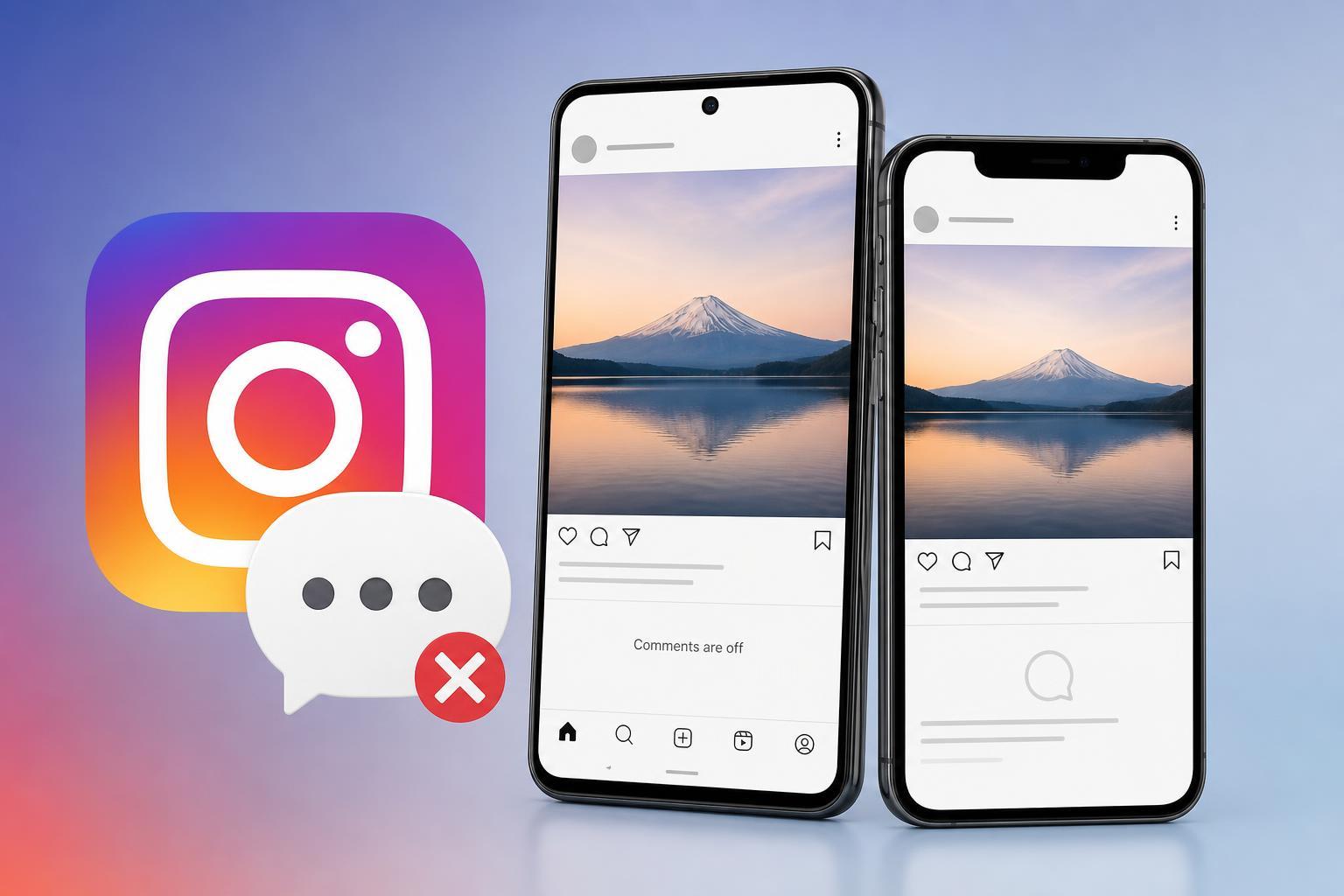
1. Check Your Connection and Refresh the App
Instagram comments often fail to load properly when the network connection is unstable or temporarily slow. The app may still open, but comment sections can spin, stay blank, or show only part of the discussion.
- Switch between Wi-Fi and mobile data to see whether comments load on one connection but not the other.
- Open another app or website to confirm your internet connection is working normally.
- Close Instagram completely and open it again to reload the feed and comment section.
- On Android or iPhone, toggle Airplane Mode on and off if the connection seems stuck.
2. Update Instagram or Clear the App Cache
An outdated Instagram app can cause display glitches, including comments not loading correctly. Corrupted cache files can also interfere with how the app shows comment threads, especially after an update or long period of use.
- Open the Google Play Store or App Store and check whether an Instagram update is available.
- Install the update if one is offered, then reopen Instagram and test the comments again.
- On Android, go to your phone’s app settings for Instagram and clear the cache if the app is still misbehaving.
- If clearing the cache does not help on Android, consider clearing storage only if you are comfortable signing back in afterward.
3. Check Whether the Post, Account, or Comment Section Is Restricted
Sometimes the problem is not your device at all. Comments may be hidden, limited, or unavailable because of the way the post was set up or because of account restrictions.
- The account may have limited comments to followers or a selected group of users.
- The post owner may have turned comments off for that post.
- Instagram may be filtering comments that contain spam, blocked words, or suspicious activity.
- You may be viewing a reel, ad, or post type where comments behave differently from normal feed posts.
- A temporary Instagram issue may be affecting comment display for certain users or regions.
If you notice that comments are missing on only one account or one post, try checking another post from a different account. If comments work elsewhere, the issue is likely specific to that post rather than your phone.
Other Things Worth Checking
- Log out of Instagram and sign back in if the app is showing inconsistent behavior.
- Try viewing Instagram in a browser to see whether comments appear there.
- Check whether Instagram is experiencing a service outage if comments fail across multiple posts and devices.
- Make sure your app permissions and system date/time are set correctly, especially if other Instagram features are also acting strangely.
When to Suspect a Bigger Instagram Issue
If comments are not showing on both Android and iPhone, across Wi-Fi and mobile data, and on multiple posts or accounts, the problem is probably not your device. In that case, it is likely a temporary Instagram-side issue or a post-level restriction that you cannot fix locally.
Start with the connection check, then update or refresh the app, and finally test whether the issue is tied to a specific post or account. Those three steps solve most cases without needing more advanced troubleshooting.





