
Android TV can do far more than stream the usual big-name services. With the right apps, you can turn your TV into a better media hub, a casual gaming screen, a photo viewer, a live TV setup, or even a simple productivity station.
This list focuses on Android TV apps that are genuinely useful, easy to get value from, and worth trying whether you want better entertainment, better playback tools, or more control over your TV.
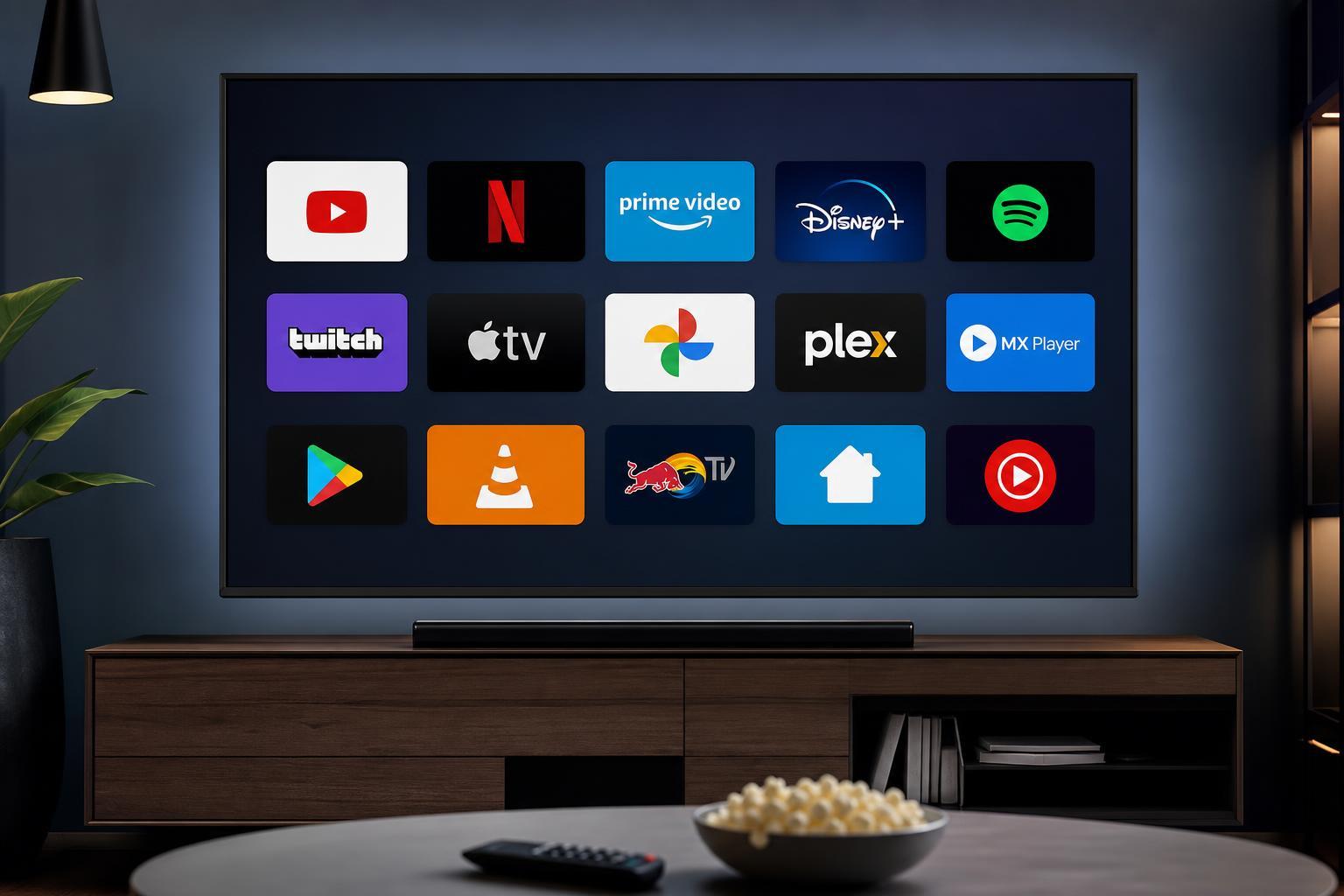
1. Netflix
Netflix is still one of the most useful Android TV apps if you want a polished streaming experience with a huge library of shows, films, documentaries, and originals. The Android TV version is designed for remote control use, so browsing is straightforward and playback is stable.
2. YouTube
YouTube is one of the best apps to have on Android TV because it covers everything from tutorials and live streams to music videos and reviews. The larger screen and simple remote navigation make it especially good for casual viewing and background entertainment.
3. Plex
Plex is a strong choice if you have your own media library and want to stream it to your TV in a clean, organized interface. It can pull in movies, TV shows, music, and photos from a home server or computer, then present them in a format that feels closer to a commercial streaming app.
4. Kodi
Kodi is one of the most flexible Android TV apps available. It works as a media center for local files, network shares, and add-ons, giving you a lot of control over how your content is organized and played. It takes a little more setup than simpler apps, but it rewards that effort with flexibility.
5. VLC for Android
VLC is a reliable video and audio player that handles a wide range of formats without much fuss. On Android TV, it is especially handy for playing downloaded files, network media, and unusual file types that some built-in players may not support.
6. Spotify
Spotify is a simple but valuable Android TV app if you want to use your television and sound system for music playback. It is easy to browse playlists, albums, and podcasts from the couch, and it works well as a background music app during gatherings or relaxed evenings.
7. Tubi
Tubi is worth trying if you want free, ad-supported streaming with a large selection of movies and TV shows. It is not a replacement for every paid service, but it is a good option when you want extra content without another subscription.
8. Pluto TV
Pluto TV is a good pick for people who like the feel of traditional TV channels. It offers live, curated streams and on-demand content in a channel-style layout, which can be a nice change from endless scrolling through catalogs.
9. Disney+
Disney+ is an obvious but still worthwhile Android TV app, especially for households that watch Marvel, Star Wars, Pixar, Disney classics, or National Geographic content. The app is easy to navigate on TV and is built around quick access to a strong featured library.
10. Amazon Prime Video
Prime Video is useful if you already subscribe to Amazon Prime or want access to a wide mix of originals, films, and series. On Android TV, it gives you another major streaming hub with watchlist features and support for many modern TVs and remotes.
11. TV Bro
TV Bro is one of the most practical browser apps for Android TV. It is designed for remote navigation, which makes it easier to visit websites, check web-based services, or open pages that do not have a dedicated TV app.
12. Send Files to TV
Send Files to TV is a simple utility that helps you transfer files between your phone, computer, and Android TV device over your local network. It is especially helpful when you want to move APKs, media files, or documents without dealing with USB drives.
13. Aptoide TV
Aptoide TV is an alternative app store for Android TV devices. Some people use it to discover apps that are not easy to find in the standard TV app ecosystem, but it should be used carefully because app quality can vary depending on the source.
14. Steam Link
Steam Link is a great Android TV app for PC gamers who want to stream games from a gaming PC to the living room. With a solid network connection and a compatible controller, it can turn your TV into a convenient way to play PC games from the couch.
15. Twitch
Twitch is a solid pick if you watch livestreams regularly. It works well on a larger screen for esports, gameplay broadcasts, chatting with communities, or leaving streams on in the background while you do something else.
How to Choose the Right Android TV Apps
The best Android TV apps depend on how you actually use your TV. If you mostly stream shows, focus on the services you already subscribe to. If you keep your own movies, music, or recorded files, media players like VLC, Kodi, and Plex are more useful. If you want more freedom, tools like TV Bro and Send Files to TV can make your setup much more flexible.
- Choose streaming apps first if your TV is mainly for movies and series.
- Choose media center apps if you store your own videos, music, or photos.
- Choose utility apps if you want file transfers, browsing, or sideloading support.
- Choose gaming apps like Steam Link if you want your TV to double as a gaming display.
A Few Practical Tips Before You Install Too Many Apps
Android TV devices can fill up faster than people expect, especially if the storage is limited. It is better to install the apps you will actually use rather than loading up every interesting option at once.
- Check available storage before installing large apps or games.
- Remove apps you no longer use to keep the interface cleaner.
- Prefer apps with proper Android TV support instead of phone-only apps.
- Use official app stores when possible for easier updates and better stability.





