
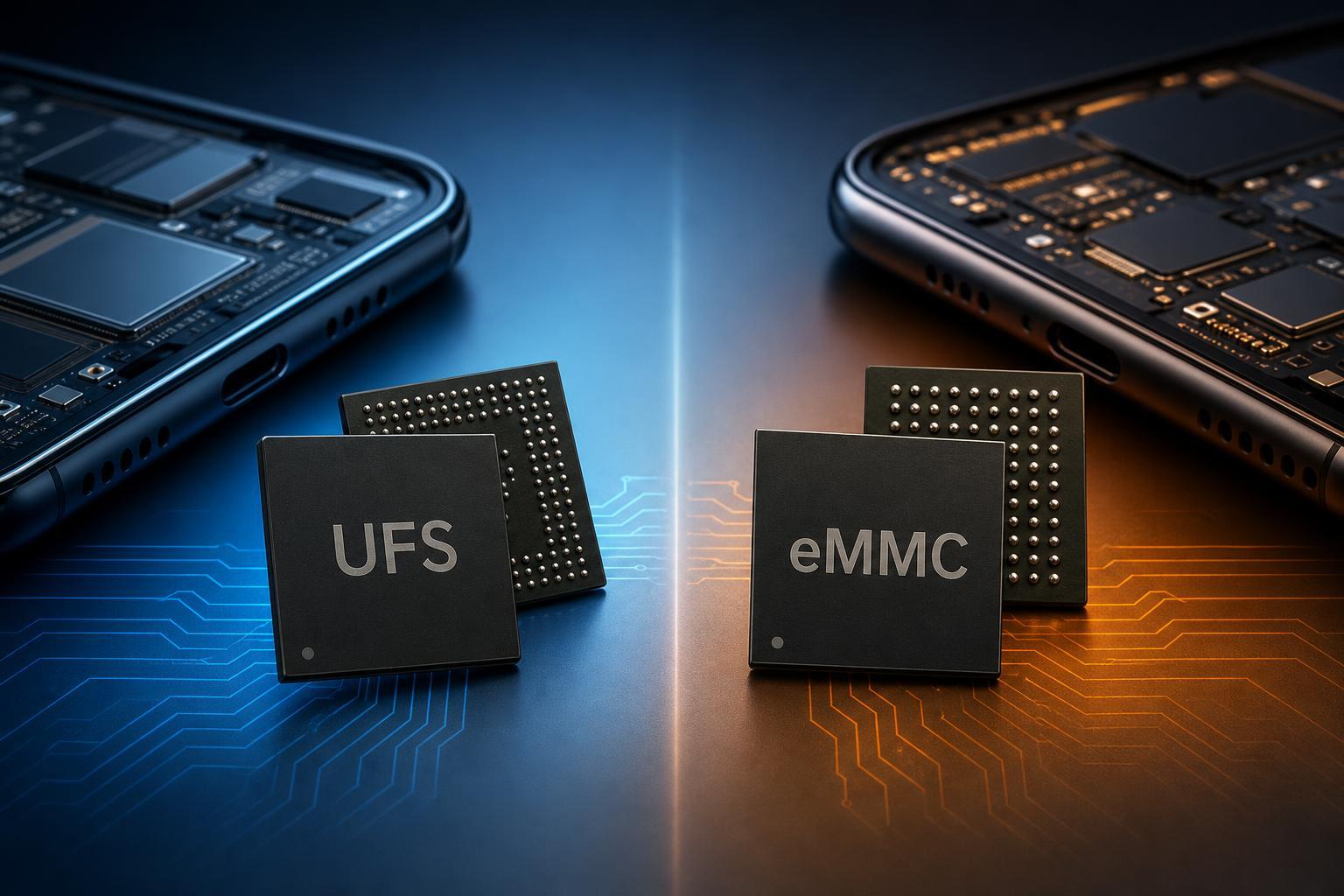
UFS and eMMC are two common types of flash storage used in phones, tablets, and other compact devices. They both store your apps, photos, games, and system files, but they are not built the same way, and that difference affects speed, responsiveness, and overall user experience.
If you are comparing devices or trying to understand why one phone feels faster than another, storage type is often part of the answer. The better choice depends on how you use the device and what kind of performance you expect.
What UFS and eMMC Actually Are
eMMC stands for embedded MultiMediaCard. It is an older storage standard that combines flash memory and a controller in a single package. For years, it has been widely used in budget phones, entry-level tablets, Chromebooks, and other low-cost electronics.
UFS stands for Universal Flash Storage. It is a newer standard designed to replace eMMC with much better performance and efficiency. UFS is common in mid-range and flagship phones, faster tablets, and some compact laptops and embedded devices.
The Main Differences Between UFS and eMMC
- Speed: UFS offers higher read and write speeds than eMMC, which makes devices feel more responsive.
- Multitasking: UFS handles multiple storage requests more efficiently, so it performs better when several apps or background tasks are active.
- Power efficiency: UFS is typically more efficient, which can help reduce power usage during storage-heavy tasks.
- Technology generation: eMMC is older and simpler, while UFS is built for modern mobile performance needs.
- Real-world experience: A device with UFS usually launches apps faster, installs updates quicker, and handles large files more smoothly.
Where UFS Is Better
UFS is the better choice if you want a device that feels fast in everyday use. The improvement is most noticeable when a phone or tablet is doing anything storage-intensive, such as loading a large app, processing a burst of photos, or installing a major update.
- Faster app launches
- Quicker game loading
- Better performance during updates and installations
- Smoother camera and media workflows
- Better responsiveness when the device is under load
If two phones have the same processor and memory but one uses UFS while the other uses eMMC, the UFS model will usually feel more capable over time, especially as apps and operating systems become more demanding.
Where eMMC Still Makes Sense
eMMC is not ideal for performance-focused devices, but it still has a place. It is cheaper to manufacture and can be perfectly acceptable in simple devices that do not need high-speed storage.
- Lower-cost devices
- Light web browsing and messaging
- Basic streaming and media playback
- Simple school or work use
- Products where storage demands are modest
For casual use, eMMC can still be enough. If the device is mostly used for reading, streaming, light apps, and a small number of files, the difference may be less important than battery life, screen quality, or overall price.
Performance Differences You Can Actually Notice
The raw specification difference is important, but what most people care about is how the device feels. UFS tends to improve the moments that make a phone seem slow or fast.
- Opening large apps and games
- Installing or updating software
- Saving high-resolution photos and videos
- Moving files to and from the device
- Recovering from heavy multitasking or background activity
eMMC devices can feel fine when the phone is idle, but they are more likely to slow down when several storage requests happen at once. That can make a budget device feel less smooth even if the processor itself is not terrible.
Which One Is Better for Gaming?
For gaming, UFS is usually the better option. It helps games install faster and reduces loading times, which matters for large titles with lots of assets. It also helps when games need to stream data while you play.
That said, storage type does not directly raise frame rate the way a faster GPU or more capable processor can. UFS mainly improves loading and asset handling, not in-game graphics performance by itself.
Which One Is Better for Battery Life?
UFS is generally more efficient than eMMC, especially for heavier storage tasks. That can help reduce power draw during app installs, file transfers, and other storage-intensive operations.
In everyday use, battery life is influenced by many factors, so storage type alone will not determine how long a device lasts. Still, UFS can offer a small efficiency advantage in the kinds of workloads that use storage frequently.
How to Decide Which One Is Better for You
- Choose UFS if you want faster app launches, smoother multitasking, and better long-term responsiveness.
- Choose UFS if you play demanding games, record lots of video, or regularly move large files.
- Choose eMMC if you are buying a very low-cost device for basic tasks and do not need high performance.
- Look at the whole device, not just the storage type. A good processor and enough RAM matter just as much for a balanced experience.
- If two similar devices are priced close together, the one with UFS is usually the better buy.
The Bottom Line
UFS is the better storage solution for most people. It is faster, more responsive, and better suited to modern phones and tablets. If you want a device that feels smoother and handles demanding tasks more easily, UFS is the stronger choice.
eMMC is still acceptable for inexpensive, lightweight devices, but it is best seen as a budget option rather than a performance one. If you are deciding between the two and the price difference is reasonable, UFS is usually worth it.





