
TikTok and TikTok Lite are built for the same basic purpose: watching and sharing short-form videos. But they are not identical. TikTok Lite is a smaller, stripped-down version designed to use less storage and work better on lower-end phones or slower connections, while the full TikTok app includes the complete feature set.
If you are trying to decide which app to install, the best choice depends on your phone, your data limits, and how much you want to create versus just watch videos.
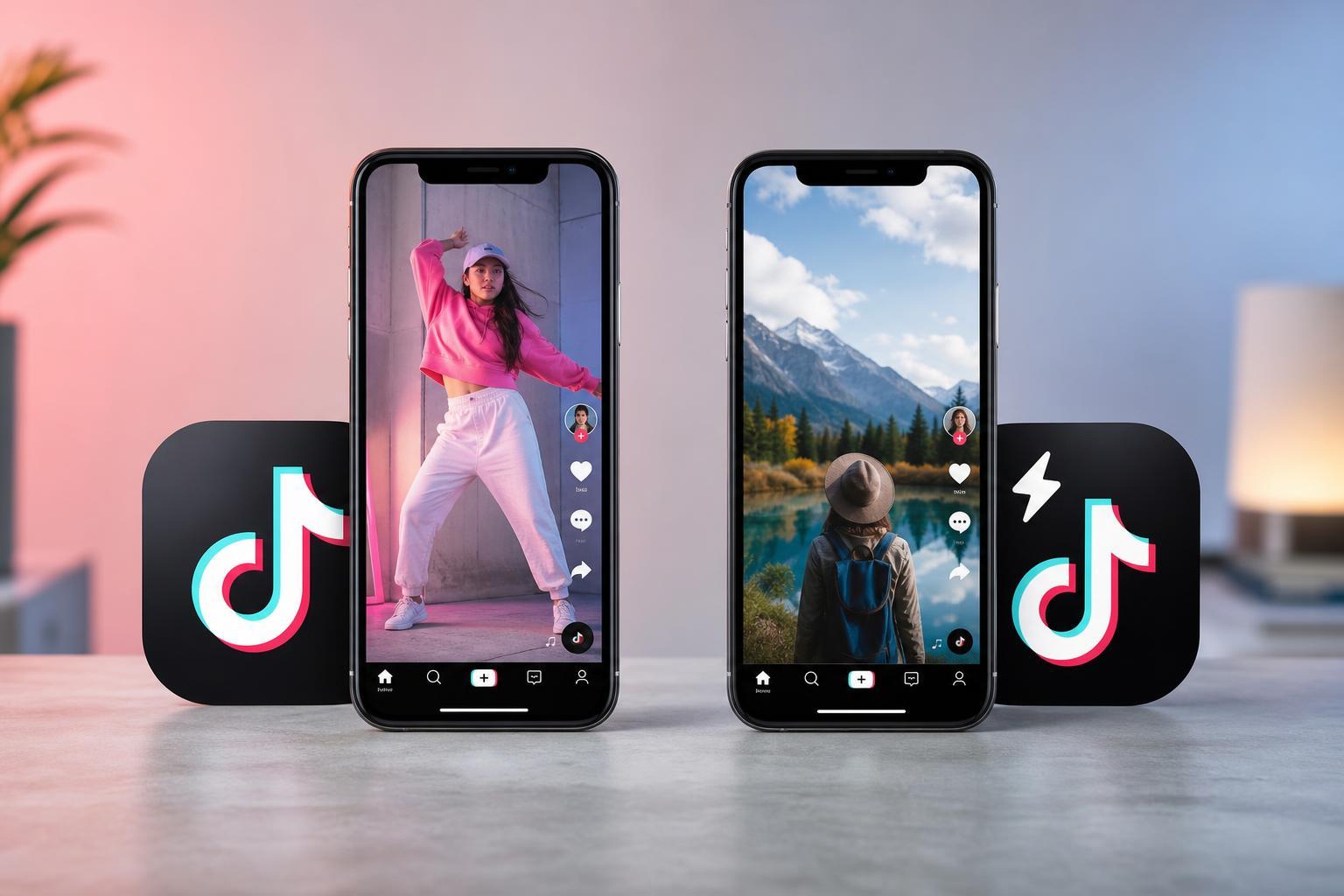
The Main Difference at a Glance
- TikTok is the full-featured app with more tools for creating, editing, and interacting.
- TikTok Lite is a lighter version that takes up less storage and usually uses fewer resources.
- TikTok Lite is better suited to older phones, limited storage, or slower mobile data.
- TikTok is the better choice if you want the full TikTok experience and all creator features.
What Is TikTok Lite?
TikTok Lite is a simplified version of the main app. It is designed to be smaller and lighter so it can run more comfortably on devices with less storage, less memory, or weaker processors. For many people, that means faster installation and a more practical experience on budget phones.
In return for that smaller footprint, TikTok Lite usually trims away some of the features found in the full app. The exact feature set can vary by region and app version, but the general idea is the same: less bloat, fewer extras.
What Is the Full TikTok App?
The standard TikTok app is the complete version. It includes the widest range of features for browsing, editing, posting, messaging, filters, effects, account tools, and creator options. If you like making content or using TikTok as a social platform rather than just a video feed, this is usually the better option.
The tradeoff is that it generally takes up more storage and may feel heavier on older or low-spec devices.
Feature Differences That Matter
- Video creation: The full TikTok app usually offers more editing tools, effects, and posting options.
- Account and social features: TikTok typically includes more ways to interact, follow, message, and manage content.
- Performance: TikTok Lite is often easier on storage and can feel more responsive on weaker phones.
- Data use: Lite versions are usually designed to be more efficient, which can help if your mobile data is limited.
- Feature availability: Some functions may be missing or reduced in TikTok Lite depending on your region.
Which App Uses Less Storage and Data?
TikTok Lite is the better choice if your main concern is saving space or reducing app overhead. It is built to be lighter, so it usually installs faster and consumes less storage than the full app. It can also be a better option if your phone struggles with larger apps.
For mobile data, Lite is often more efficient, but your actual usage still depends on how much video you watch, the video quality, and your network settings. Watching lots of videos will still use a meaningful amount of data in either app.
Which One Is Better for Older or Low-End Phones?
TikTok Lite is usually the safer pick for older phones, devices with limited RAM, or phones that are nearly full on storage. A lighter app can help reduce lag, long load times, and crashes caused by tight system resources.
That said, if your phone is reasonably modern and you want the full feature set, the standard TikTok app will usually be the better experience overall.
Which One Should Creators Choose?
If you create videos, edit clips, or manage a TikTok presence seriously, the full TikTok app is usually the right choice. TikTok Lite may be fine for casual viewing, but it often lacks the tools creators depend on.
- More complete editing and posting tools
- Broader access to effects and filters
- Better support for account management
- More likely to include the features creators need regularly
Which One Is Better for Watching Videos Only?
If you mainly scroll, watch, and occasionally like or share videos, TikTok Lite may be enough. It gives you the core viewing experience without as much overhead. For a lot of people, that is the most practical choice, especially on a phone with limited storage.
Things to Check Before You Decide
- Check how much free storage your phone has.
- Think about whether you want to create videos or just watch them.
- Consider whether your phone is older or has limited RAM.
- Decide whether you need the full set of TikTok editing and social features.
- Look at your mobile data usage and whether lighter app behavior matters to you.
So, Which One Is Best for You?
Choose TikTok Lite if you want a smaller app, have limited storage, use an older phone, or mainly watch videos. Choose the full TikTok app if you want the complete experience, especially if you post content, edit videos, or use TikTok regularly as a creator or active social platform.
In short: TikTok Lite is about efficiency, while TikTok is about features. The better choice is the one that matches how you actually use the app.





