
WhatsApp lets you share your current location, a nearby place, or a live location that updates as you move. If you want to send a different location for privacy, meet someone at another spot, or avoid revealing where you really are, there are a few legitimate ways to do it depending on what you mean by “fake” and how much accuracy you need.
This guide explains how WhatsApp location sharing works, how to send a different location pin, and what to know before using location spoofing tools on your phone.
What WhatsApp Location Sharing Actually Does
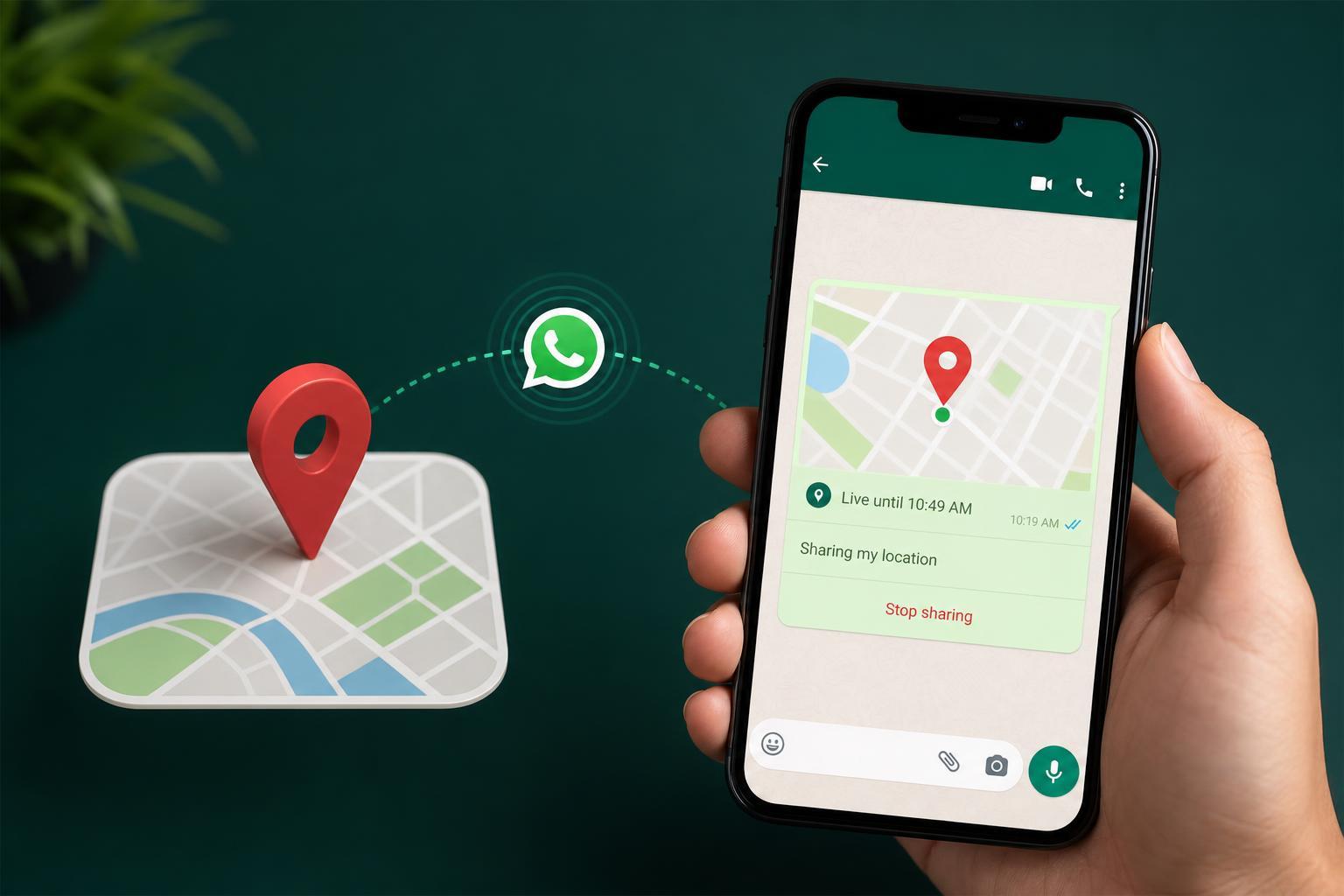
WhatsApp offers two different location-sharing options: a static location pin and a live location. A static pin is a one-time location you choose from the map or current GPS position. A live location keeps updating for a set period so the other person can follow your movement in real time.
The Safest Way to Send a Fake Location on WhatsApp
If you only need to send a different location, the easiest and safest method is to share a place manually instead of using your current GPS position. This works well when you want the recipient to see a specific location that is not where you are standing right now.
- Open the chat in WhatsApp.
- Tap the attachment icon and choose Location.
- Wait for the map to load.
- Move around the map and place the pin on the location you want to send, or choose a nearby place from the list.
- Tap Send.
How to Share a Live Location in WhatsApp
Live location is useful when you want someone to track your movement for a limited time, such as when meeting up or traveling. This is not fake location sharing, but it is the normal WhatsApp feature people often mean when they ask about location sharing.
- Open the chat.
- Tap the attachment icon and select Location.
- Choose Share live location.
- Pick how long you want to share it for.
- Add a comment if needed and send it.
You can usually stop live sharing early from the chat if plans change.
If You Want to Hide Your Real Location
If your goal is privacy rather than sending a different meeting point, the safest option is usually to avoid sharing live location at all. For a one-time location, send a manual pin to a public place instead of your exact address.
- Share a nearby landmark instead of your home.
- Use a static pin rather than live location.
- Turn off WhatsApp location permission when you do not need it.
- Check whether the chat really needs location sharing before sending it.
Can You Fake Live Location on WhatsApp?
WhatsApp itself does not provide a built-in way to send a false live location. Live location is designed to show your actual movement while the timer is active. Some users try GPS spoofing tools or developer settings on Android to change the phone’s reported position, but results vary and these methods can affect other apps that rely on location.
On iPhone and Android, location spoofing is not a simple WhatsApp setting. It usually involves changing the device’s system-level location data, which can break maps, ride-hailing apps, and other services until it is turned off again.
Common Problems When Sending a Different Location
- The map keeps centering on your real position because GPS is still enabled and accurate.
- The location list does not show the place you want, so you may need to search for the address or landmark.
- Live location is unavailable if WhatsApp does not have location permission.
- The recipient may still recognize the area if the pin is too close to your real location.
If the app is not letting you pick the place you want, search for the address manually or choose a landmark that is close enough for the other person to understand.
When a Manual Pin Is Better Than Spoofing
For most people, a manually selected location is the best answer. It is simple, works inside WhatsApp, and avoids the security and reliability issues that come with GPS spoofing. Use spoofing only if you fully understand the risks and you have a legitimate reason to change your device’s reported location.
A Better Privacy Habit for WhatsApp
Before sharing any location, ask whether the other person needs your exact position or just a place to meet. In many cases, a public landmark, business address, or drop-off point is enough. That keeps your home address private and gives the other person the information they actually need.





