
Amazon Prime Music does not offer a simple, universal “clear all song history” button in every version of the service. What you can remove depends on whether you are trying to hide recent listens, reset recommendations, or delete account activity through Amazon’s privacy controls.
This guide explains the practical options for clearing or reducing your music history, including what works in the app, what can be removed through your Amazon account settings, and what to do if you want your listening habits to stop influencing recommendations.
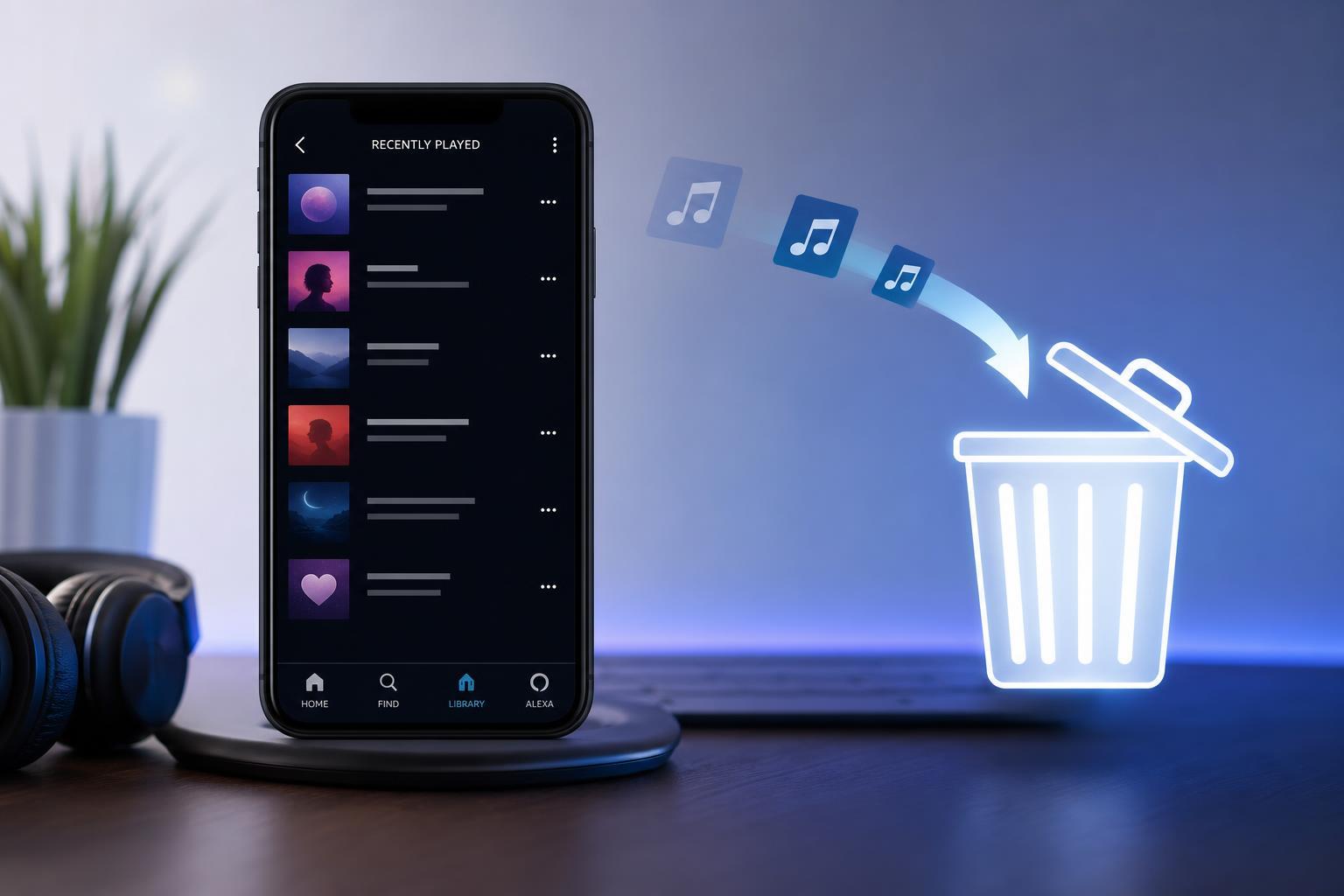
What Song History Means in Amazon Prime Music
In Amazon Music, “song history” can mean a few different things: your recently played items, your listening activity that affects recommendations, and account-level data stored by Amazon. These are not always the same thing, so the fix depends on what you want to remove.
Check the Recent Activity List First
If you only want to remove a song from the visible recent list, start inside the Amazon Music app or web player. In some cases, recently played items can be hidden, removed from view, or replaced as you listen to other music.
- Open Amazon Music on your phone, tablet, or computer.
- Go to your Library, Home, or Recents section.
- Look for a Recently Played or Listening History area.
- Check whether the song has a menu such as three dots or a more options button.
- If available, choose an option to remove, hide, or clear the item from the list.
Use Amazon Privacy Settings for Account-Level History
If the song still affects recommendations or you want to remove broader activity from your Amazon account, use Amazon’s privacy tools rather than only the music app. Amazon account pages can sometimes let you manage voice history, browsing history, and other activity-related data, but music listening data may be handled separately depending on your region and account setup.
- Sign in to your Amazon account in a web browser.
- Open your account or privacy settings.
- Look for sections related to browsing history, media activity, or content preferences.
- Review any options for deleting or managing activity data.
- Follow the prompts to remove the records that are available for your account.
If You Want to Stop Future Songs From Affecting History
If the app keeps learning from songs you do not want associated with your profile, the best approach is to avoid using the same account for those listens or limit personalization where possible. Amazon Music may not provide a full private listening mode in every version, so preventing future history may be more realistic than removing every past play.
- Use a separate Amazon account for shared listening if you want different recommendations.
- Check whether your app version offers personalization or recommendation toggles.
- Avoid playing tracks from search results if you do not want them influencing your favorites and recommendations.
- Review connected devices, since playback from speakers or car systems may also affect your account history.
Clear Cache or App Data if the History Screen Looks Wrong
If Amazon Music shows stale or incorrect recent activity, the issue may be a local app problem rather than account history. Clearing the app cache can refresh the interface without removing your Amazon account data.
- On Android, open the device’s app settings for Amazon Music.
- Choose Storage or App storage.
- Clear the cache first.
- If needed, clear app data only if you are comfortable signing in again and reconfiguring the app.
- On desktop or web, sign out and sign back in, or try another browser to see whether the display updates.
What If There Is No Delete Option?
If you cannot find any way to remove a specific song or clear listening history, that may simply mean your version of Amazon Music does not expose that control. In that case, your best options are to manage Amazon account privacy settings, reduce future personalization, or contact Amazon support for account-specific help.
- Check the latest Amazon Music app version.
- Look in both the app and the Amazon website.
- Try the desktop and mobile versions, since controls can differ.
- Contact Amazon support if you need to know whether a history record can be removed from your account.
Best Approach Depending on Your Goal
Before You Delete Anything
Think about whether you want to remove one track, a set of recent plays, or your broader listening profile. Amazon Music history can influence your recommendations, so deleting it may reset music suggestions and related content.





