
Facebook lets you add music in a couple of different places, but the steps are not exactly the same for a profile and a Story. If you want to show a favorite song on your profile or attach music to a Story post, this guide walks you through both options clearly.
You will also learn what to check if the music sticker or profile music feature does not appear, which is a common issue on some accounts, app versions, and regions.
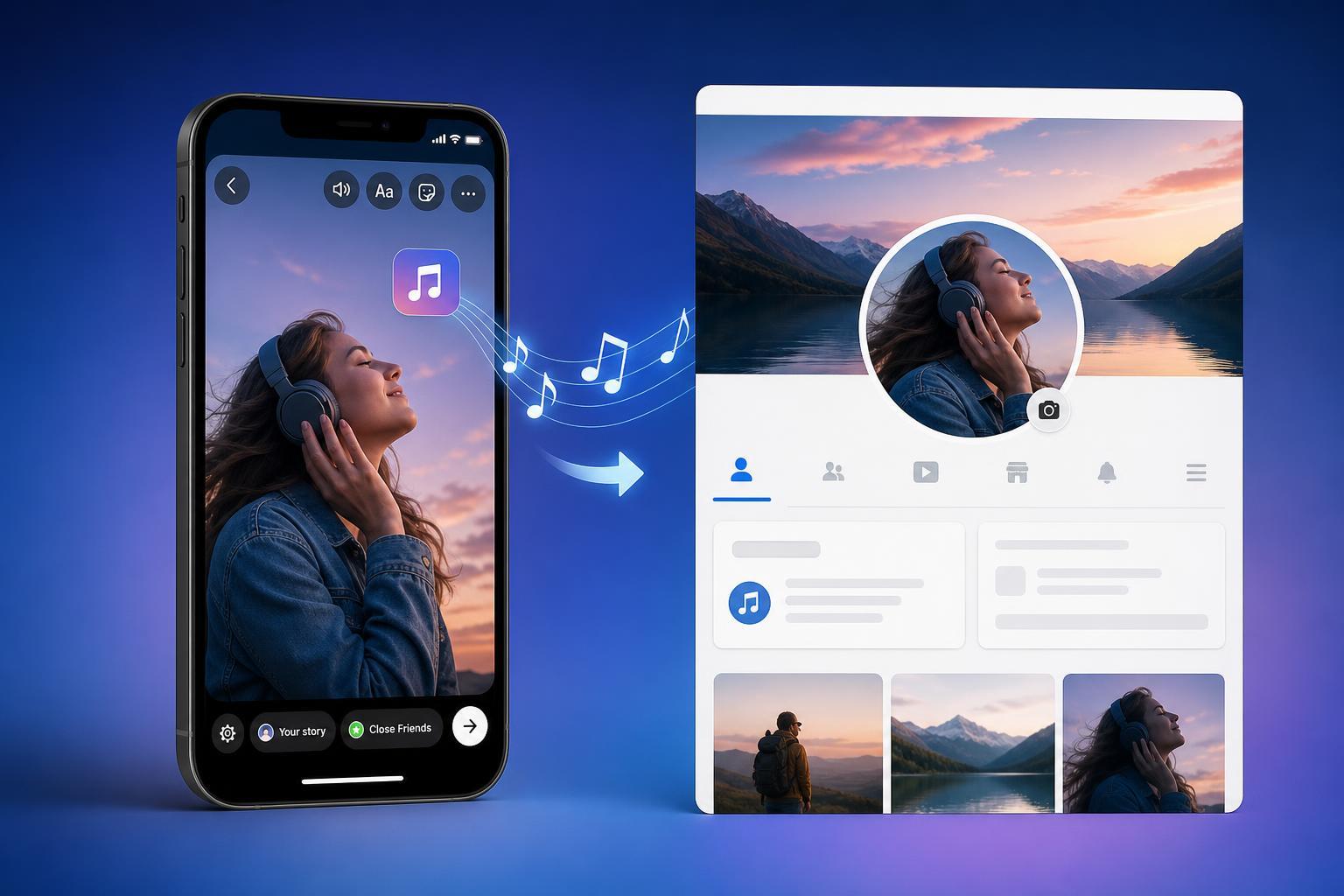
Add Music to Your Facebook Profile
Adding music to your profile lets visitors see a song you want to feature on your page. The exact interface can vary a little between the Facebook app and desktop, but the mobile app is usually where this feature is easiest to find.
- Open the Facebook app and go to your profile.
- Look for the option to edit your profile or add to your profile.
- Find the music section or the option to add a song.
- Search for the song you want to feature.
- Select the track and save it to your profile.
Add Music to a Facebook Story
Facebook Stories let you add music as an overlay or sticker so the song appears with your photo or video. This is a good option if you want music attached to a specific moment instead of your whole profile.
- Open Facebook and start creating a new Story.
- Choose a photo or video, or capture one inside the app.
- Tap the sticker or music option.
- Search for the song you want to use.
- Choose the part of the song you want to play and place the music sticker where you want it on the Story.
- Post the Story when you are done.
What to Do If Music Is Missing
If you do not see the music option, the cause is often related to the app version, account availability, or regional licensing. It is not always a problem with your phone or profile.
- Update the Facebook app to the latest version.
- Check whether you are using the mobile app, since some music features are easier to access there than on desktop.
- Make sure you are signed into the correct account.
- Try searching for the music sticker from the Story editor instead of looking only in profile settings.
- If the option still does not appear, the feature may not be available for your account or region.
Which Option Should You Use?
Use profile music if you want one song to represent you for longer periods. Use Story music if you want to match a specific photo, video, or event. If you are trying to share a mood, a moment, or a trending track, Stories are usually the more flexible choice.
If the Song Will Not Play Properly
Sometimes the music option appears, but the song preview does not load or the clip does not attach correctly. In that case, try a different song first to see whether the issue is with one track or with the feature itself. Some songs may also be restricted in certain locations.





