
If Telegram is not sending your SMS verification code, the problem is usually caused by a number entry issue, a network or carrier delay, or Telegram sending the code to another logged-in device instead of SMS. The good news is that most cases can be fixed without reinstalling your phone or waiting long.
This guide walks through the most useful checks for both iPhone and Android, starting with the simplest things to verify first.
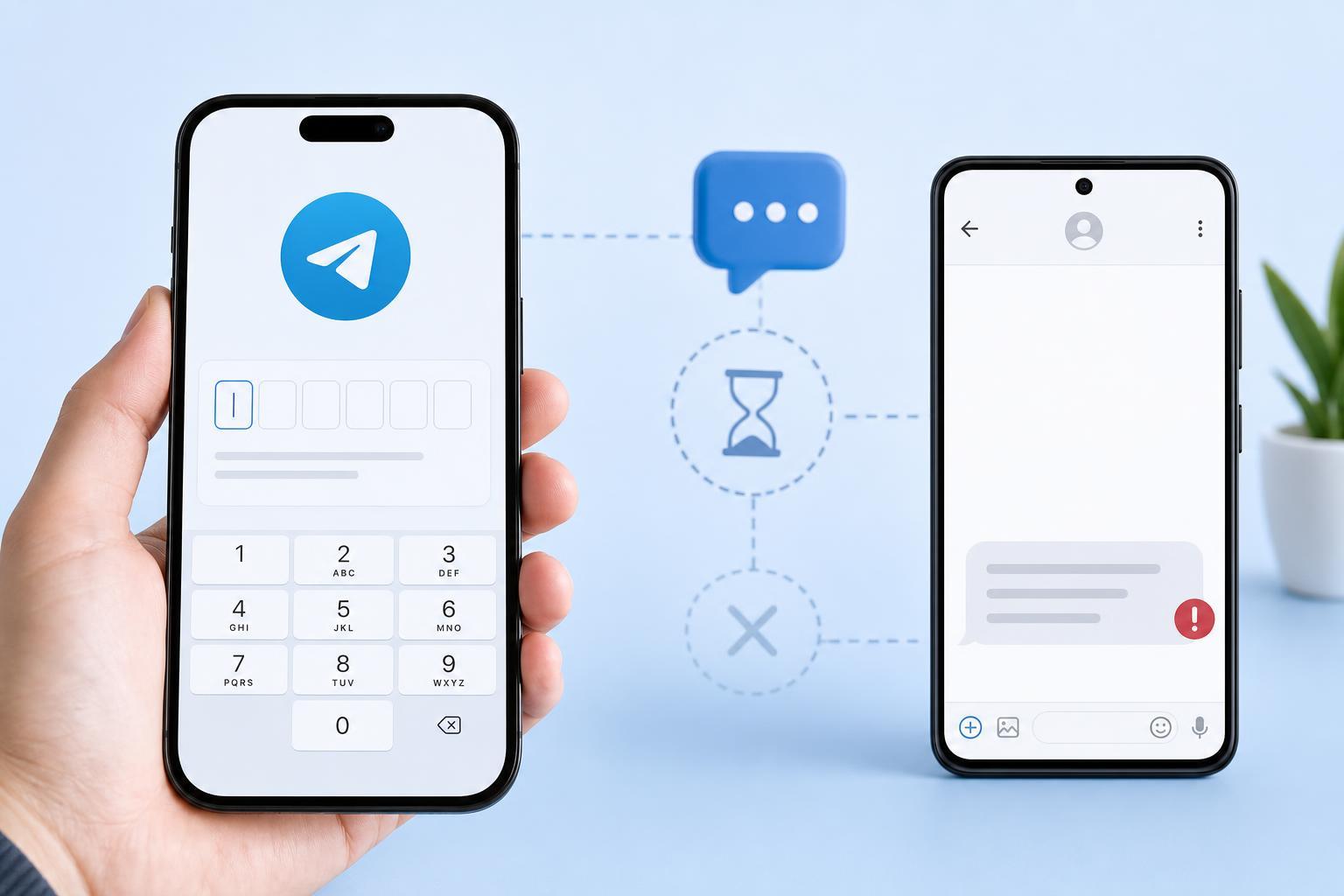
1. Check That Telegram Is Using the Right Number and Country Code
The most common reason for missing a Telegram code is an incorrect phone number format. Telegram uses your full number, including the country code, so even a small typo can stop the SMS from reaching you.
- Open Telegram and make sure the phone number you entered is correct.
- Check that the country code matches your SIM card or mobile number, not just your current location.
- If you recently changed numbers, try signing in with the current active number instead of an old one.
- Make sure the number can actually receive SMS messages and is not a landline, VoIP number, or inactive SIM.
2. Look for the Code Inside Telegram on Another Device
Telegram often sends login codes to an already signed-in device first, such as another phone, tablet, or desktop session. If you still have access to an existing Telegram session, the code may appear there instead of by SMS.
- Check any other phone or tablet where you are already logged into Telegram.
- Look at Telegram Desktop or Telegram Web if you use them.
- Open the Telegram app on another device and watch for the login code message.
- If you can access an existing session, use that code rather than waiting for SMS.
3. Make Sure Your Phone Can Receive SMS Messages Normally
If ordinary text messages are failing too, the issue is probably not Telegram. A blocked inbox, weak signal, carrier restriction, or SIM problem can prevent verification codes from arriving.
- Send a test SMS to your number from another phone.
- Check that your inbox is not full and that your messaging app is not filtering unknown senders.
- Turn off any call-blocking, spam-filtering, or SMS-blocking features from your carrier or security app.
- Confirm your SIM is active, has signal, and is able to receive short code or verification messages.
- If you recently ported your number, wait until the carrier fully completes activation.
4. Try Again After Clearing Temporary Network or App Issues
Temporary network problems can delay verification messages long enough to make it seem like Telegram is broken. This can happen on either Wi-Fi or mobile data, especially if the connection is unstable or switching between networks.
- Switch between Wi-Fi and mobile data and try again.
- Move to a location with a stronger cellular signal.
- Make sure airplane mode is turned off.
- On Android, check that Telegram is allowed to use background data.
- On iPhone, confirm Telegram is allowed to use cellular data in Settings.
If the Code Still Will Not Arrive
If you have confirmed the number is correct, checked other devices, and ruled out SMS delivery problems, the remaining issue is often a temporary limit on verification attempts or a carrier-side delay. In that case, the best approach is to wait a short period and try again later instead of repeatedly requesting new codes.
- Wait 10 to 30 minutes before requesting another code.
- Try again on a different network, such as mobile data instead of Wi-Fi.
- Remove and reinsert the SIM if your phone is not receiving any texts at all.
- Contact your mobile carrier if short-code or automated SMS messages are being filtered.
- If necessary, use Telegram’s alternate sign-in path through an existing logged-in device.
What Usually Causes Telegram SMS Code Problems?
In most cases, the issue comes down to one of a few things: the wrong number format, Telegram sending the code to another logged-in device, your phone not receiving automated texts properly, or a short temporary delay from your carrier or Telegram itself. Checking those in order is usually faster than reinstalling the app or changing phone settings at random.
When to Contact Support
If your number receives other SMS messages normally but Telegram codes never arrive after several attempts, contact your mobile carrier first. If the carrier confirms there is no blocking issue and you still cannot log in, you may need to use Telegram’s account recovery or in-app support options once you regain access on another device.





