
Android already handles basic downloads well, but a dedicated download manager can make large files easier to manage, especially if you often download videos, documents, APK files, or multiple items at once. The best app for you depends on whether you want faster resumable downloads, a cleaner file queue, browser integration, or extra control over how files are saved.
Below are four Android download managers worth considering in 2024, along with what each one does well and who should use it.
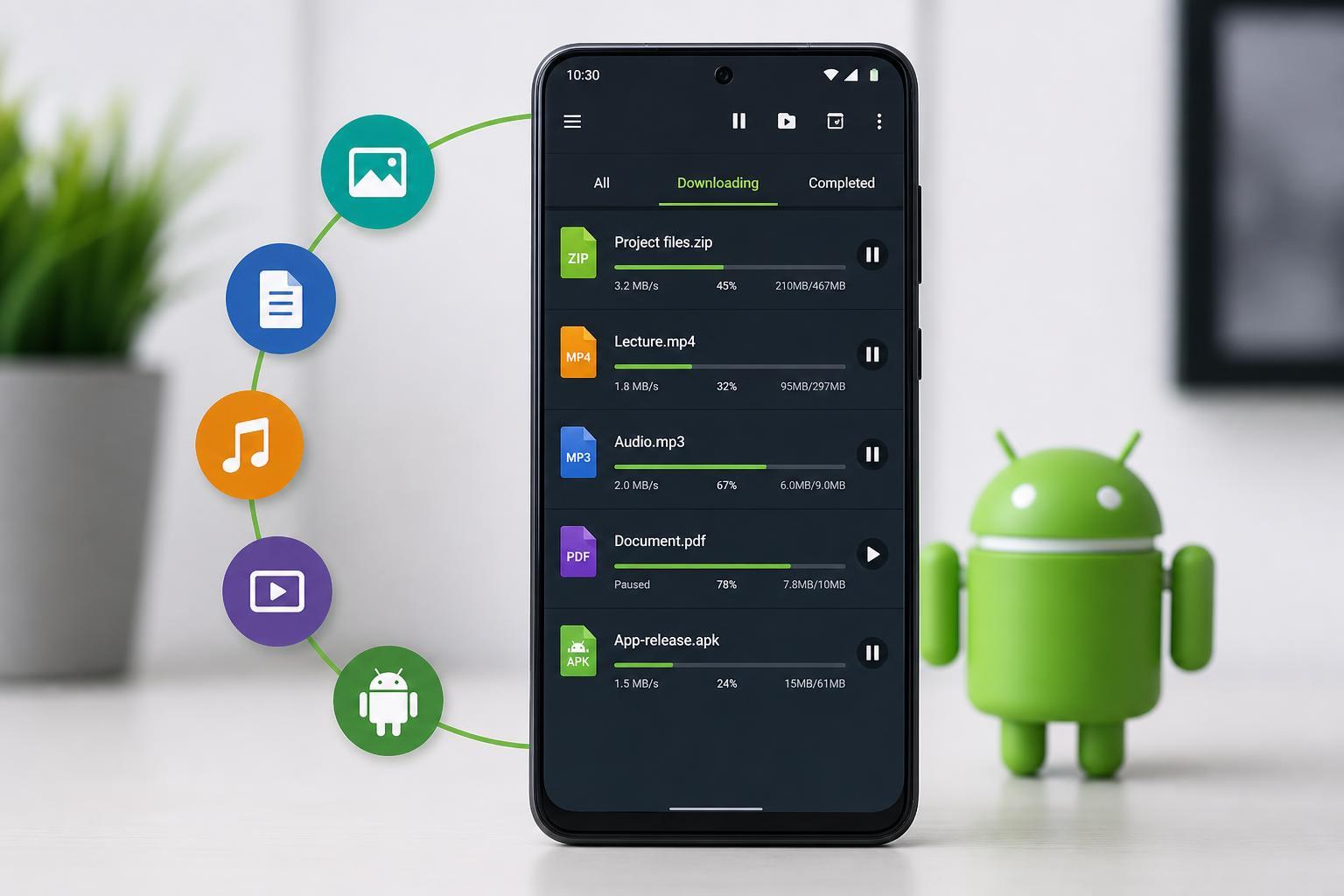
What to Look for in an Android Download Manager
A good download manager should do more than just start a file transfer. The most useful apps usually offer pause and resume support, thread control for large files, a clear download queue, and the ability to choose where files are saved. Some also integrate with browsers so you can capture downloads automatically.
- Resume support for interrupted downloads
- Queue management for multiple files
- Folder selection and file organization
- Browser integration or link capture
- Simple, readable download status information
- Support for large files and slower connections
1. Advanced Download Manager (ADM)
Advanced Download Manager is one of the most popular choices on Android because it focuses on practical controls rather than a flashy interface. It can split files into multiple parts to improve download performance on supported connections, and it gives you useful tools for pausing, resuming, and organizing downloads.
ADM is especially helpful if you download large files often or want more control than the default browser download feature provides. It also works well for managing several downloads at once without losing track of what is in progress.
2. 1DM: Browser and Download Manager
1DM combines a browser with a download manager, which makes it a good fit if you like opening links directly inside the app and letting it capture files automatically. It is useful for users who want fewer app switches and a more self-contained workflow.
The app is also appealing if you regularly download media or files from websites and want a built-in way to handle links, page navigation, and file saving from the same place.
3. Turbo Download Manager
Turbo Download Manager is a simpler option that still offers useful download control. It is a solid choice if you want something that handles downloads better than the stock Android experience but does not feel overloaded with advanced settings.
This kind of app is useful for casual users who mostly want reliable resumable downloads and a cleaner list of current transfers. It is also easier to recommend to people who do not want to spend time configuring download threads or fine-tuning settings.
4. Loader Droid
Loader Droid is another practical Android download manager that focuses on handling links efficiently and keeping downloads organized. It is often chosen by users who want something light and functional rather than a heavily featured browser replacement.
If you frequently download files from websites and want an app that can pick up links and manage them in one place, Loader Droid can be a useful option. It is especially relevant if you prefer a focused utility instead of a full browser-plus-manager package.
Which One Should You Choose?
- Choose Advanced Download Manager if you want the most control and a proven feature set.
- Choose 1DM if you want a browser and download manager combined into one app.
- Choose Turbo Download Manager if you want something simpler and easier to use.
- Choose Loader Droid if you want a lightweight app focused on link handling and download organization.
If you download large files often, start with a feature-rich option like ADM. If you only need better file handling than the default browser offers, a simpler app may be enough. The right choice mostly comes down to how often you download files and whether you prefer advanced controls or a cleaner interface.
A Few Practical Tips Before You Install One
- Check whether the app supports the type of downloads you use most often.
- Make sure it can save files to a folder you can find easily.
- Look for pause and resume support if your connection is unstable.
- If you use a browser heavily, test whether the app captures links properly.
- Avoid duplicate download apps unless each one serves a clear purpose.
For most Android users, the best download manager is the one that fits their workflow instead of the one with the longest feature list. A reliable app that resumes downloads properly and keeps files organized is usually more useful than a complicated tool you rarely open.





