
If the screen recorder option is missing from your Android phone, it is usually not broken. In many cases, the feature is hidden in Quick Settings, disabled by your device maker, or unavailable in the current software version.
This guide shows two simple ways to get the screen recorder back, plus a few checks that help if the option still does not appear.
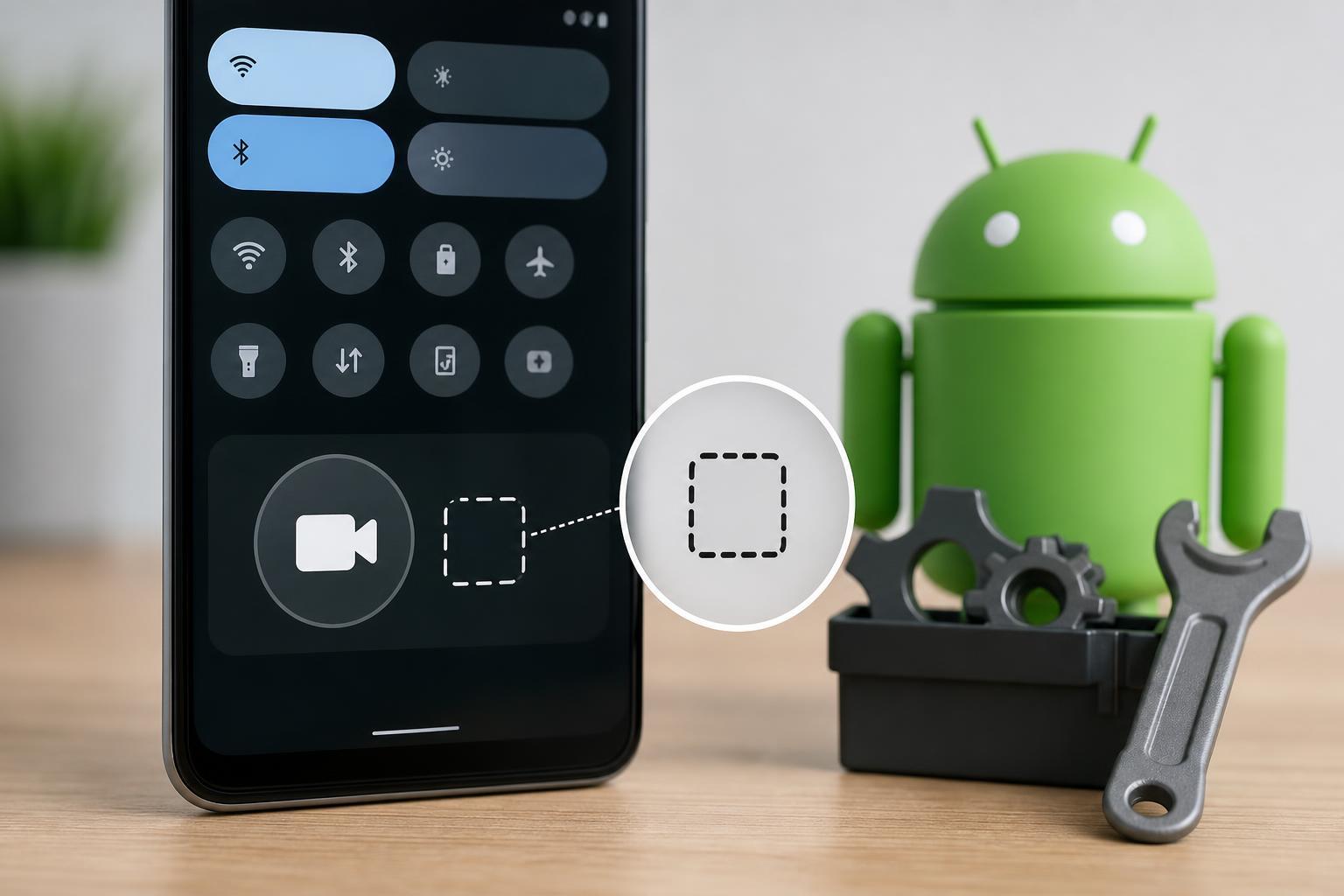
1. Check and Add the Screen Recorder in Quick Settings
On many Android phones, the screen recorder is not shown by default. It may already be available in the Quick Settings panel, but hidden from the visible tiles.
- Swipe down from the top of the screen to open Quick Settings.
- Look for a tile named Screen record, Screen recorder, Screen capture, or Record screen.
- If you do not see it, tap the edit button, plus icon, pencil icon, or the menu used to customize Quick Settings.
- Find Screen recorder in the available tiles and drag it into the active area.
- Save the layout, then open Quick Settings again and tap the screen recorder tile.
If the tile appears after editing Quick Settings, the feature was already on your phone and simply hidden from view.
2. Make Sure Your Phone Actually Supports Built-In Screen Recording
If the screen recorder is not in Quick Settings at all, your phone may not support the built-in recorder in its current software version, or the feature may be restricted by the manufacturer.
- Open Settings and use the search bar to look for Screen recorder, Screen record, or Screen capture.
- Check for updates in Settings > System > Software update, or the equivalent update menu on your phone.
- If your phone has a device-specific app such as Game Launcher, Security, or a vendor tools app, open it and look for recording options there.
- If the feature is still missing after updating, confirm on the phone maker’s support pages whether your model includes built-in screen recording.
Some Android versions only offer screen recording after a system update. Others place the tool inside a separate manufacturer app instead of standard Quick Settings.
If the Screen Recorder Still Does Not Show Up
If the two main checks do not work, the problem is usually one of these:
- Your phone maker removed the built-in recorder from your model.
- The feature is disabled by a work or school management profile.
- Your current Android version does not include it.
- A custom launcher or Quick Settings layout is hiding the tile.
In that situation, try opening the full Settings search, checking for work profile restrictions, or using a trusted third-party recording app from the Play Store.
When to Use a Third-Party Screen Recorder
A third-party app is the best fallback when your Android phone does not include a built-in screen recorder. Choose one with good reviews, clear privacy controls, and only the permissions it truly needs.





